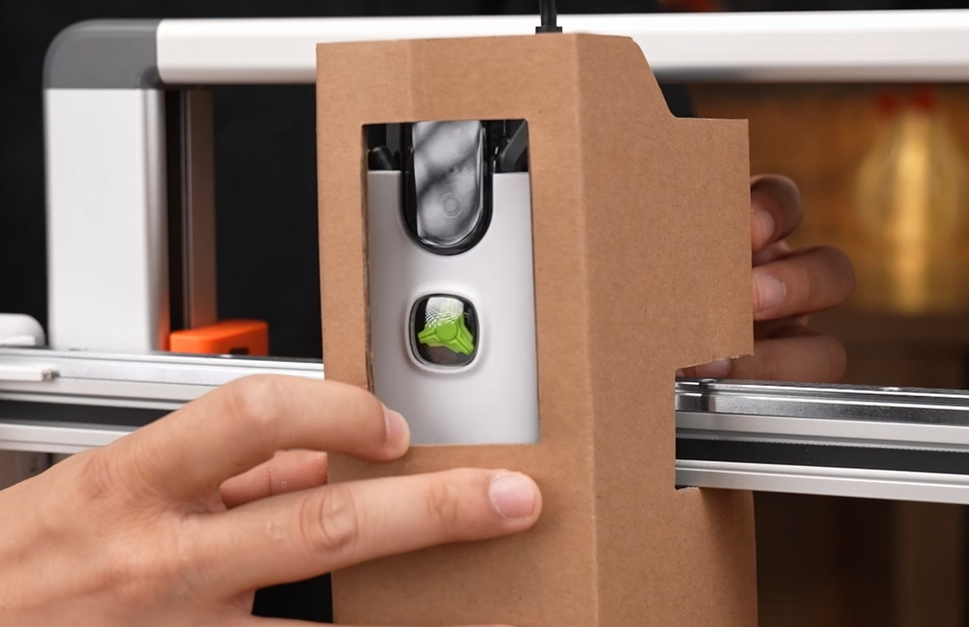
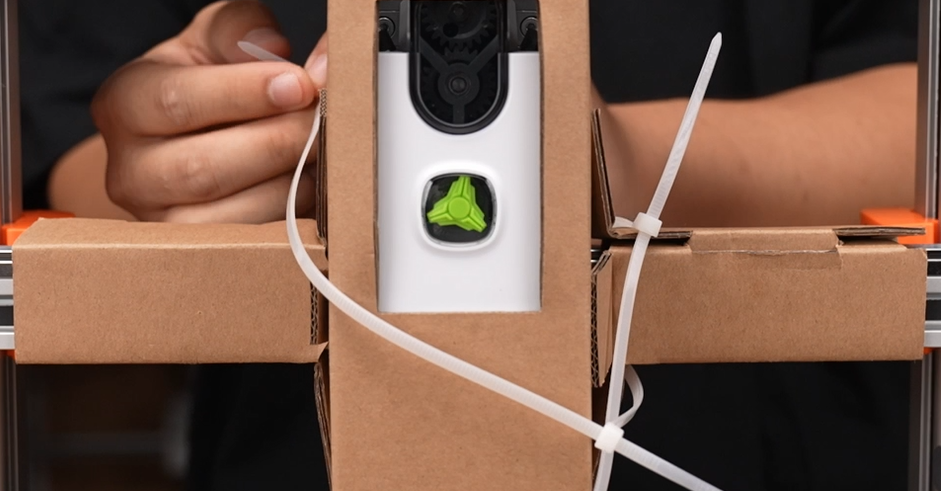
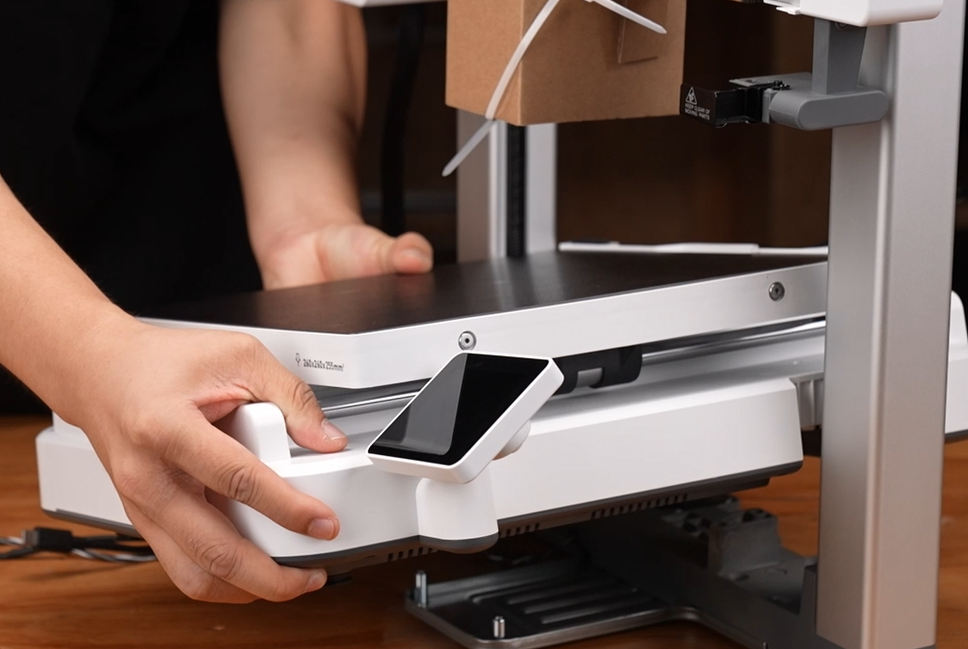
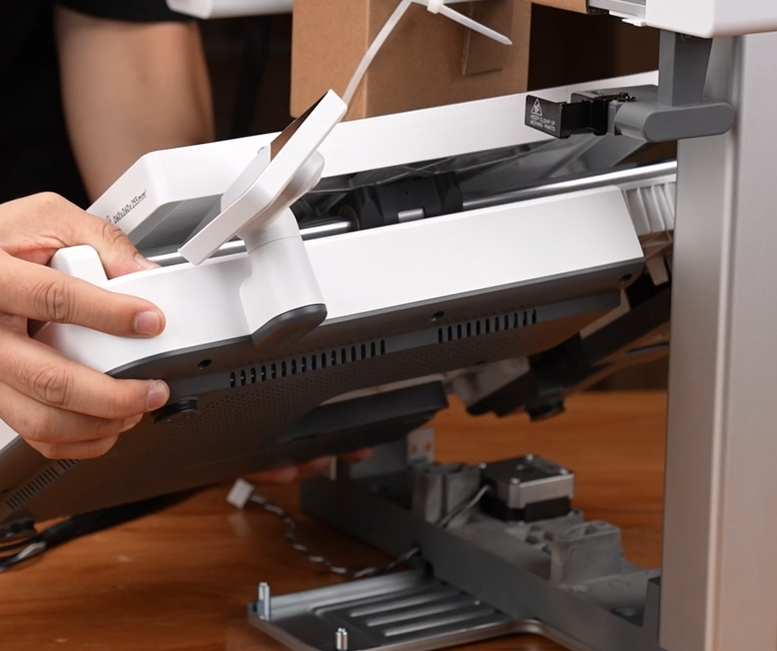
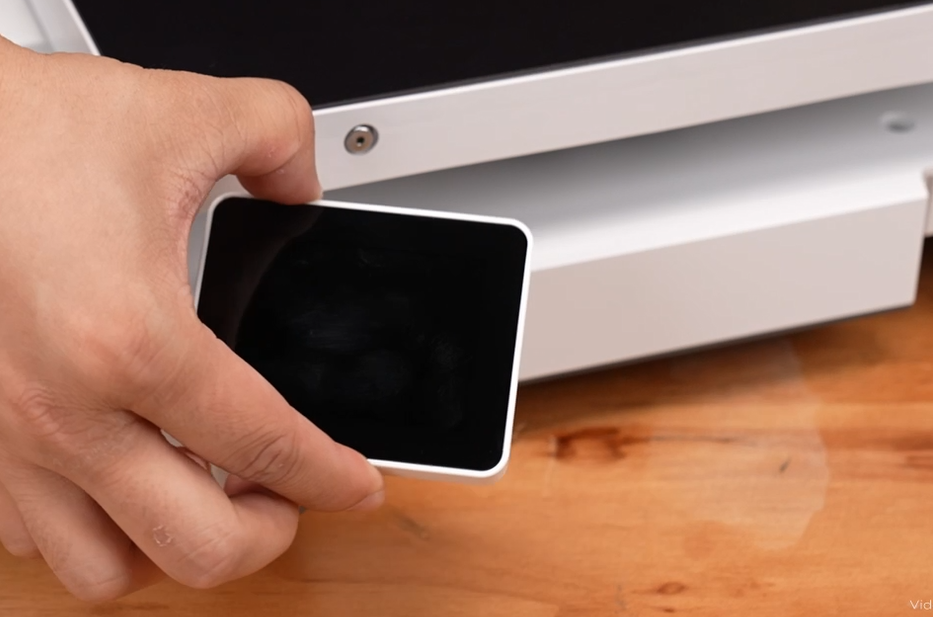
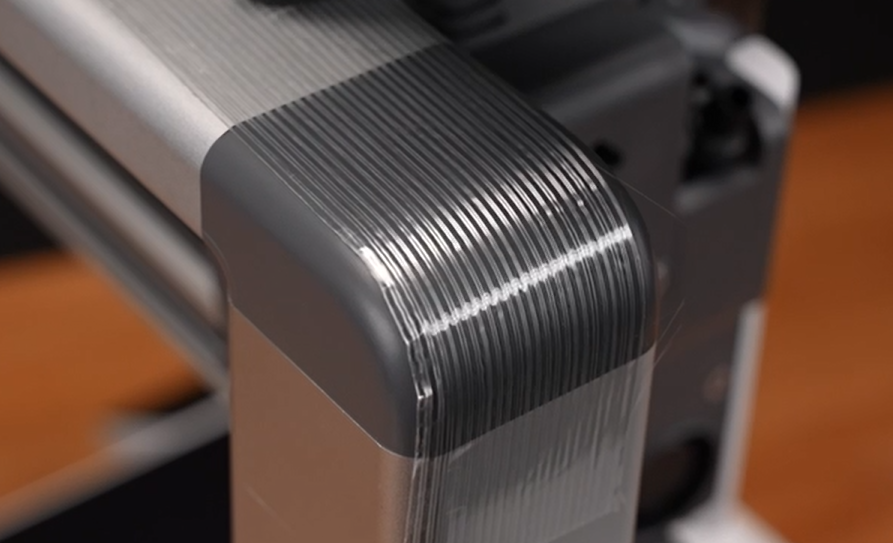
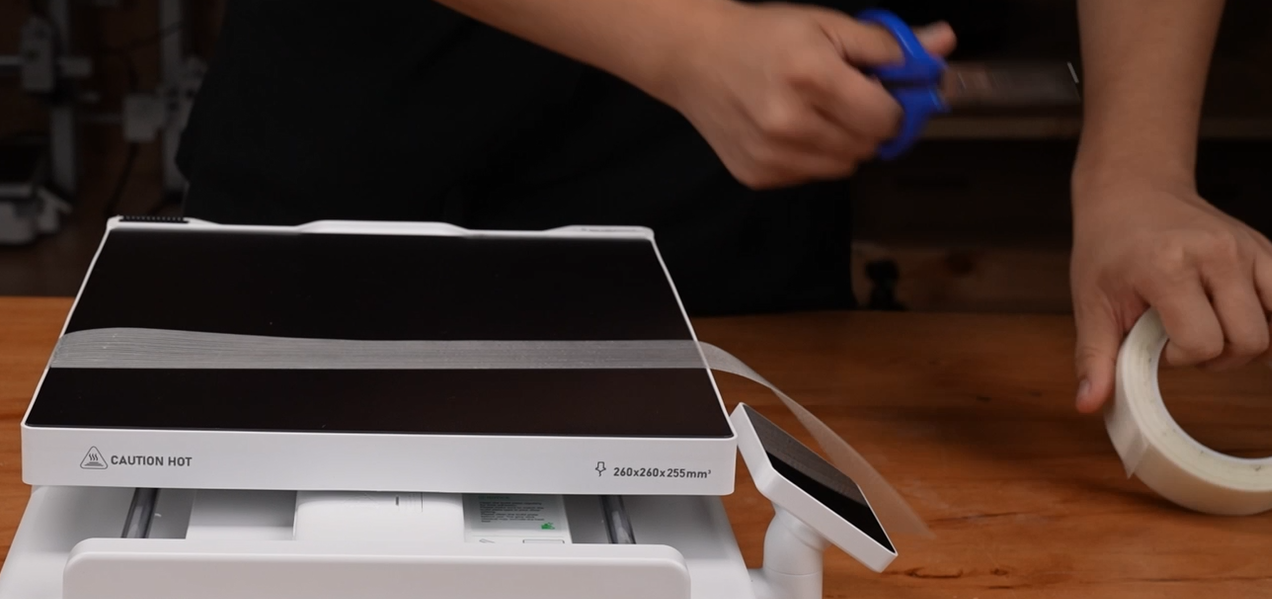
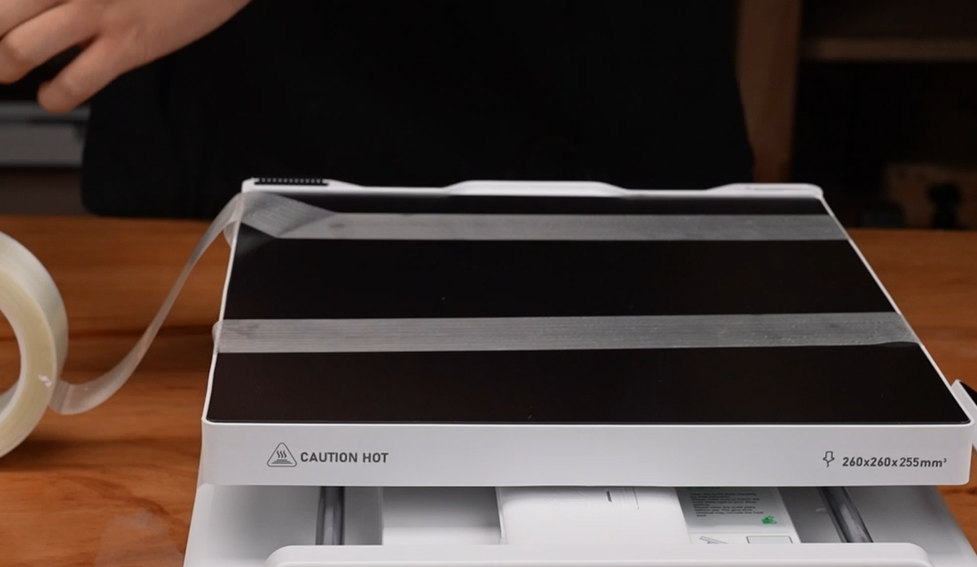
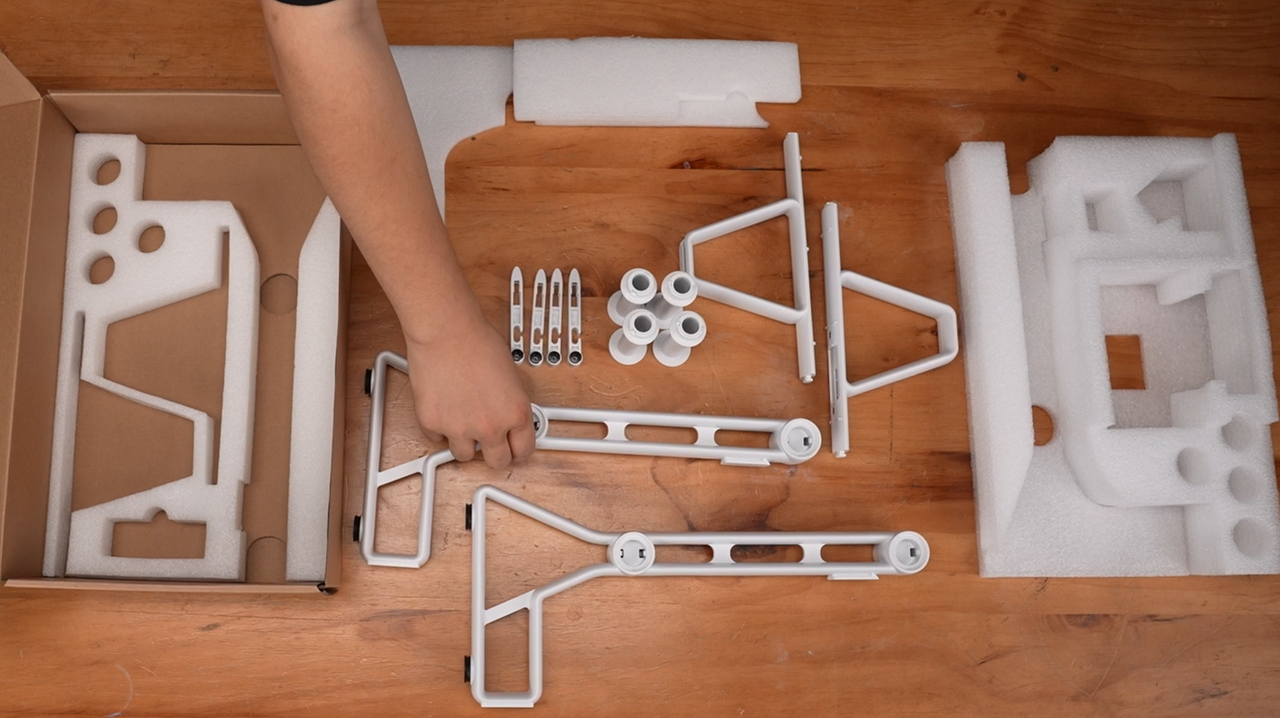
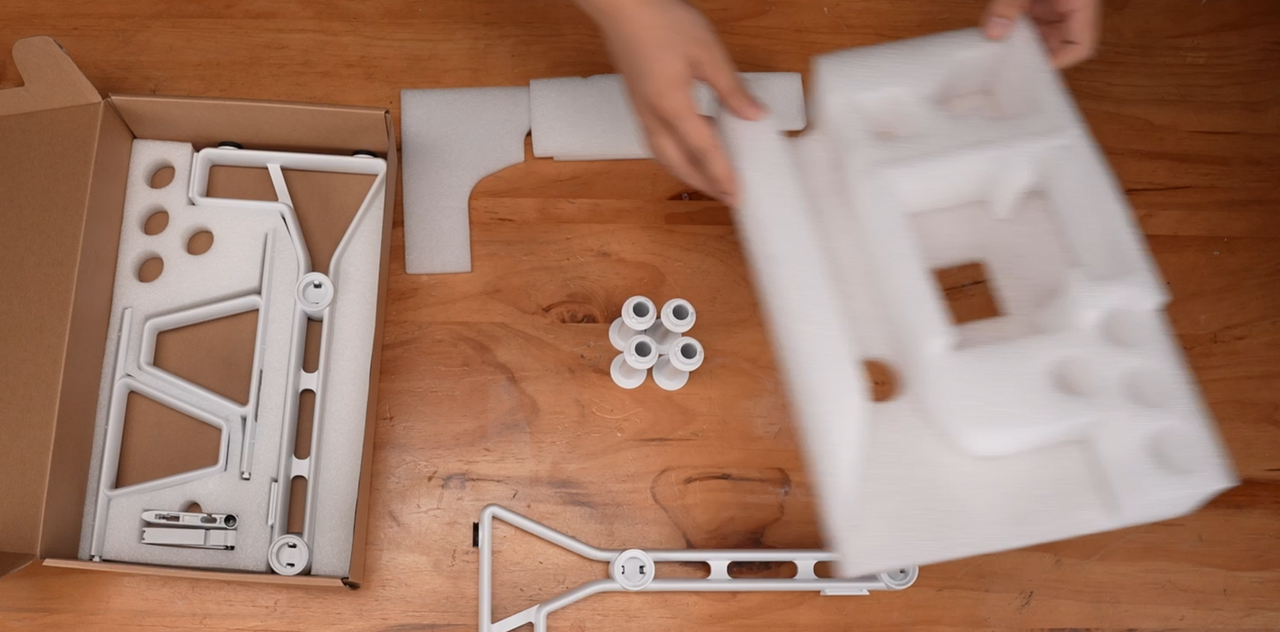
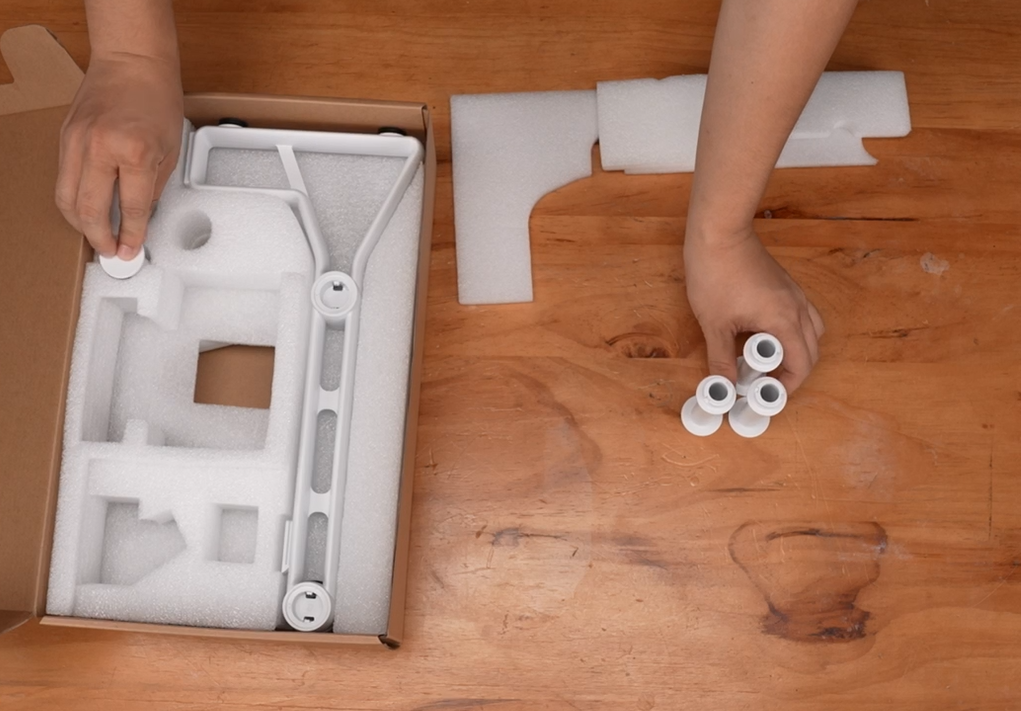
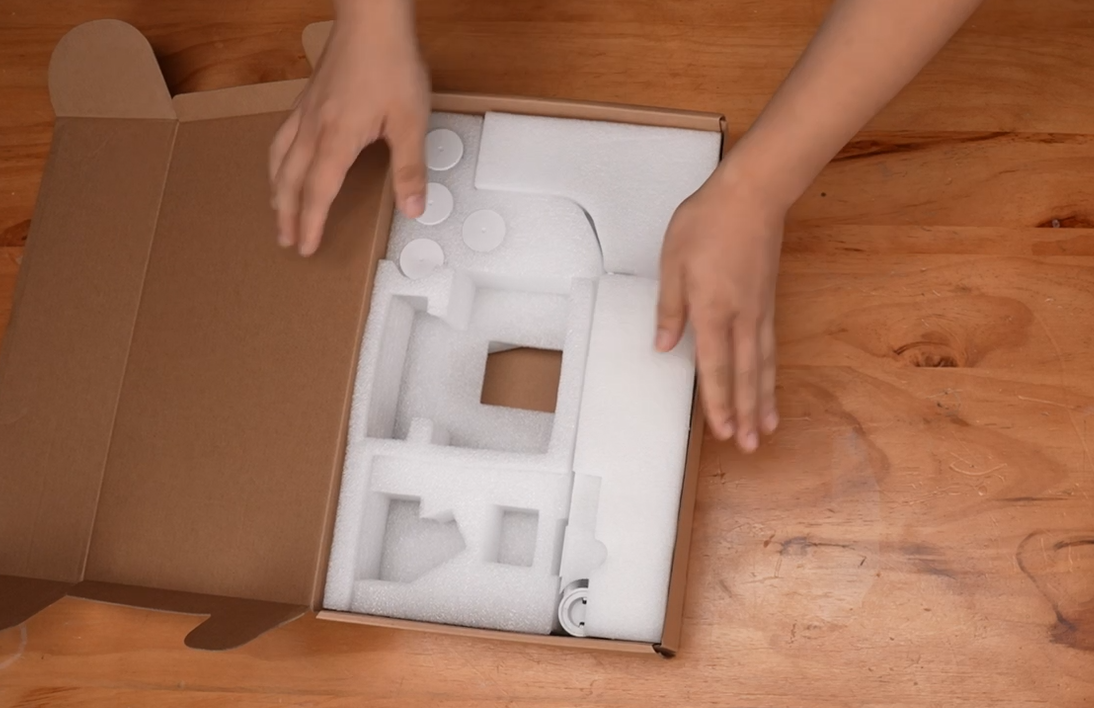
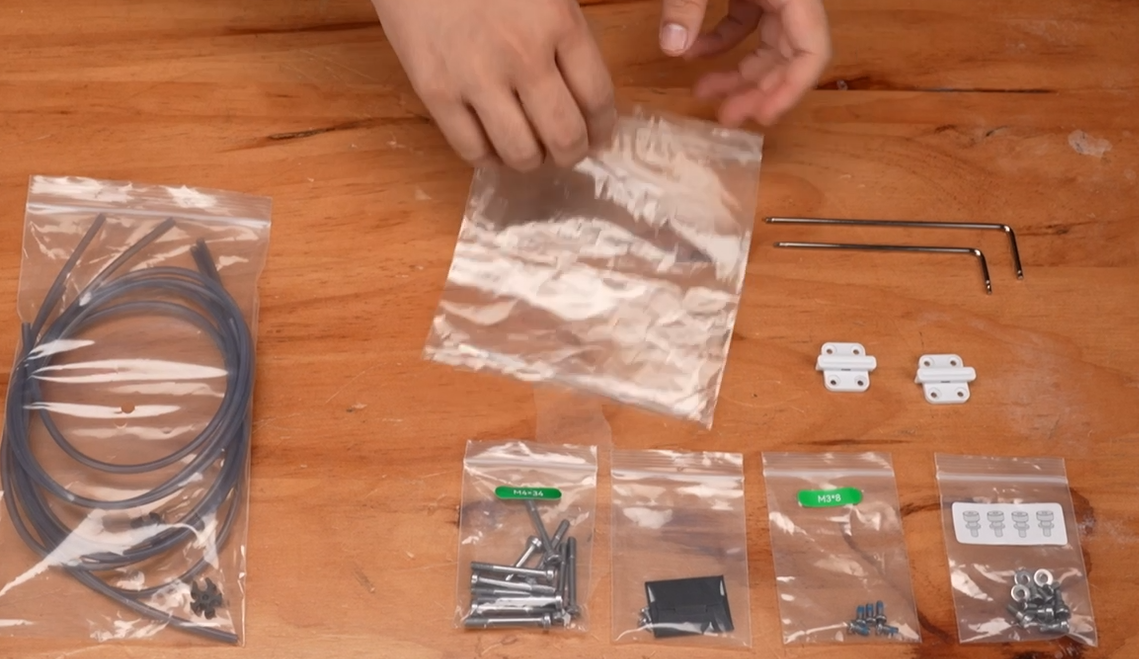
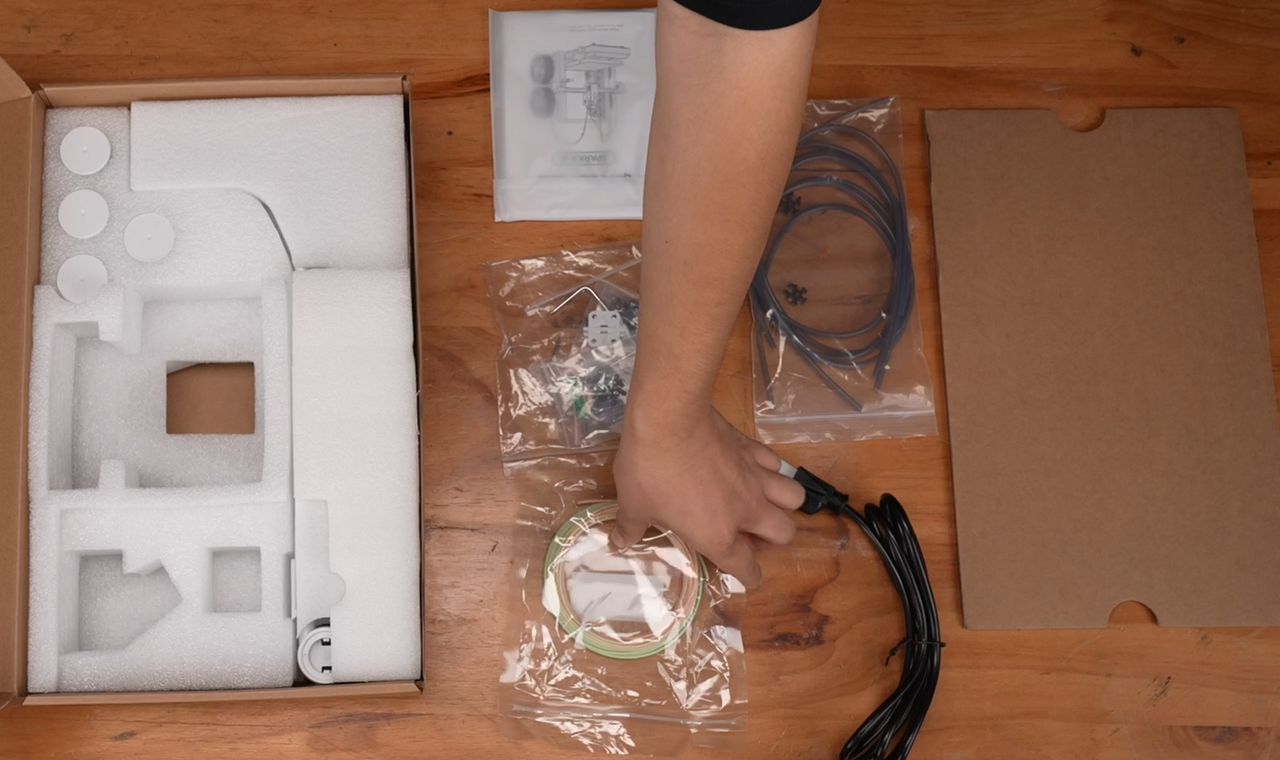
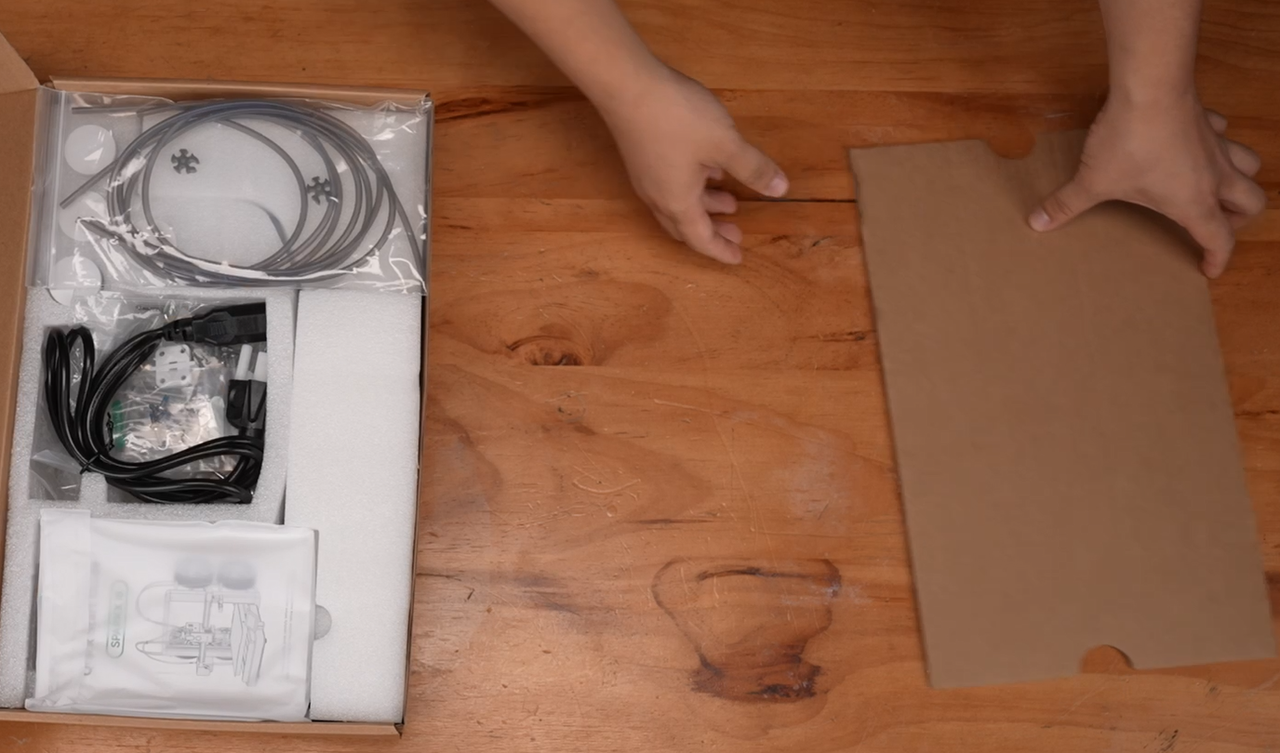
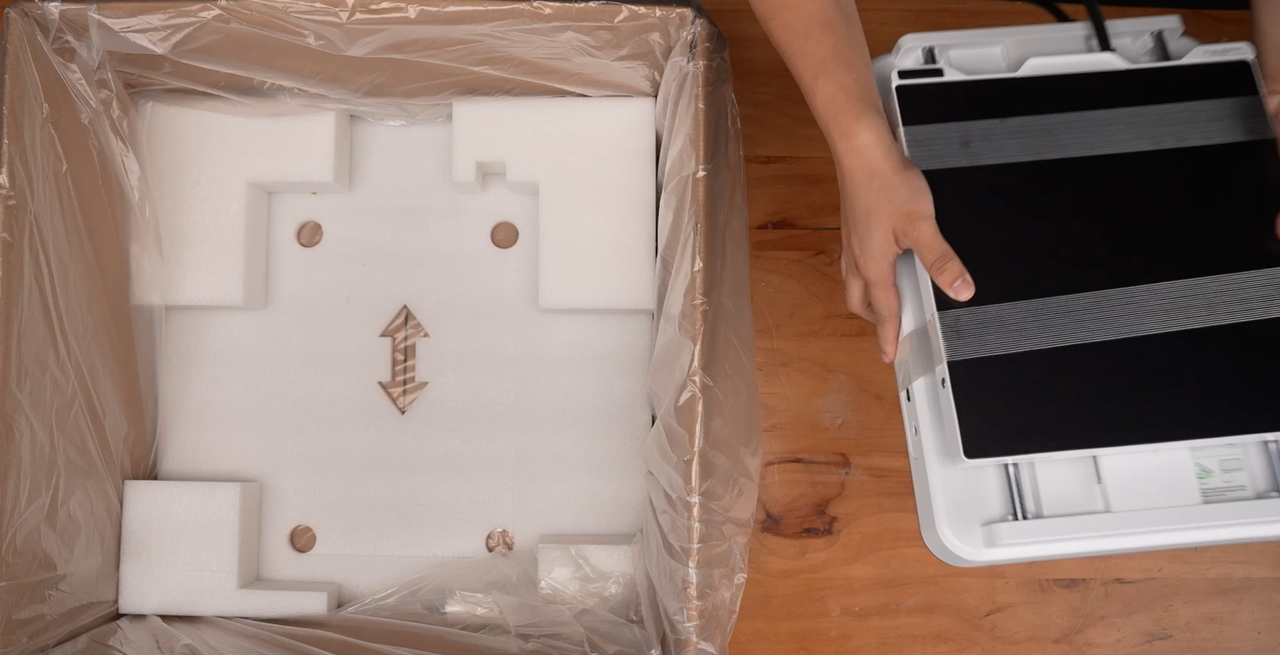
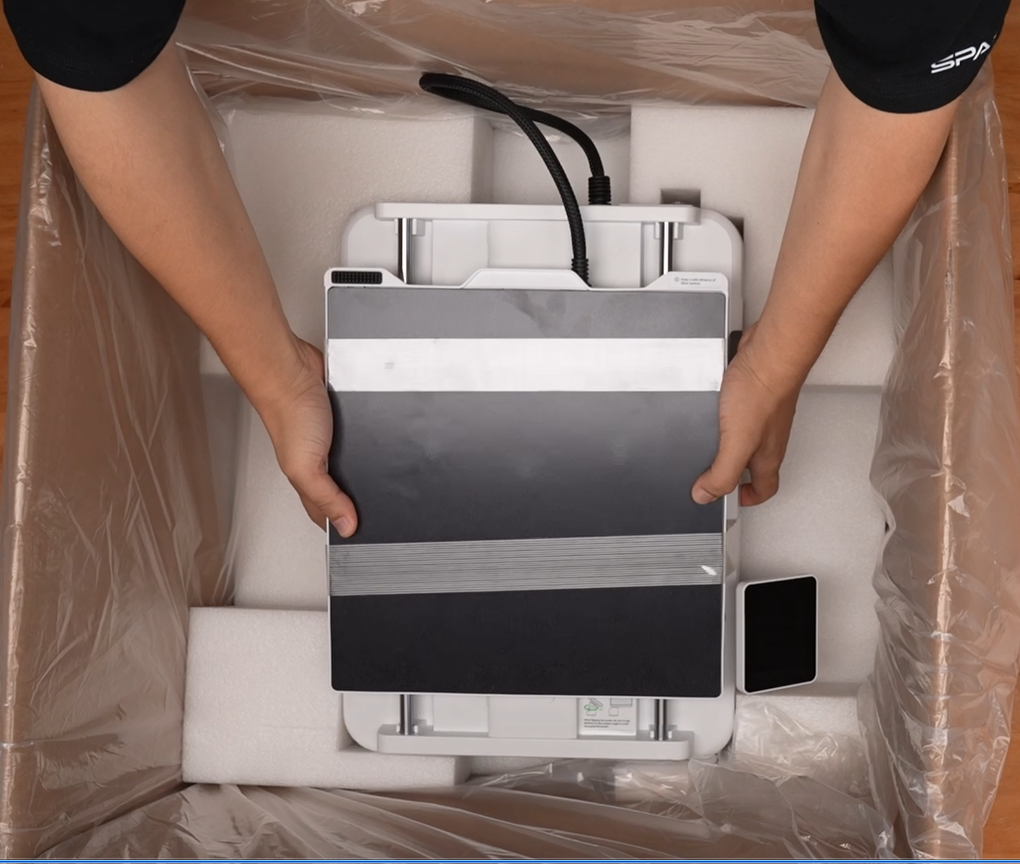
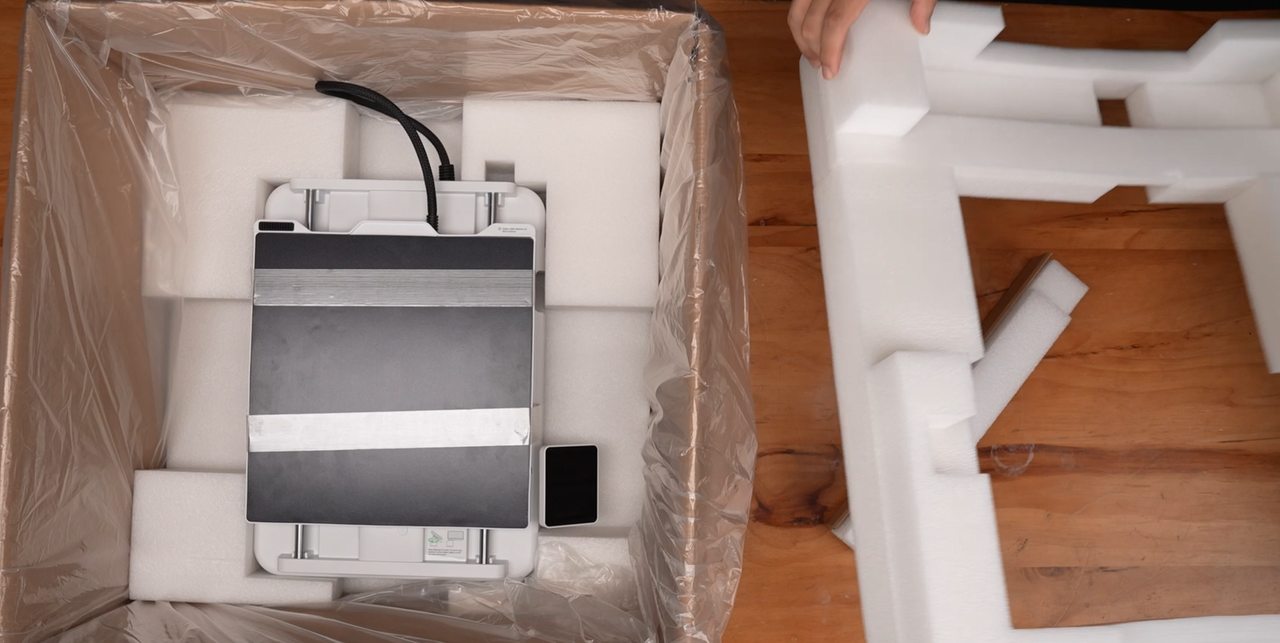
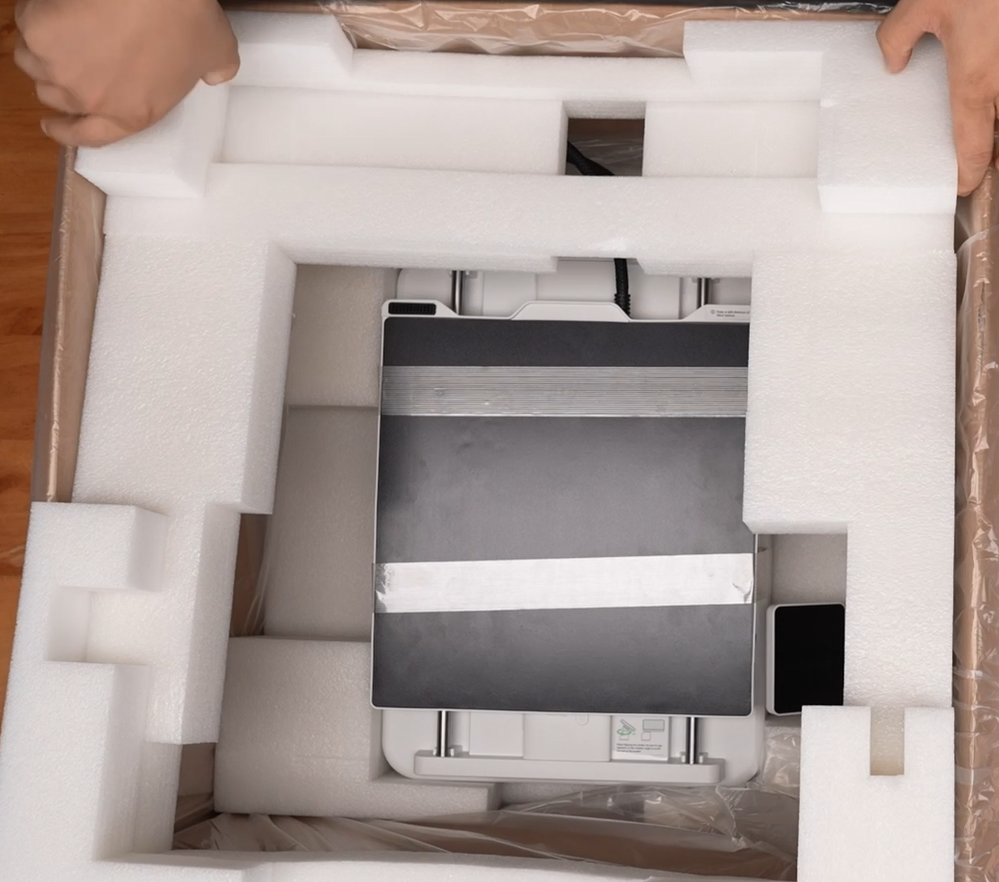
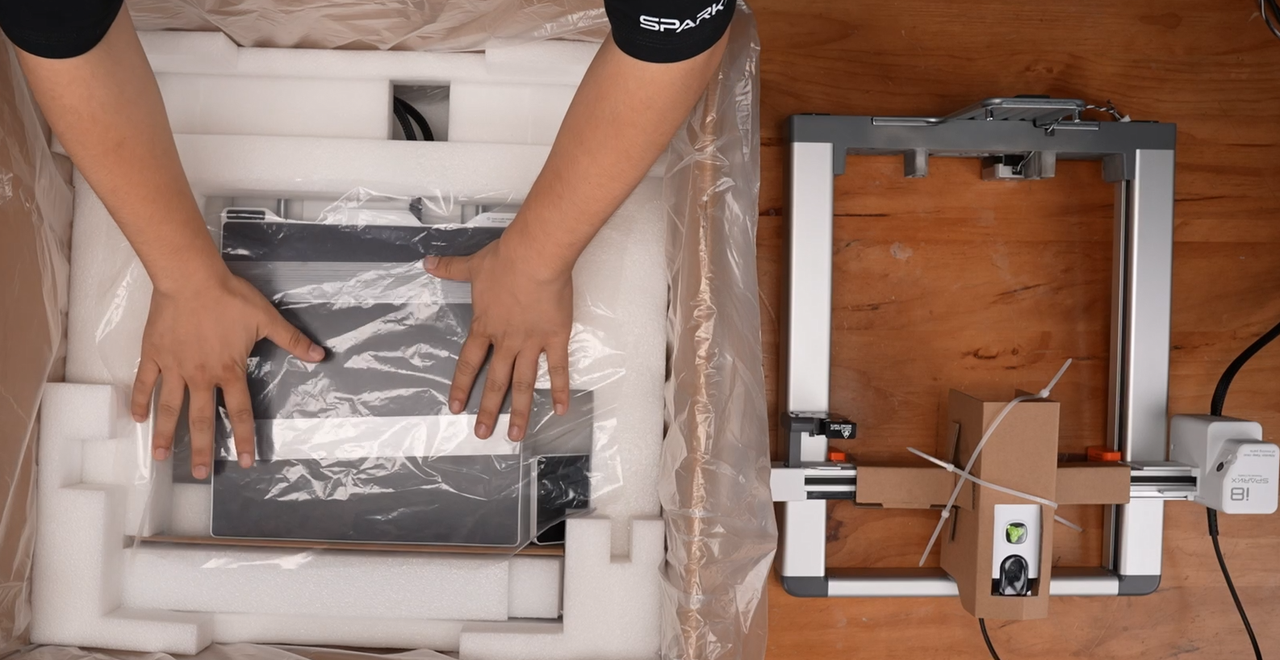
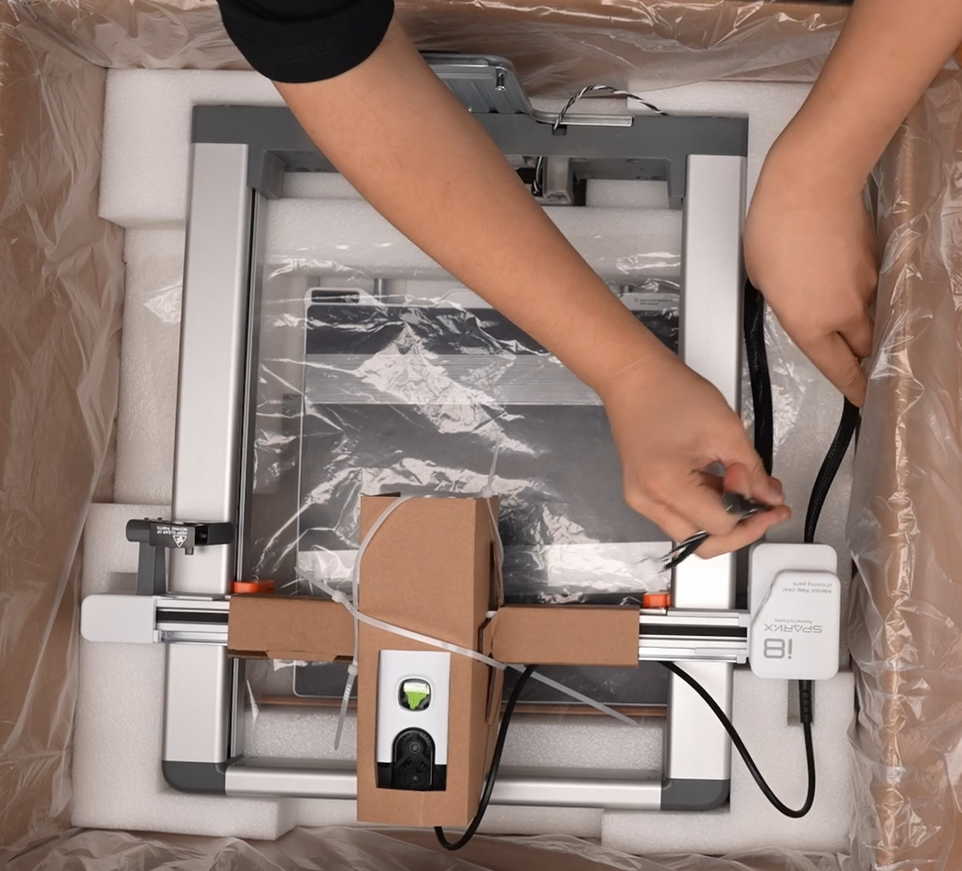
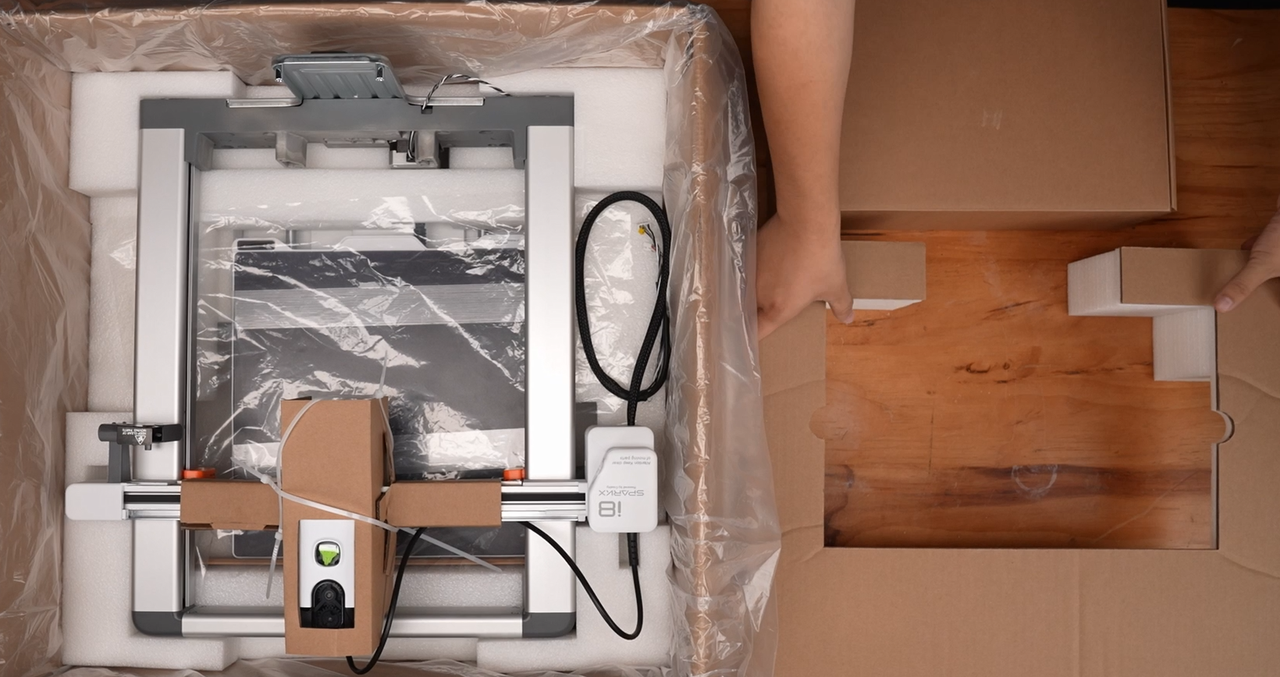
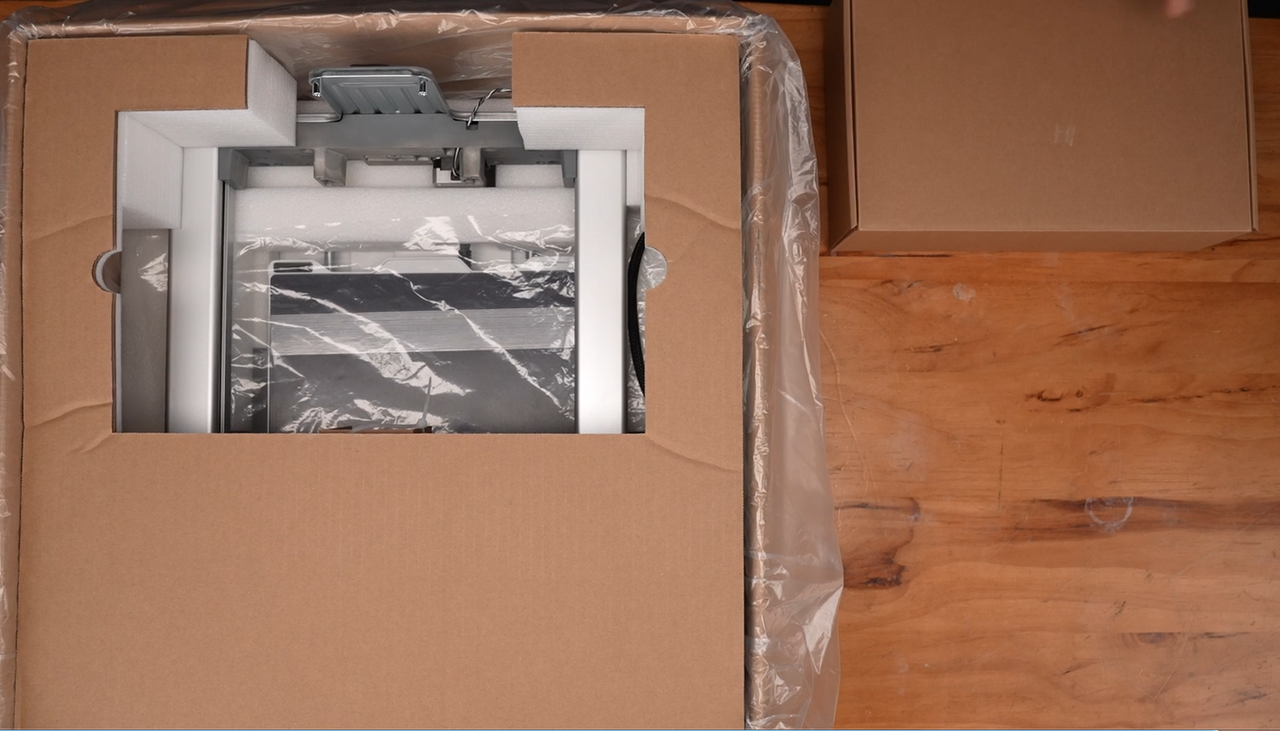
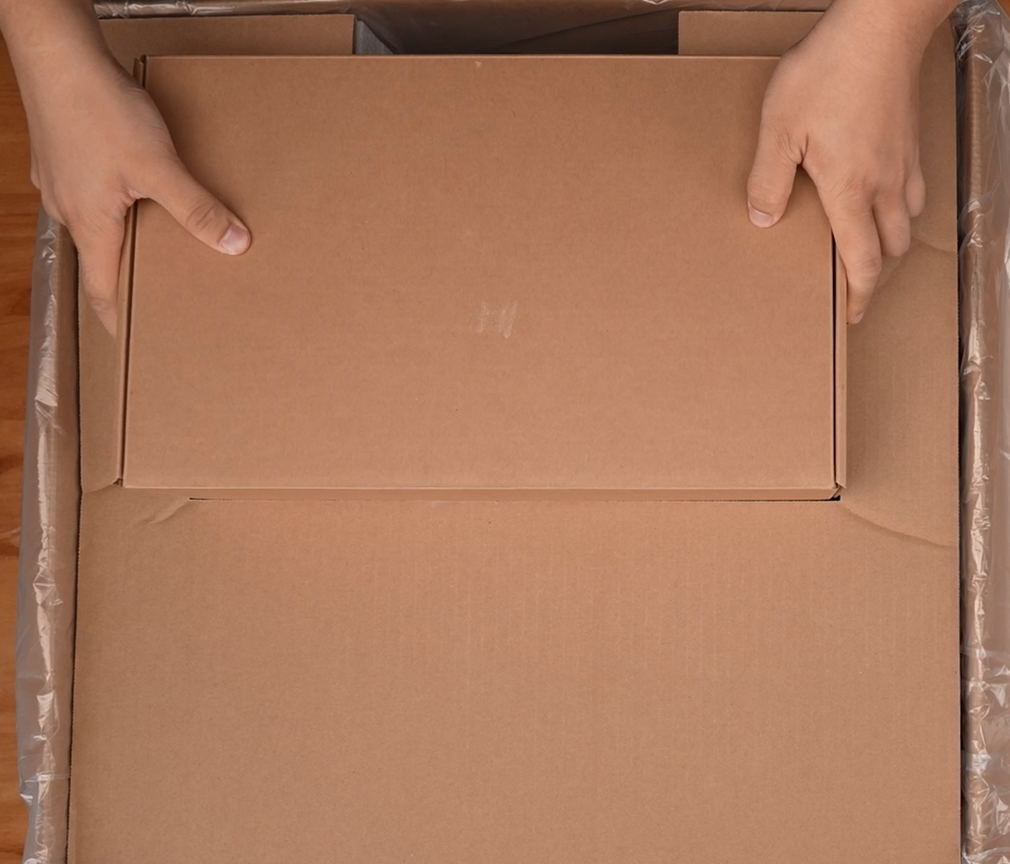
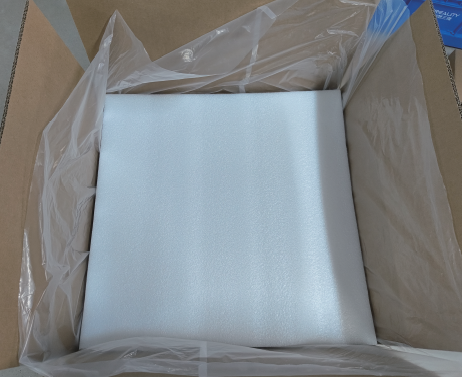
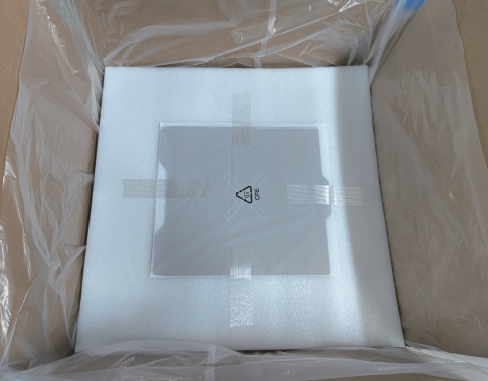
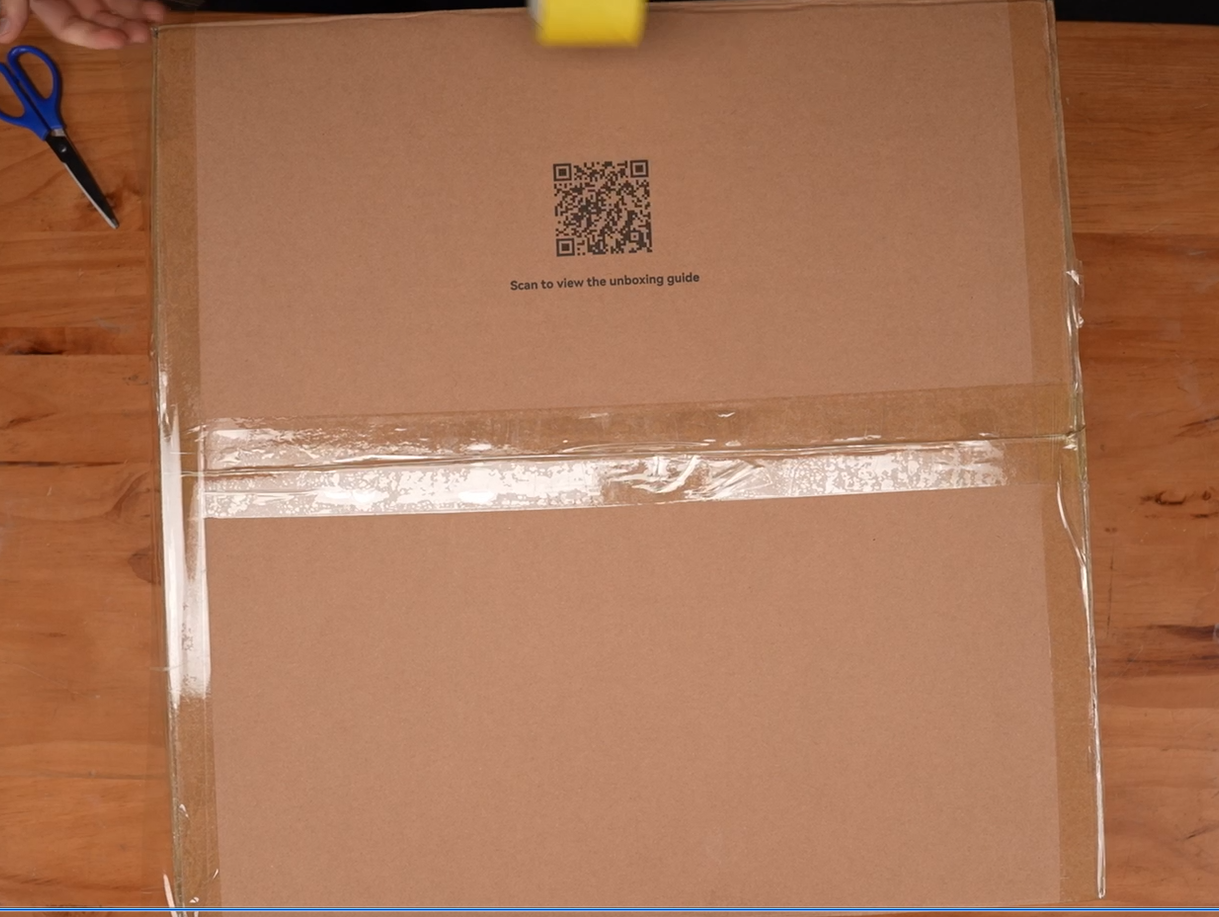
Proper packing helps reduce the risk of damage during shipping. Before packing the printer, check the following:
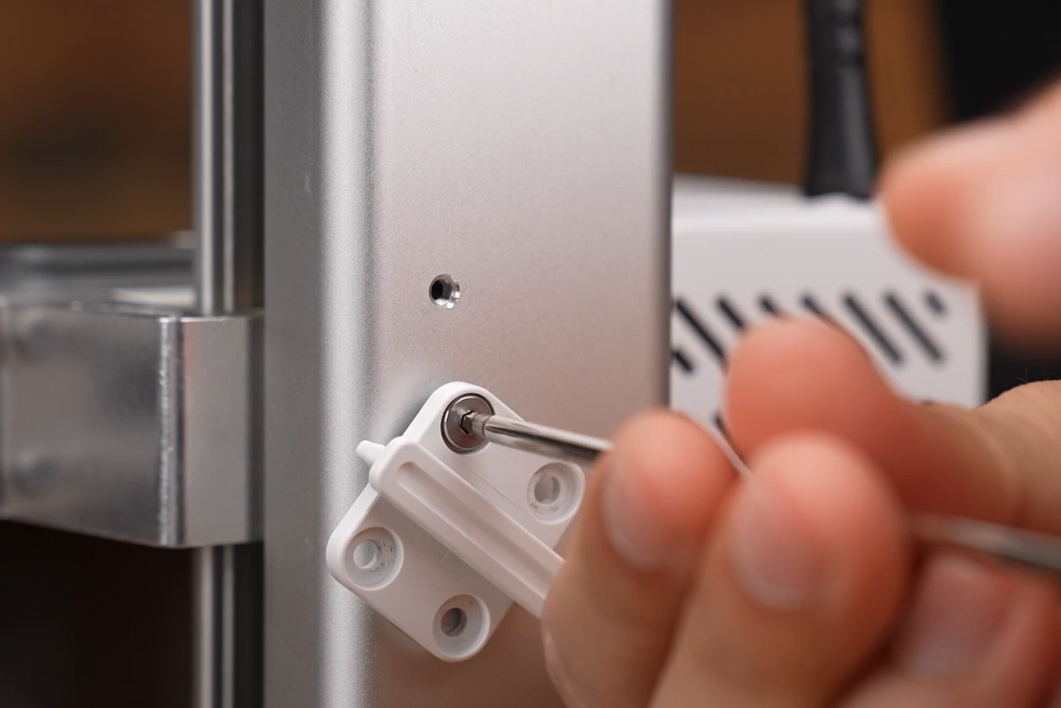
Make sure all screws that must remain installed or be reinstalled according to this guide are tightened to prevent parts from coming loose during shipping.
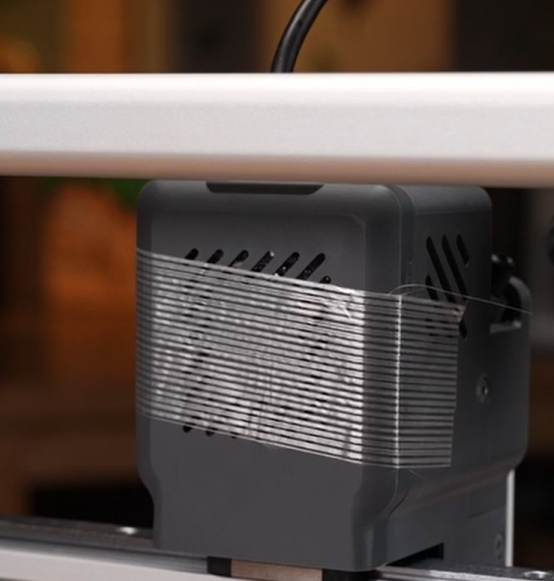
Make sure all protective foam inserts are correctly positioned around the corresponding parts.
Pack removed screws and accessories securely so they cannot shift or damage the printer during shipping.
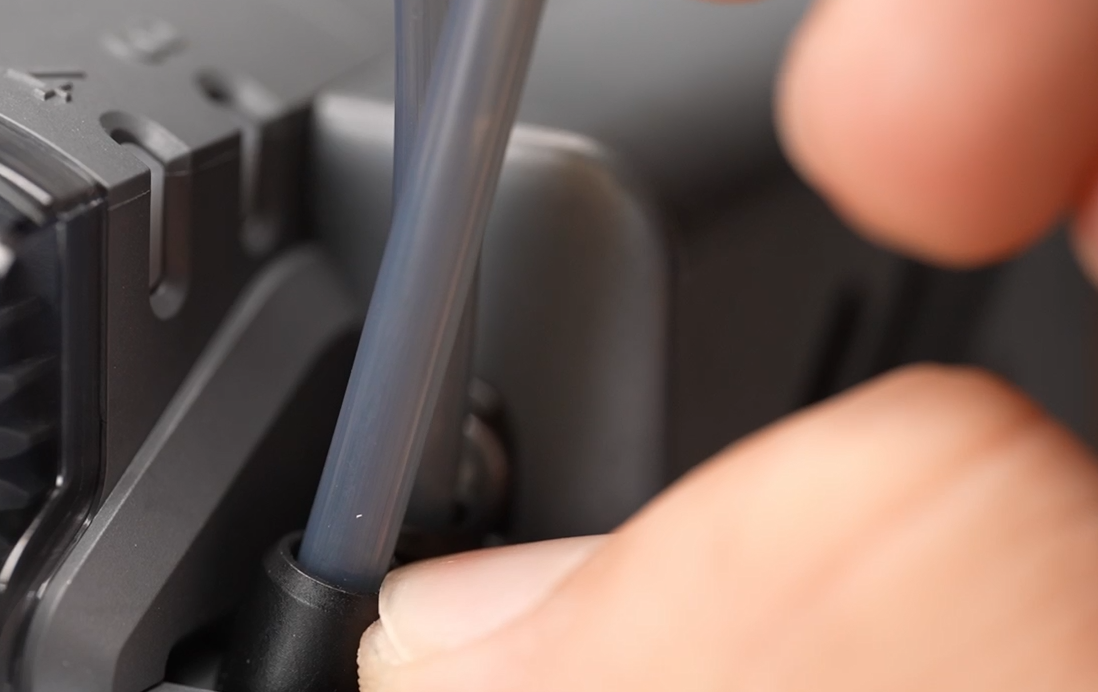
Manually actuate the filament cutter to cut the filament in each loaded channel.
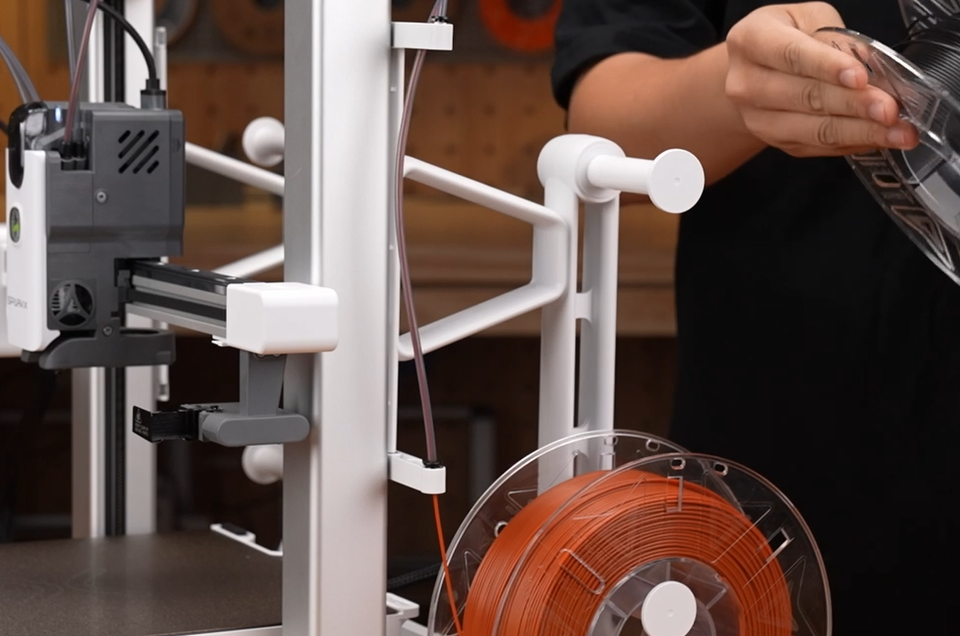
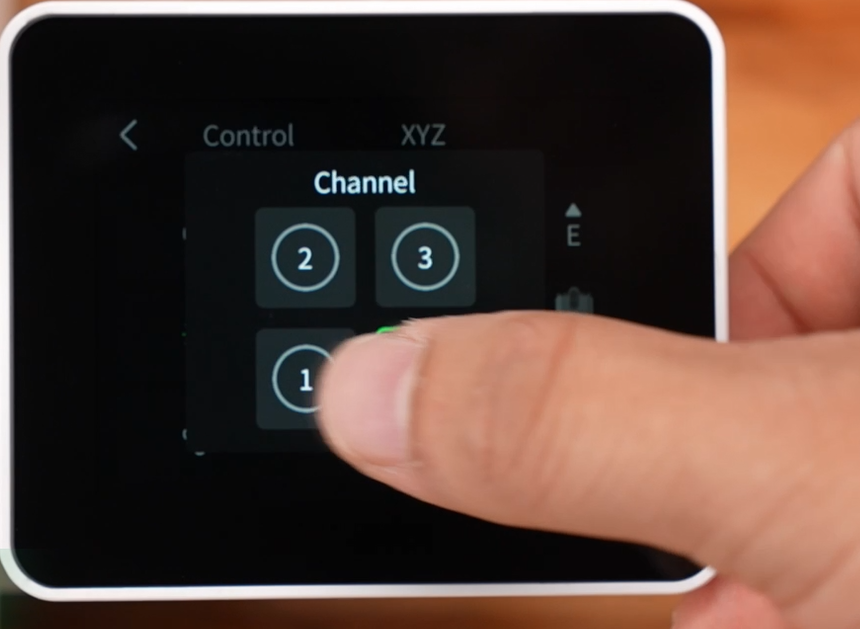
Withdraw the filament from each channel and store it. If filament cannot be removed from a channel, open the controls for that channel on the touchscreen, perform the required operation, and then manually withdraw the filament.
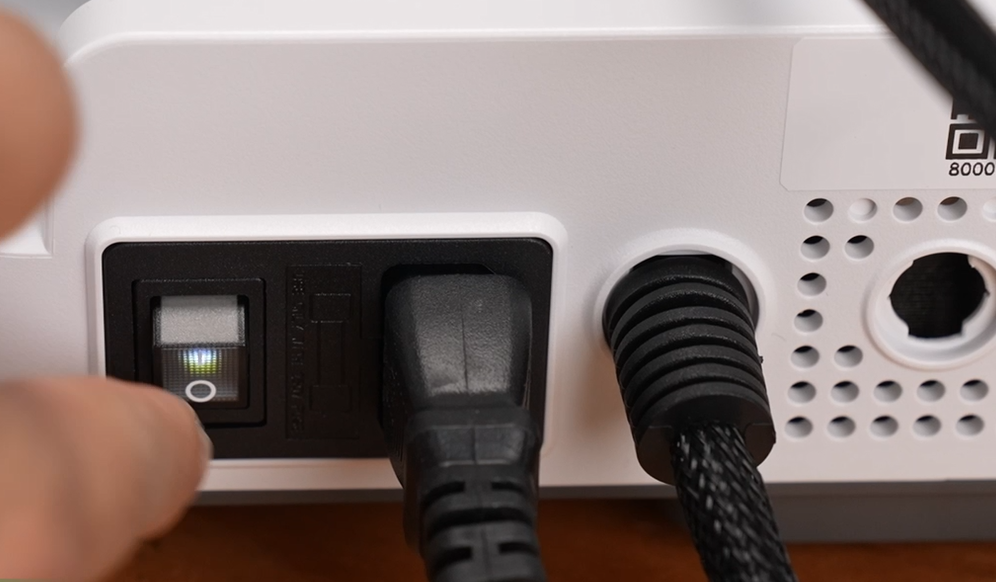
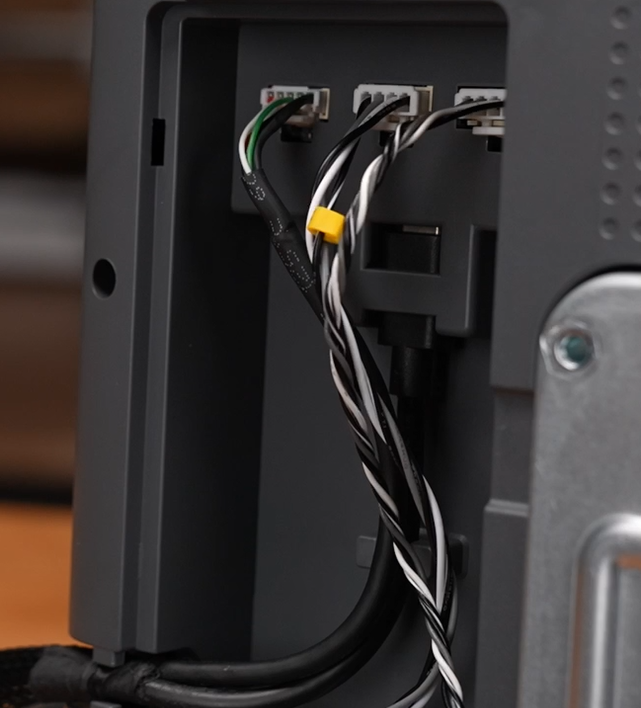
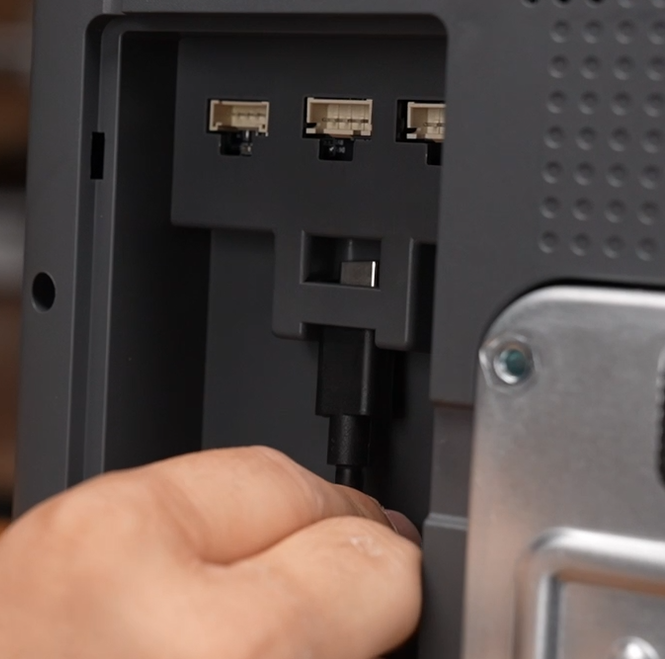
Open the mainboard cover on the underside of the printer base. Disconnect the specified signal cables between the frame and base, as shown, then reinstall the cover.
¶ 11. Separate the Gantry and Base (Global Version)
¶ This section applies to the Global Version when the frame and base must be packed separately.
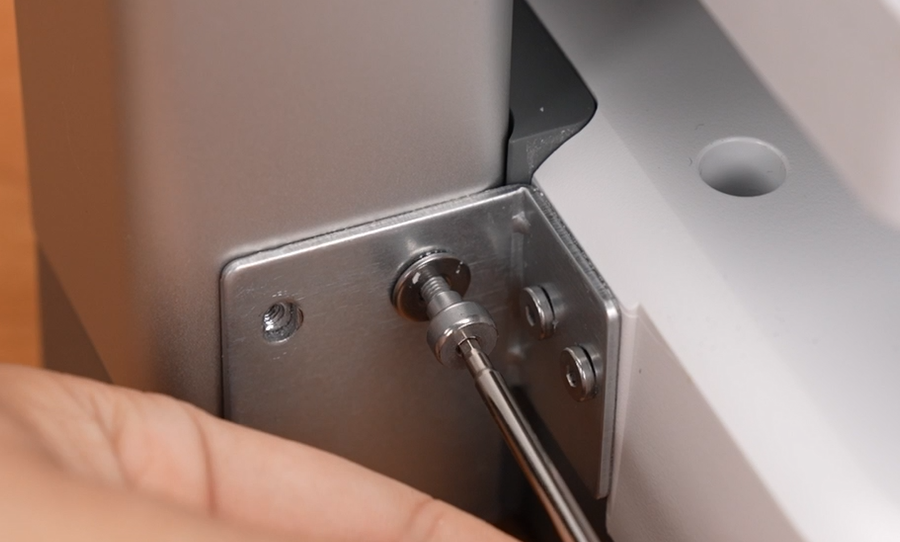
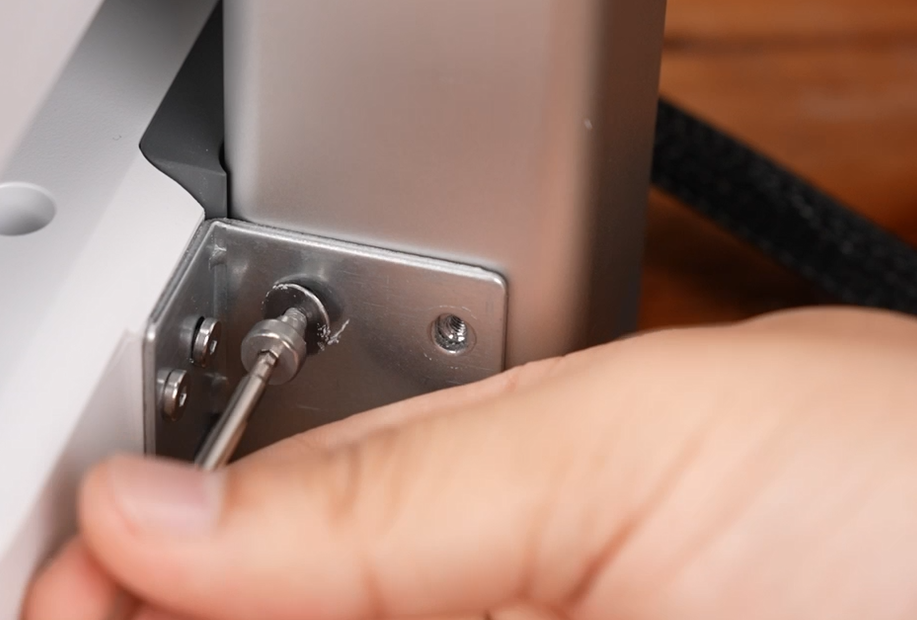
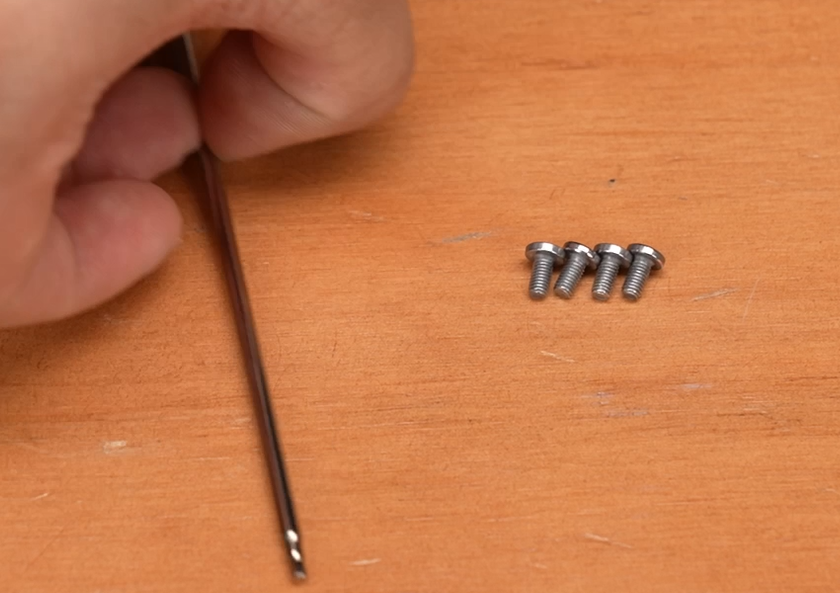
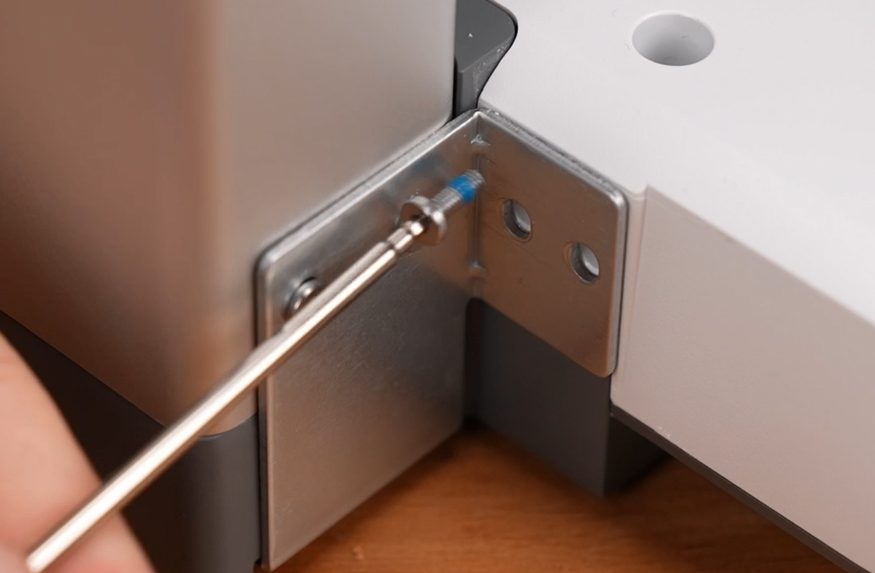
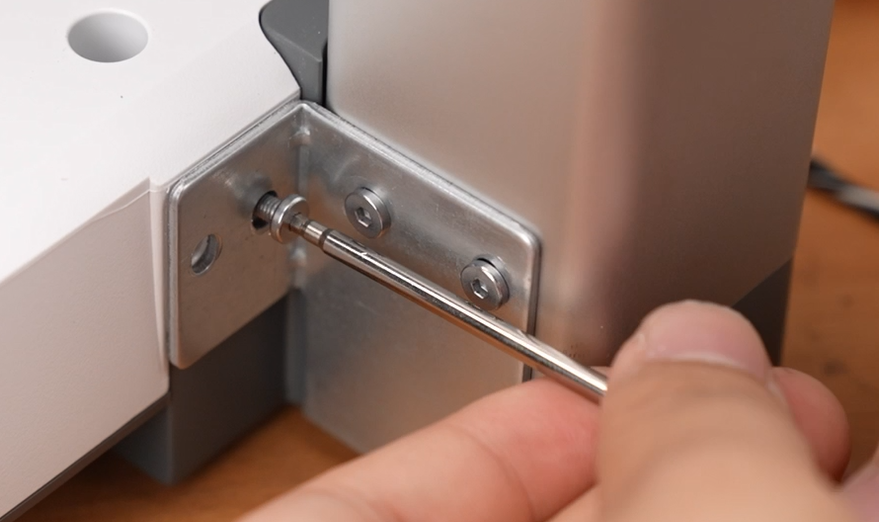
1. Use a 2.0 mm hex key to remove the four M3 × 8 screws from the sides of the base.
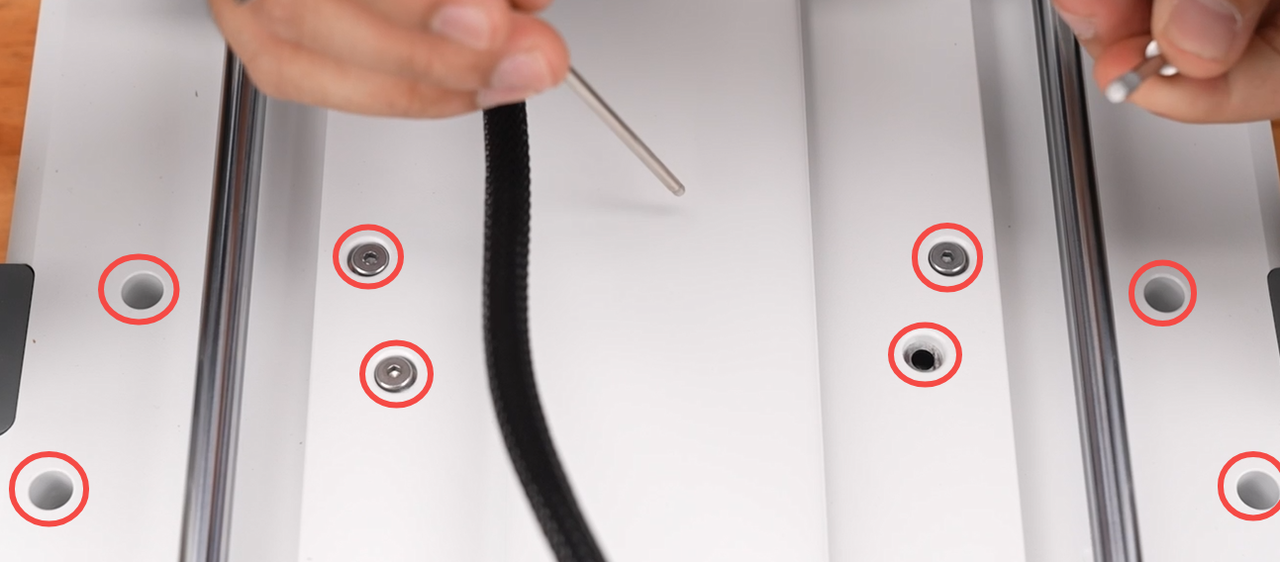
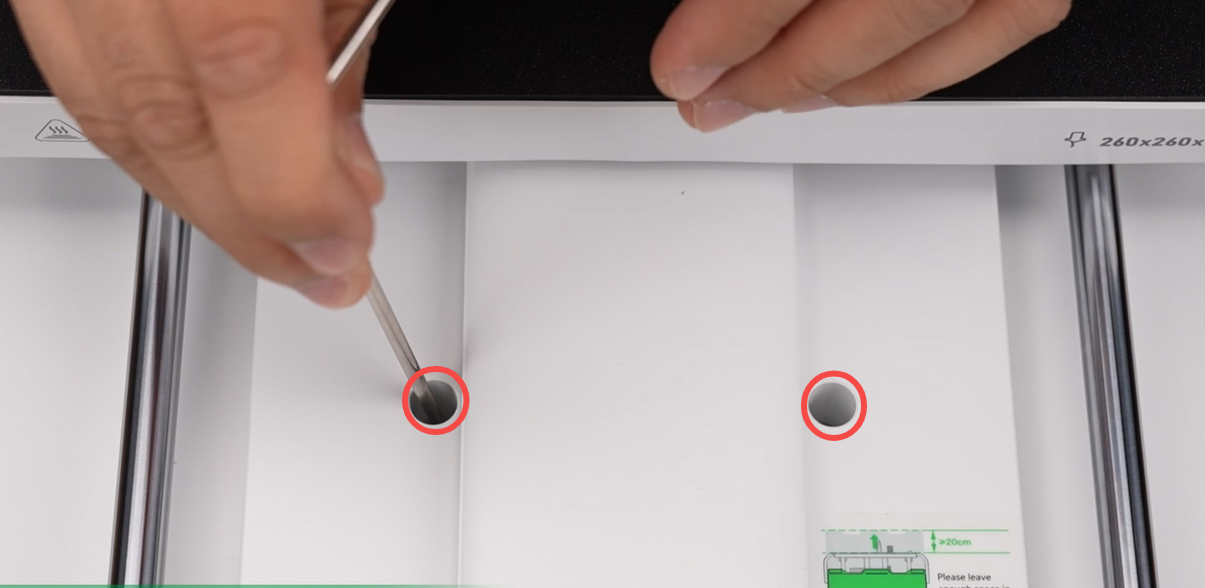
2. Remove the ten M4 × 34 heated bed base screws marked in the figure.
3. Lift the printer base to separate it from the gantry.
The Global Version i8 printer kit includes: printer frame, printer base, ten pieces of M4×34 heated bed base screws, four pieces of M3×8 base side screws. The Global Version i8 is a loose-part kit and requires self-assembly.