¶ Note: Only A1pro, T1, and A1c devices support Wi-Fi connection.
¶ Problem Description
If the device has not yet been configured for network use, please check first.Device Network Configuration Tutorial
- If you have already configured a Wi-Fi network for your Falcon laser device, but it still doesn't appear in the device list.
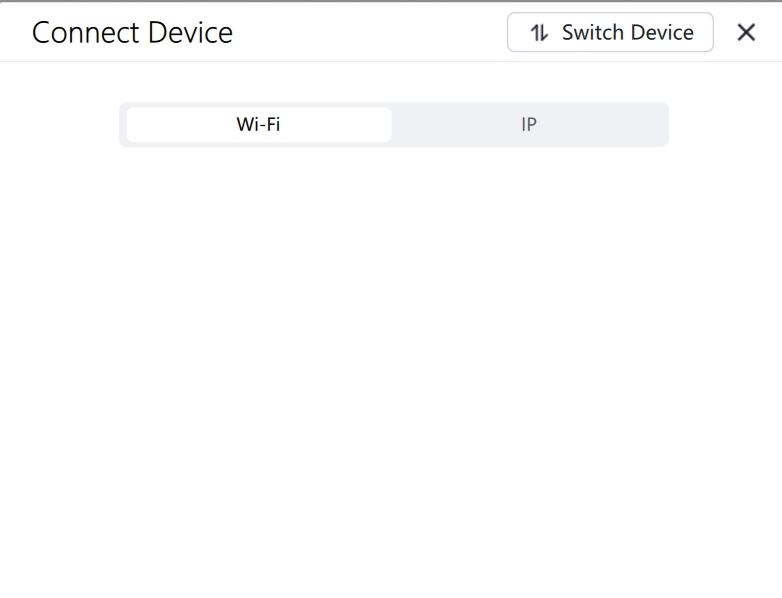
¶ Troubleshooting
¶ ① Check if your computer and Falcon device are connected to the same Wi-Fi network.
- If not, connect your computer and device to the same Wi-Fi network.
- If they are on the same network, reopen the Wi-Fi search window.
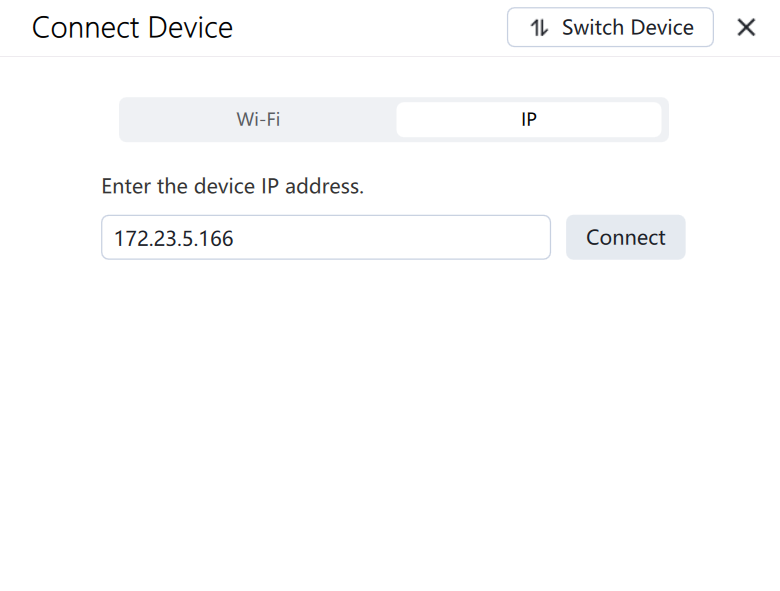
¶ ② Enter the IP address to connect.
¶ ③ Check network status
- If the network signal is weak, please switch to a network with a stronger signal.
- Place the Falcon device as close to the router as possible.
¶ ④ Disable VPN and firewall
- VPNs, firewalls, and antivirus software on your computer can interfere with the ability of Falcon devices to connect to your computer via Wi-Fi. Please disable these features on your computer and then restart the software and device.