¶ 1. Overview
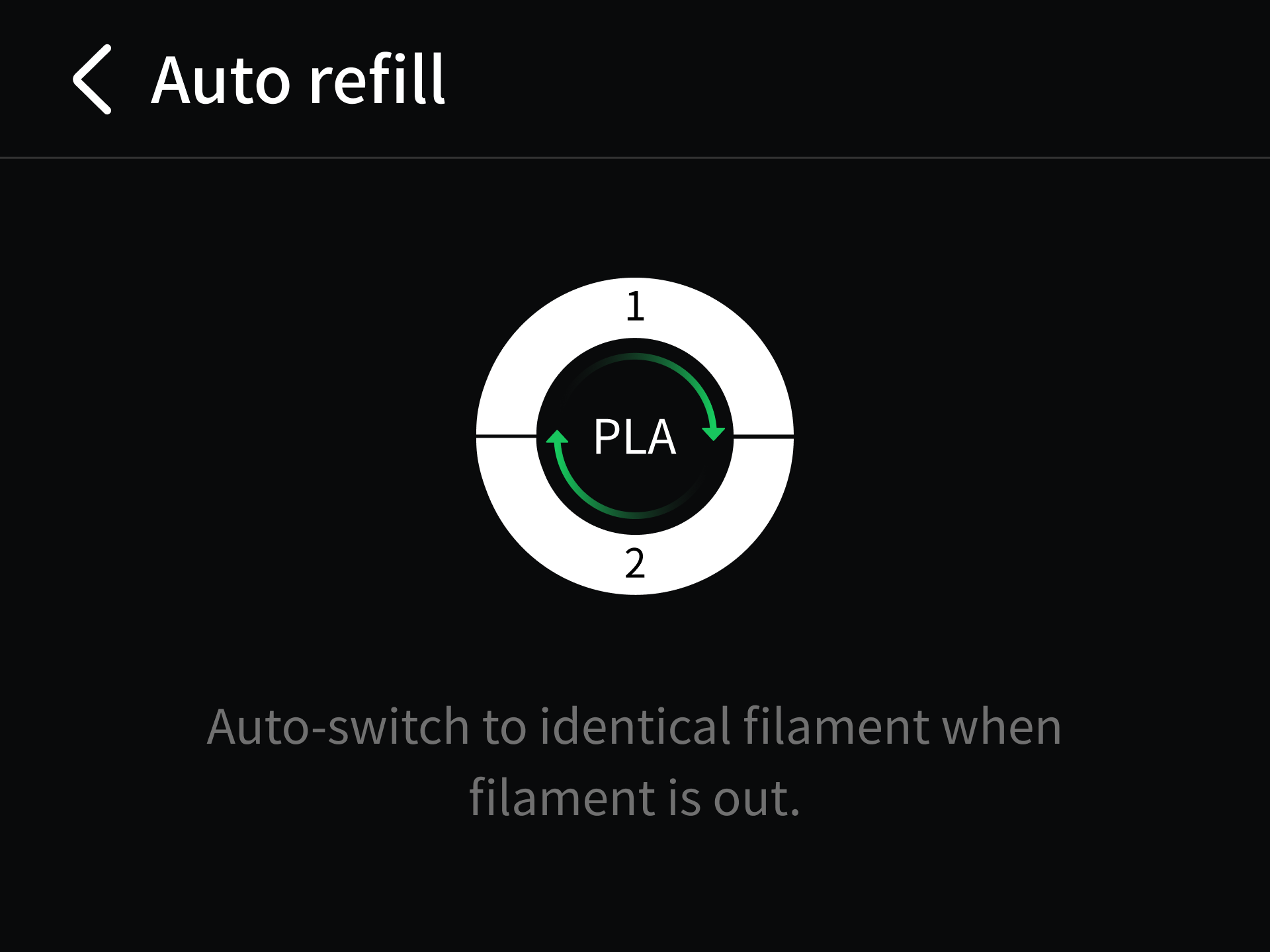
When the filament in the active channel runs out during printing, automatic filament backup switches to a configured backup filament channel. The backup filament must meet the matching requirements for the filament currently in use. After a successful switch, the printer automatically feeds the backup filament and resumes printing, without requiring you to replace the filament manually.
This feature is useful for long prints or when a single spool does not contain enough filament. It reduces manual intervention and the risk of print interruptions caused by filament runout.
If automatic filament backup is disabled, or no matching filament is available, the printer pauses when the active filament runs out and prompts you to load more filament, extending the total print time.
Notes:
Enable automatic filament backup before printing and prepare backup filament that meets the matching requirements.
The i8 has four channels. To use automatic filament backup, at least one channel must contain matching backup filament, allowing up to 3 distinct colors.
¶ 2. Prerequisites
The backup filament must have the same properties as the filament it will replace. We recommend using filament of material type and color, and completing the filament loading procedure.
¶ 3. Instructions
¶ Step 1: Prepare Backup Filament
- Load a spool of backup filament into another unused channel. Make sure the filament is correctly inserted and the loading procedure is complete.
- Open the Filament page and check the material type, color, and other information for that channel. Make sure these details exactly match the filament currently in use.
¶ Step 2: Enable Automatic Filament Backup
- Open Spool Holder Settings and enable Automatic Filament Backup.
- On the Filament page, check the backup channel's matching status and confirm that the system has identified and confirmed an available backup channel.
¶ Step 3: Automatic Switching
- When the filament in the active channel runs out during printing, the printer automatically switches to a matching backup channel, feeds the filament, and resumes printing.
- If automatic filament backup fails, follow the on-screen instructions to check the loading status, filament information, and channel status of both the active and backup channels, then take the action indicated on the screen.