¶ Watch the Video
¶ 1. Overview
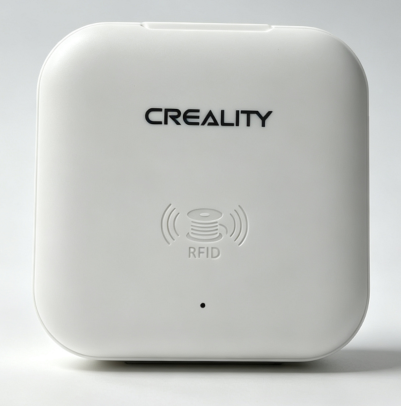
The RFID reader enables RFID filament identification for the SPARKX 3D printer.
¶ 2. Package Contents
|
|
 |
- RFID Reader*
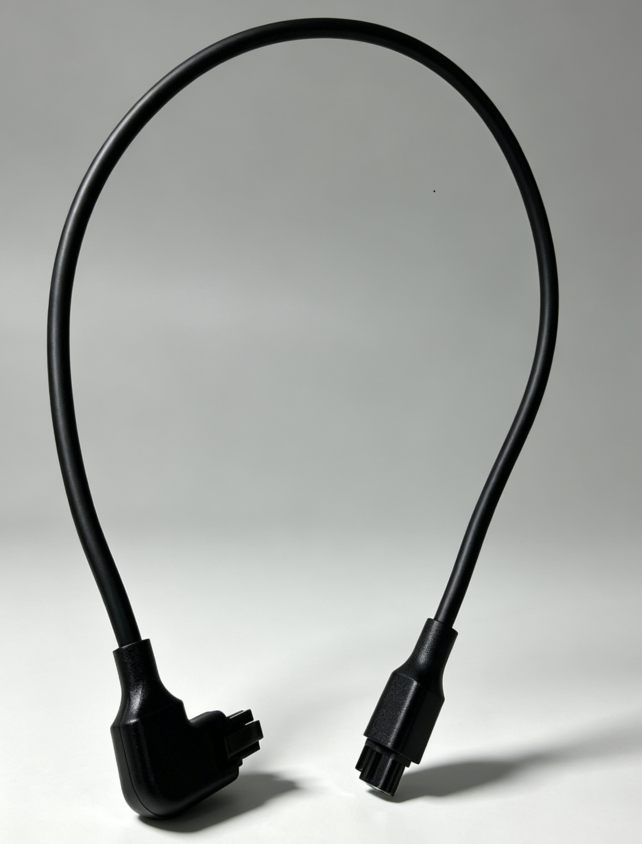
- Dual-ended 6-pin RS485 Communication Cable
- Quick Guide
Note: The RFID reader supports simultaneous connection to the i8 printer.
¶ 3. How to Use
¶ 3.1 Connect the RFID reader
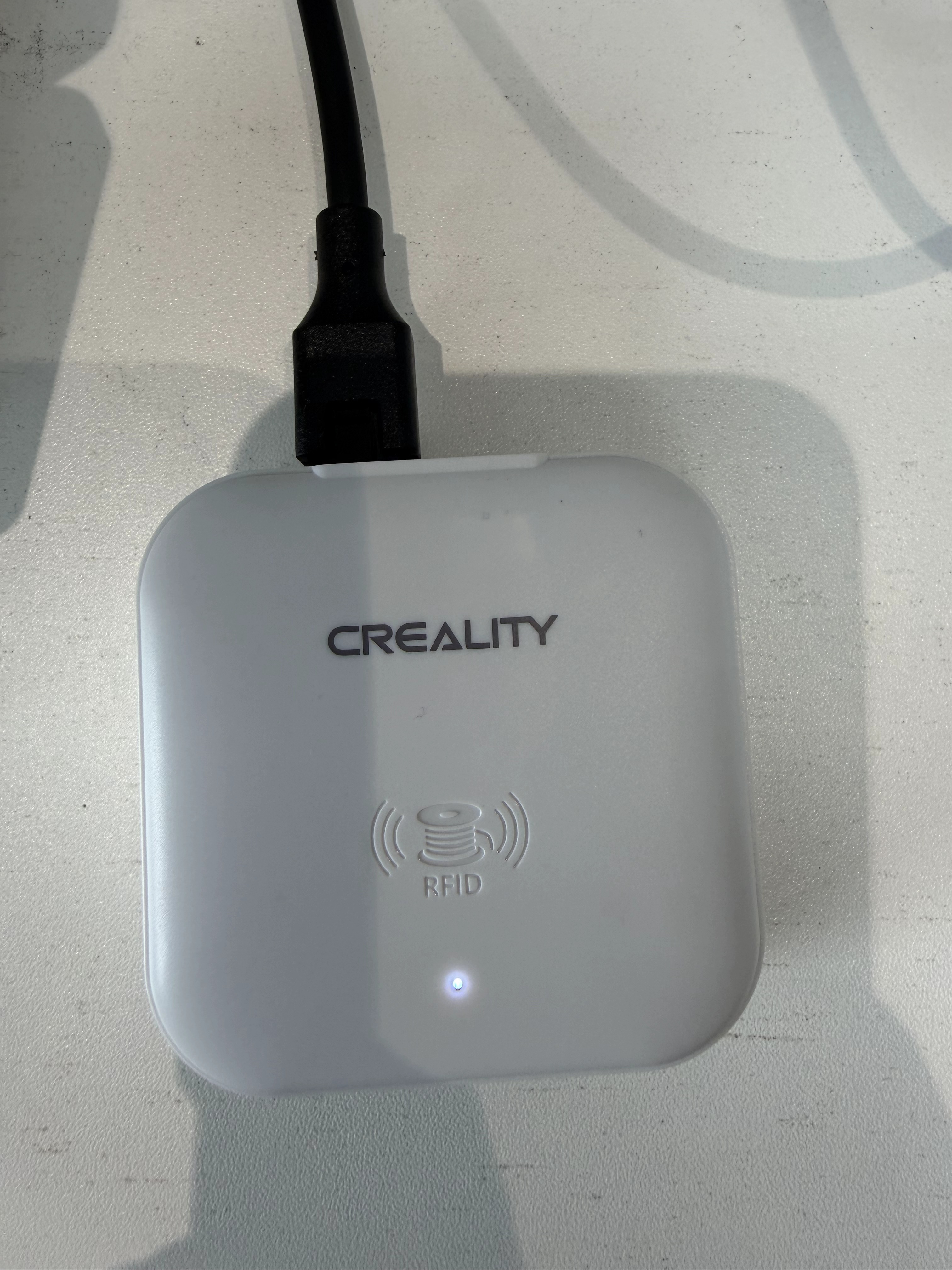
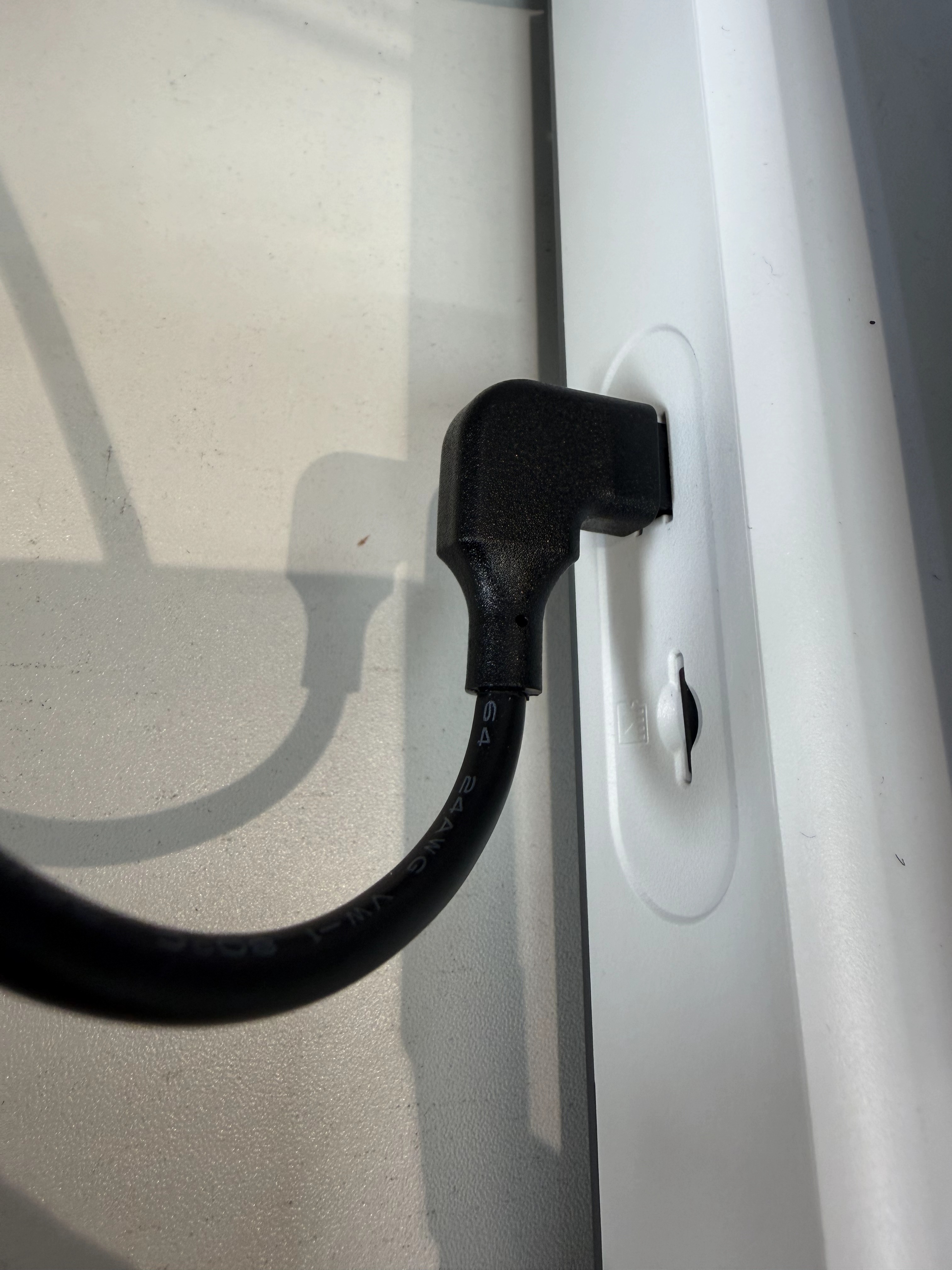
Connect one end of the 6-pin RS485 communication cable to the RFID reader and the other end to the 6-pin communication port on the i8 printer.
 |
 |
¶ 3.2 Read the Filament RFID Tag
Hold the RFID reader close to the RFID tag on the filament spool. A beep indicates that the module has successfully read the filament parameters.
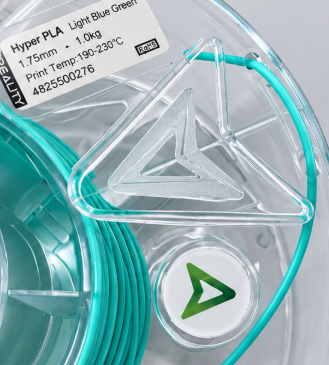
Note: The RFID reader can read information from only one filament spool at a time. Reading another spool will overwrite the previously stored filament data.
¶ 3.3 Load the Filament
- Place the filament spool on the i8 spool holder.
- Insert the filament end into the pneumatic fitting at the filament inlet. Push the filament through the PTFE tube until it reaches the toolhead and cannot be pushed any further.
- Once the toolhead detects the filament, the printer automatically reads and matches the filament parameters. After a successful match, the filament information is displayed on the printer screen.
Note: Once the filament has been successfully identified, its information can only be viewed and cannot be edited or modified.
¶ 3.4 Unload the Filament
Manually unload the filament. Once the filament has been removed from the toolhead, the printer will automatically clear the current filament information and the data cached in the RFID reader.
¶ 4. Technical Specifications
| Parameter | Specification |
| Product Name | RFID reader |
| Model | RM01 |
| Dimensions | 65.38 × 65.38 × 22.25 mm |
| Net Weight | 48 g |
| Input | 24 V, 150 mA |
| Power Consumption | 3.6 W |
| Interfaces | 2 × 6-pin RS485 Ports |
| Communication Cable Length | 45 cm |