¶ New Features
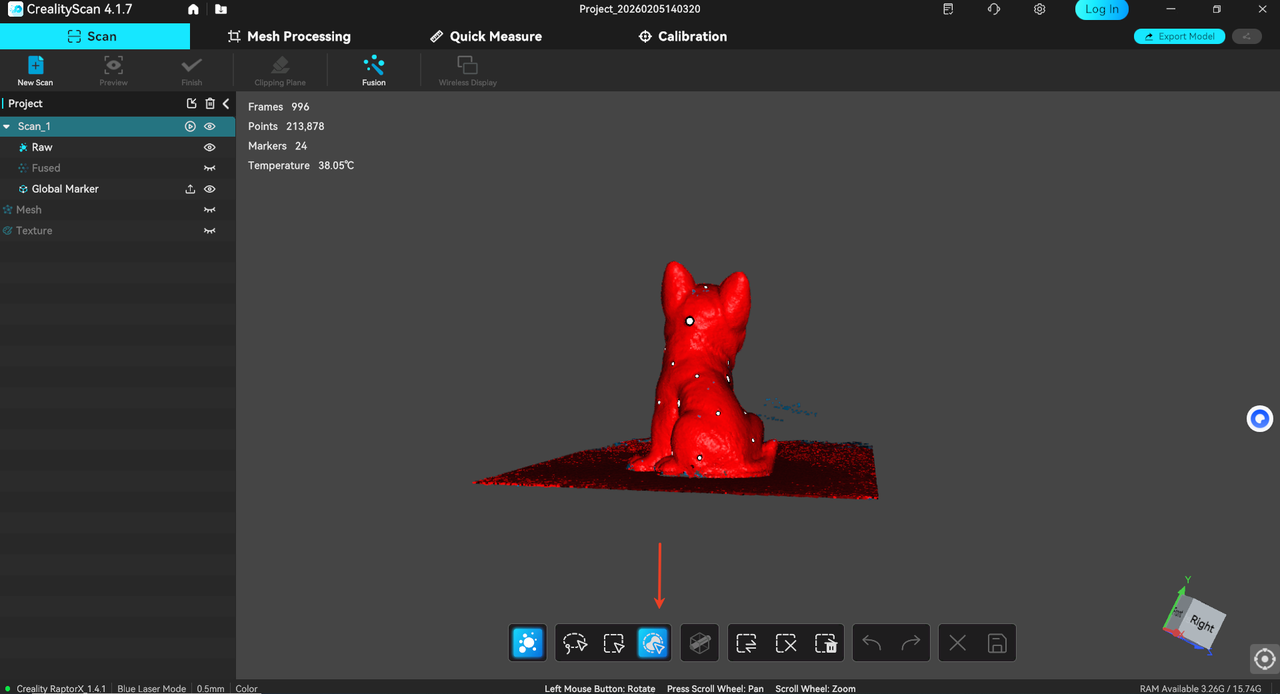
¶ 1. Connected Components Function:
Supports quickly selecting one or more connected regions in the original point cloud/mesh model.
a. Click the 【Connected Components】 selection icon in the edit toolbar.
b. Click on the point cloud/model to automatically identify connected regions and select the corresponding area. Supports multiple clicks for Boolean merging.
c. Delete the selected region(s).
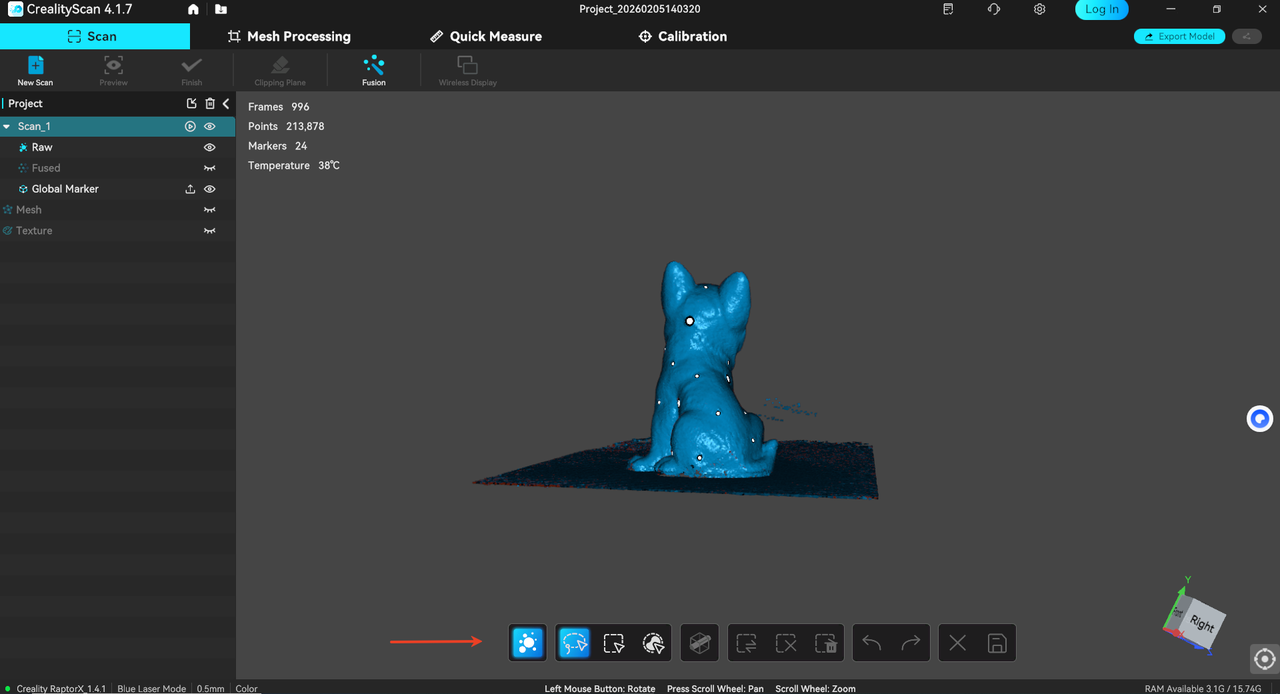
¶ 2. Editing function refactored, supporting independent selection of point clouds/marker points.
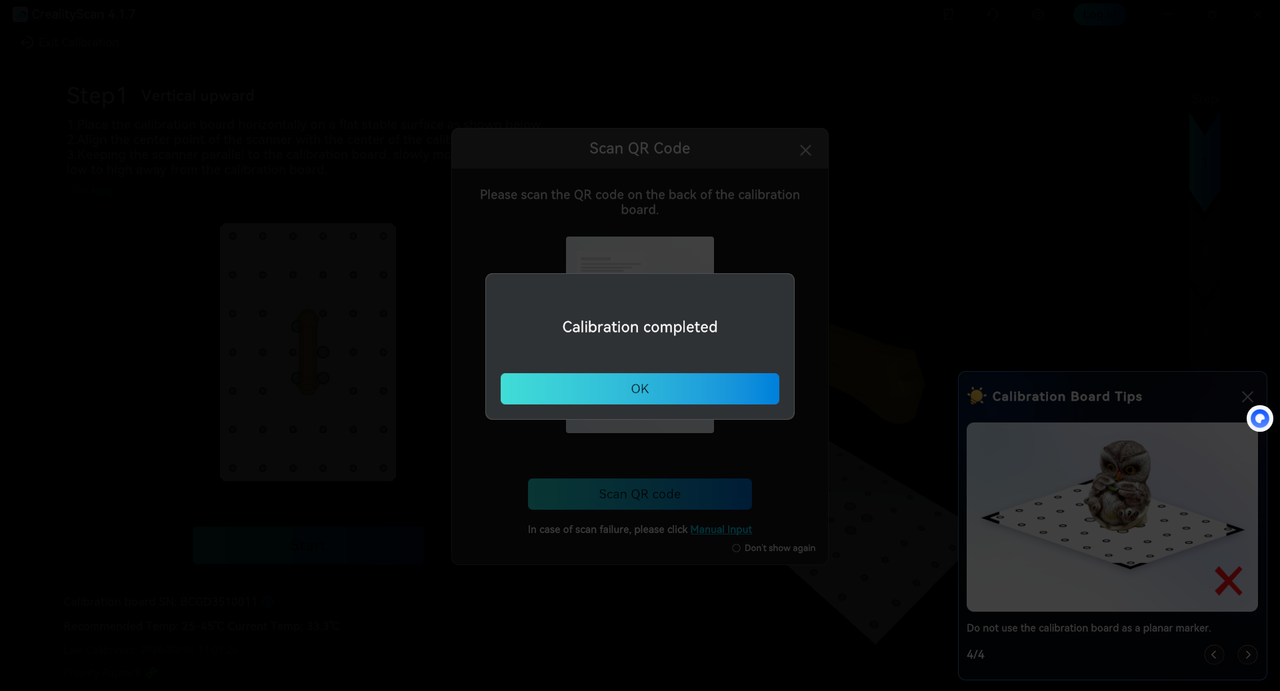
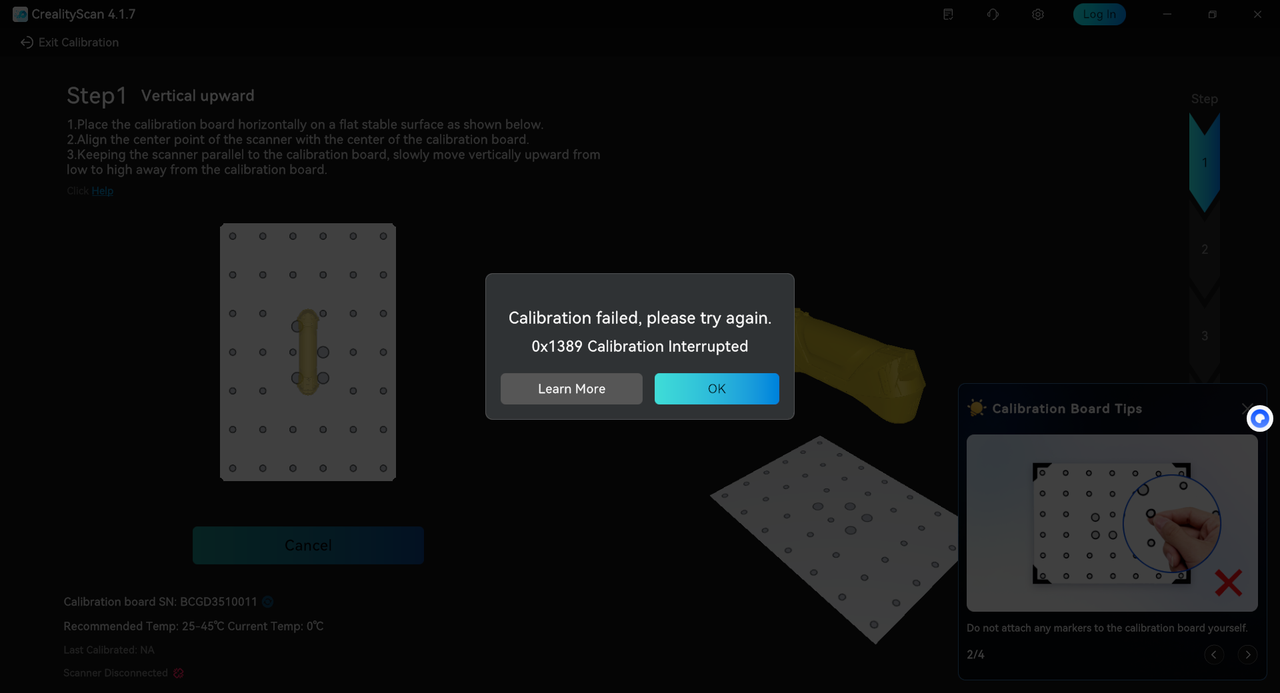
¶ 3. New device calibration result display added.
¶ 4. GA data tracking added.
¶ 5. Fusion parameters and mesh processing parameters are now saved and can be viewed in detail.
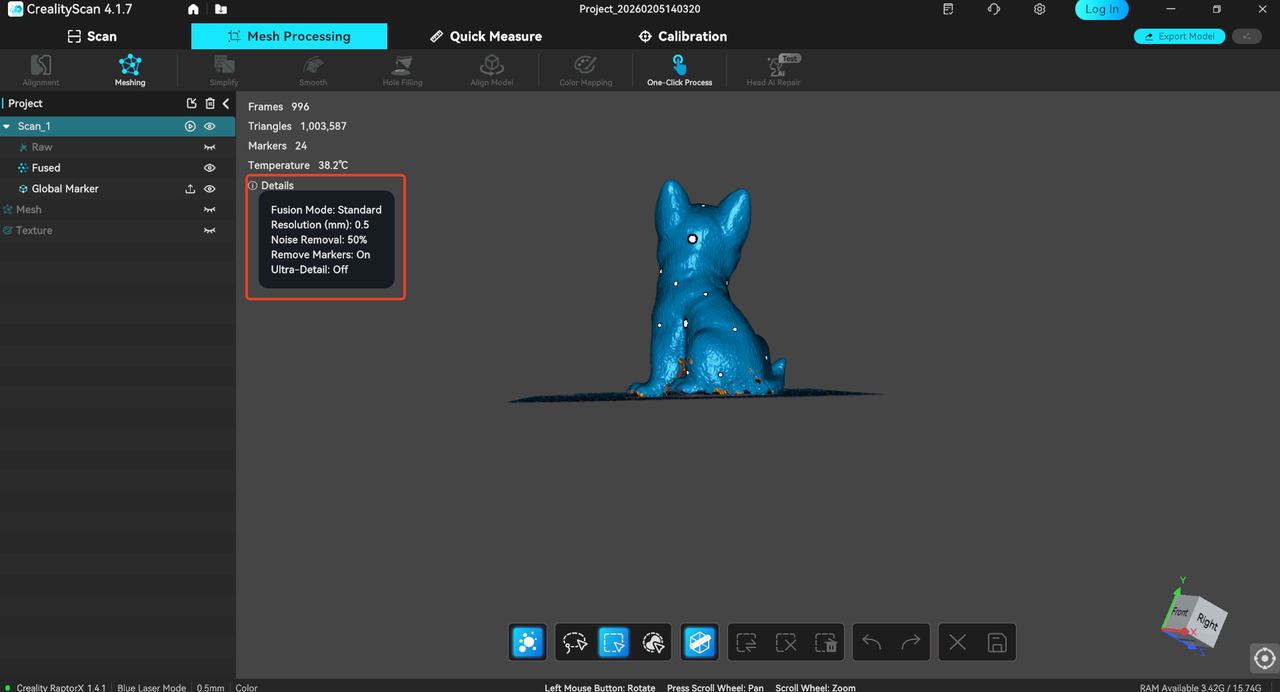
¶ 6. Measurement function - supports area measurement.
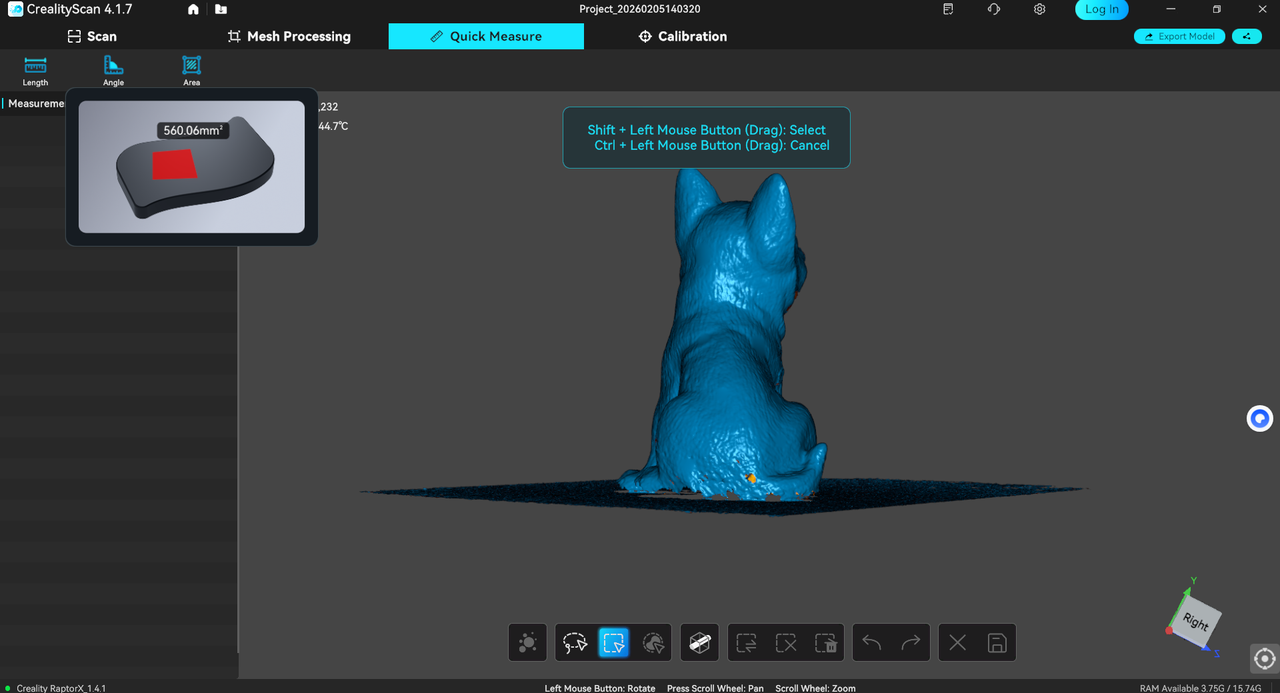
¶ 7. Supports adaptation for Sermoon P1.
¶ Functional Optimization
¶ 1. Measurement function optimized - line/angle line labels are displayed at the top layer.
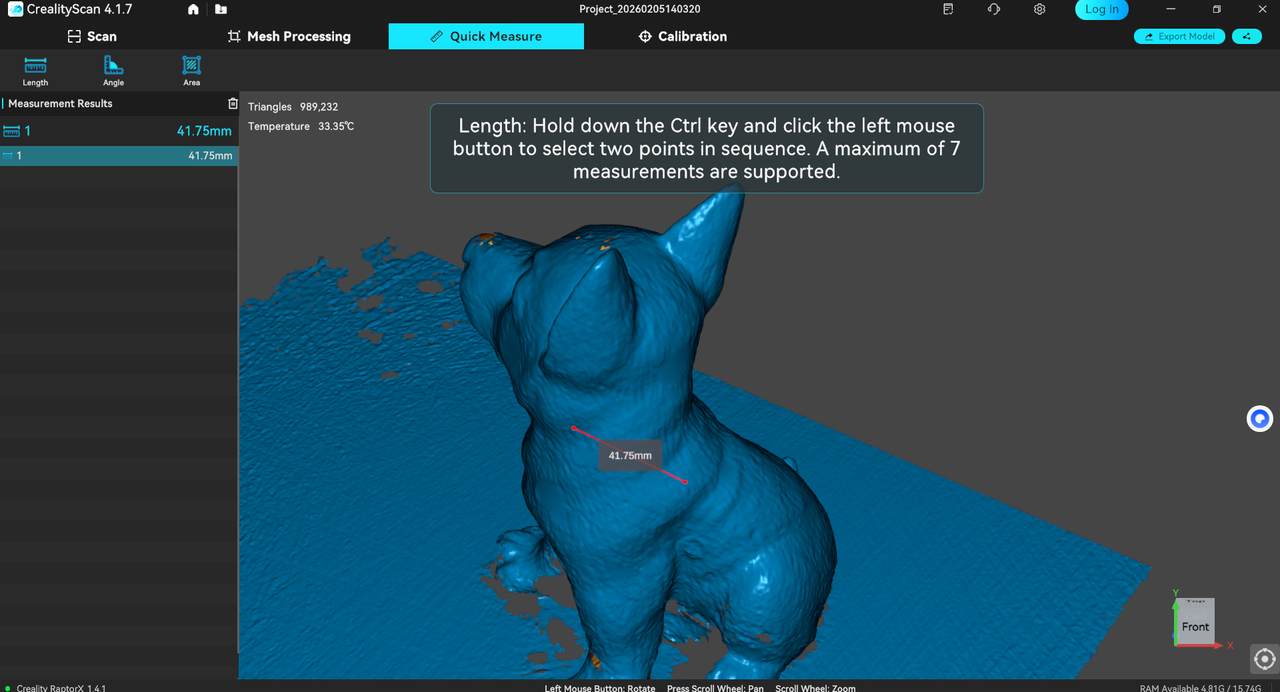
¶ 2. When scanning the QR code for device calibration, a prompt will be displayed if the verification fails.
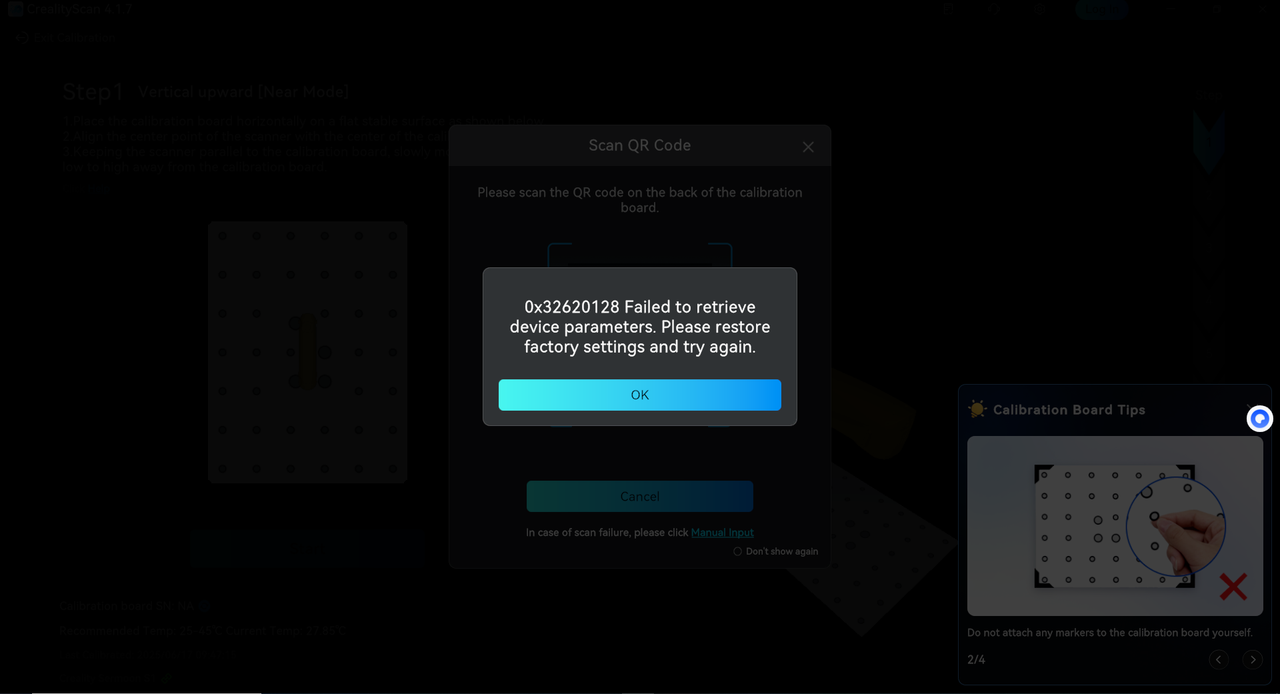
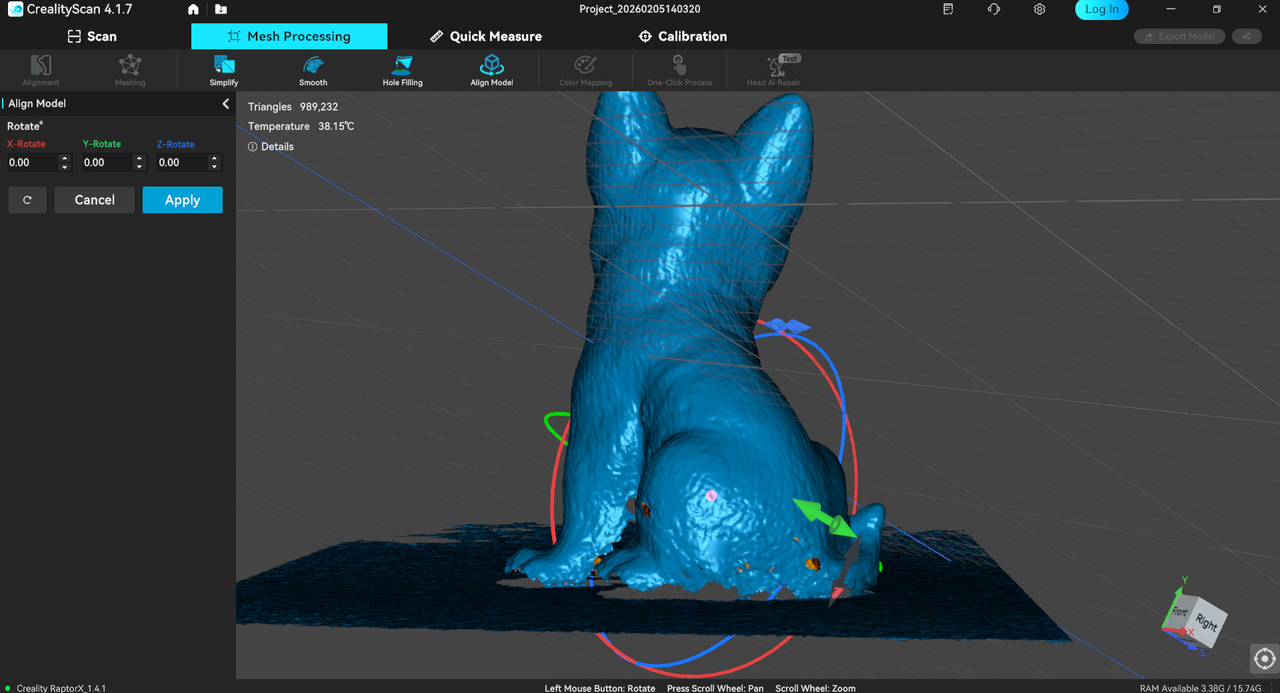
¶ 3. Model alignment optimization - the horizon grid is enabled by default upon entry.
¶ Bug Fixes
- Fixed some other known issues.