¶ New Features
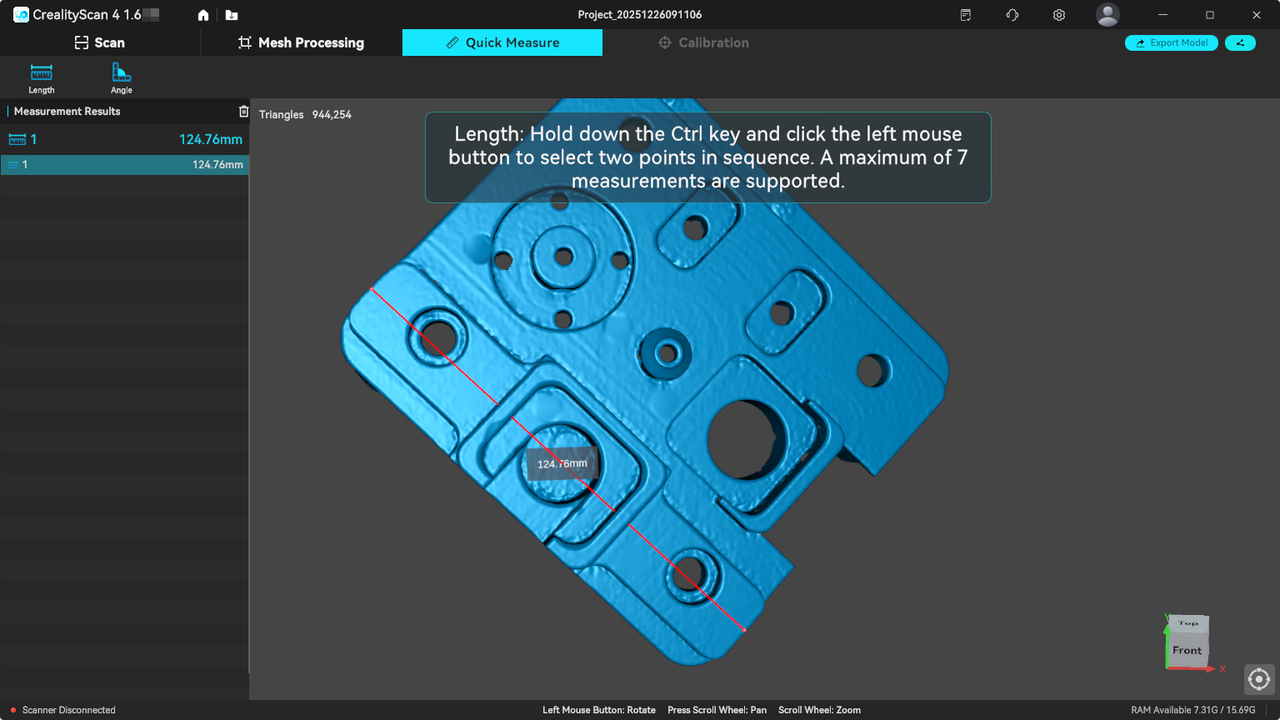
¶ 1. Newly added quick measurement function: Length & Angle
a. Select [Quick Measure] in the mesh file.
b. Click [Length/Angle].
c. Press and hold the Ctrl key and left-click the mouse to select the measurement points in sequence for measurement.
d. Note: This function is for quick comparison only and is not suitable for engineering precision measurement.
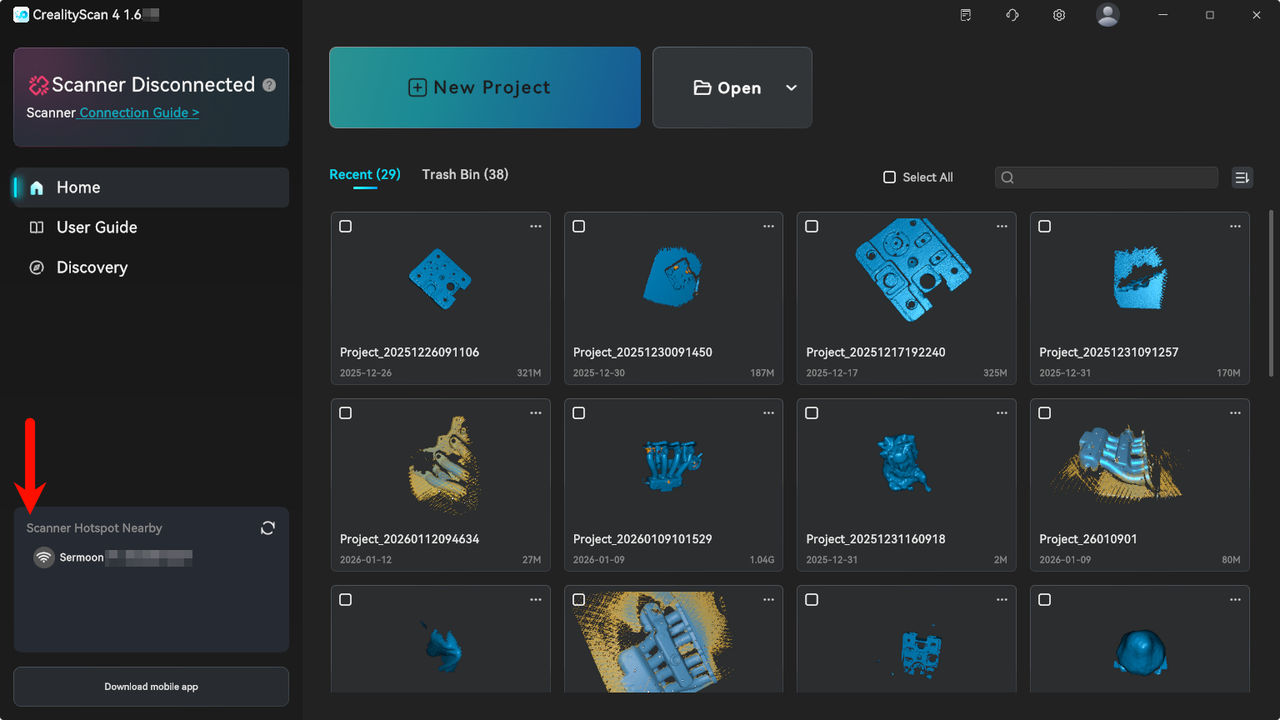
¶ 2. Newly added wireless handle hotspot detection function
The Creality wireless handle hotspot can be detected directly within the software, eliminating the need to configure WiFi connections in the computer system.
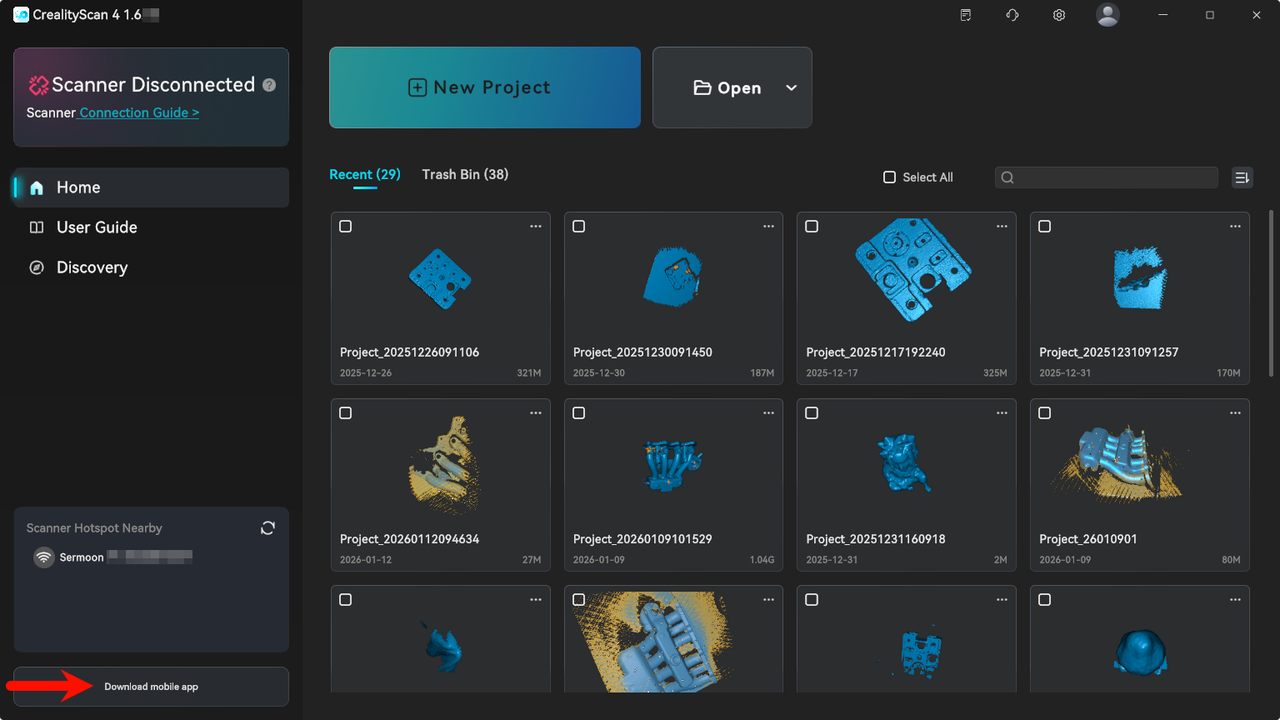
¶ 3. Newly added mobile download entry
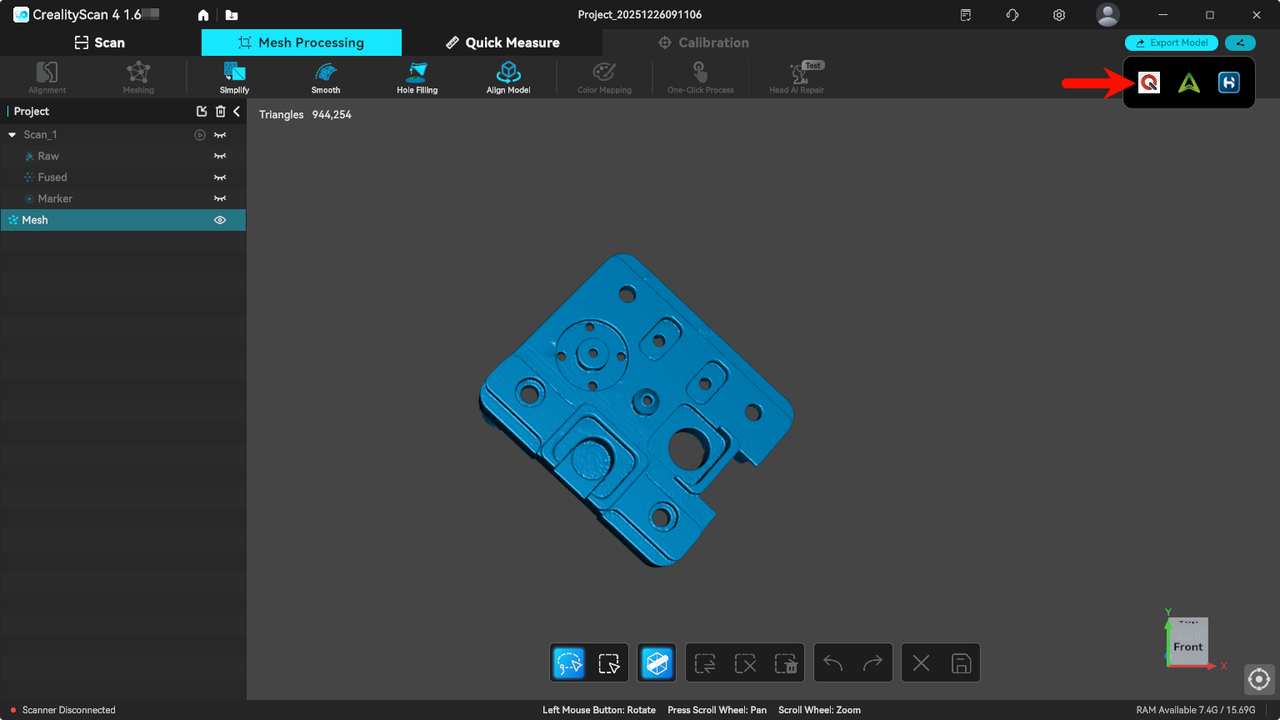
¶ 4. Added sharing to QuickSurface
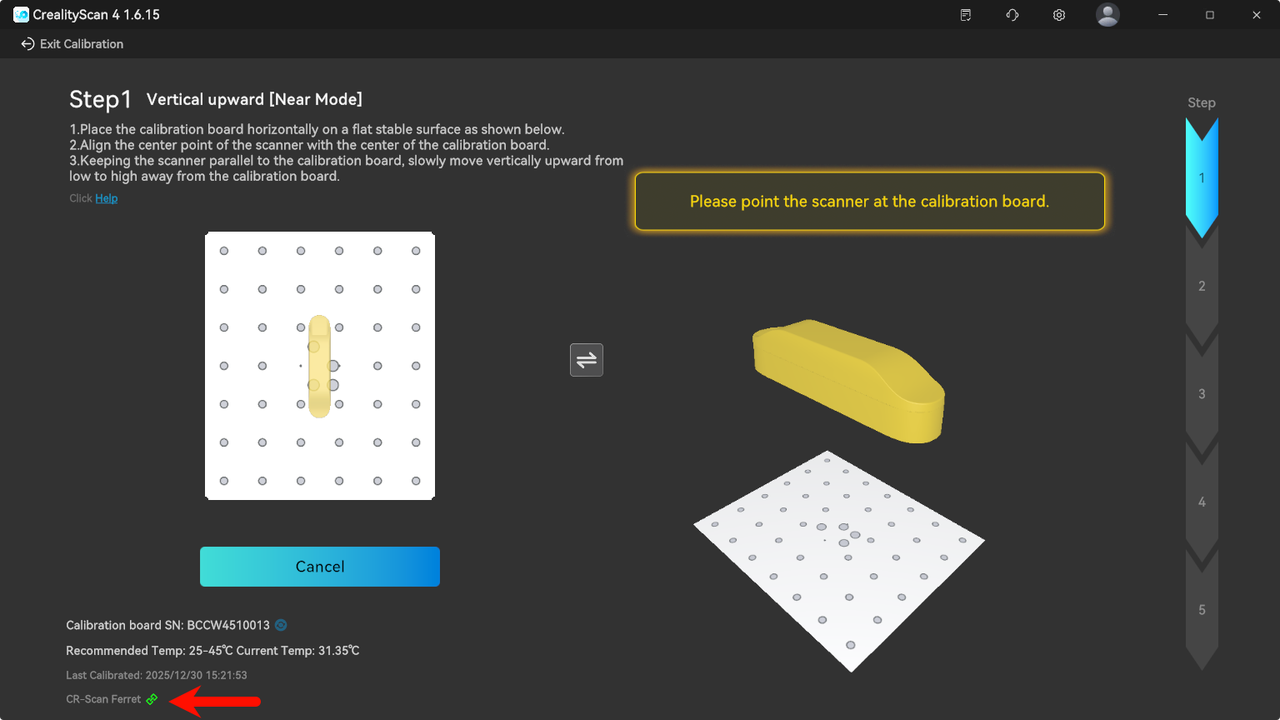
¶ 5. Added calibration support for Ferret series
¶ Functional Optimization
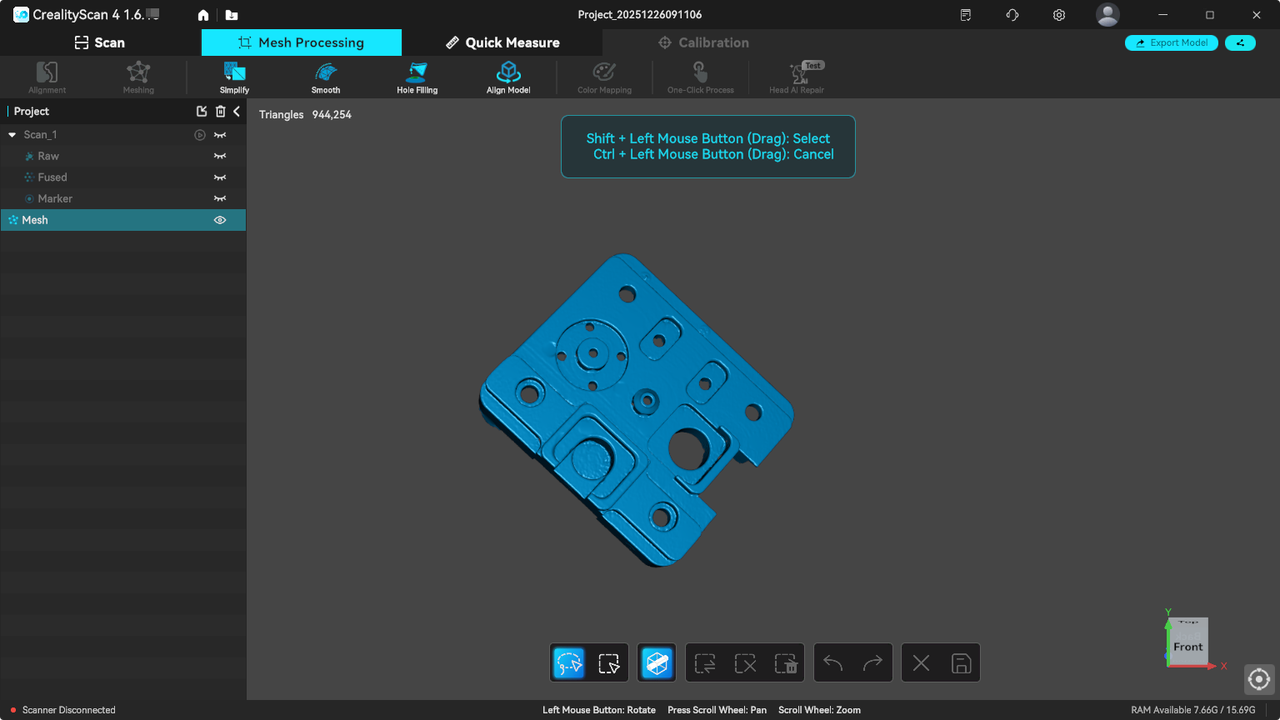
¶ 1.Simplified mesh editing (smooth, simplify, hole filling) operations
— no need to access secondary pages.
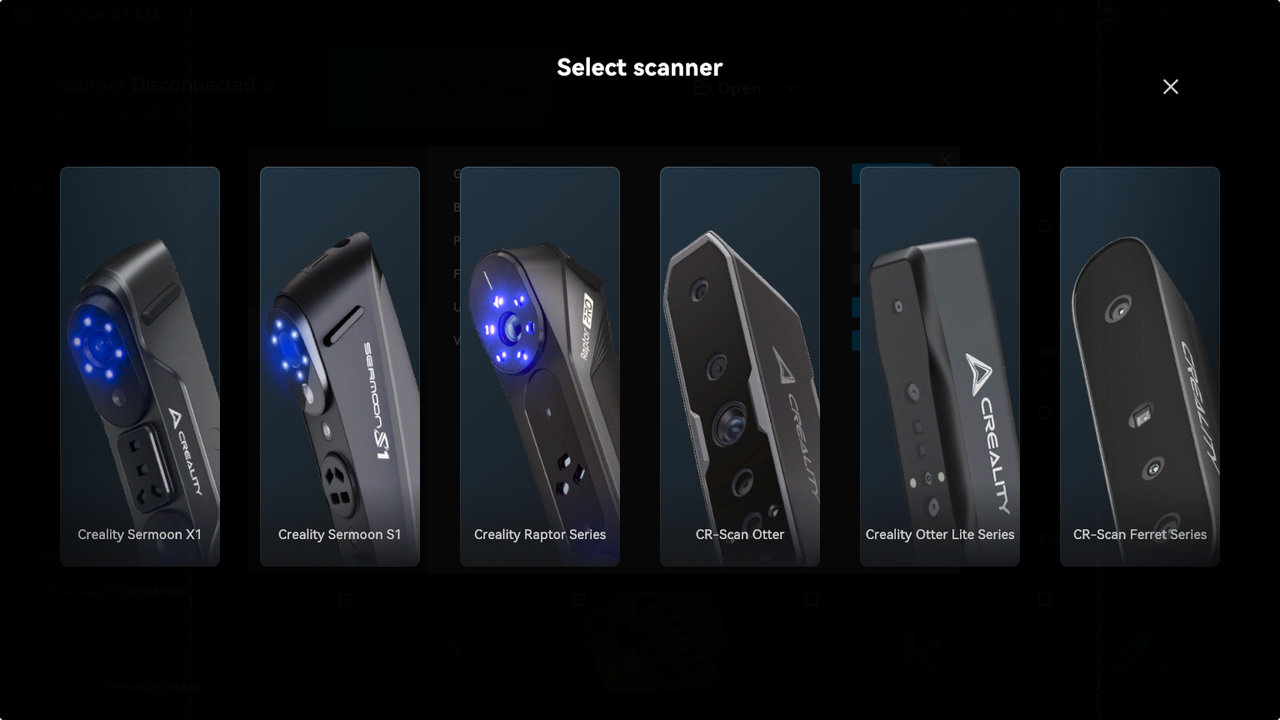
¶ 2. Optimized style and popup timing of Get Started
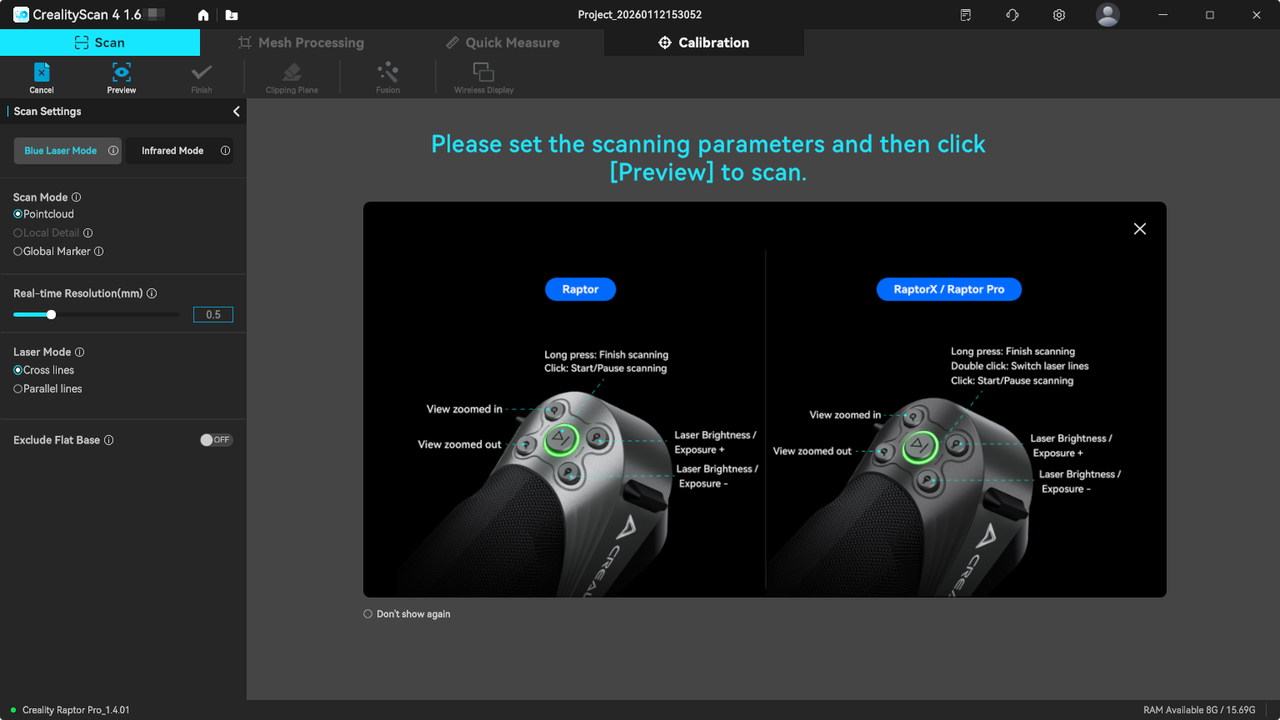
¶ 3. Added popup guide for physical buttons upon entering the scanning page
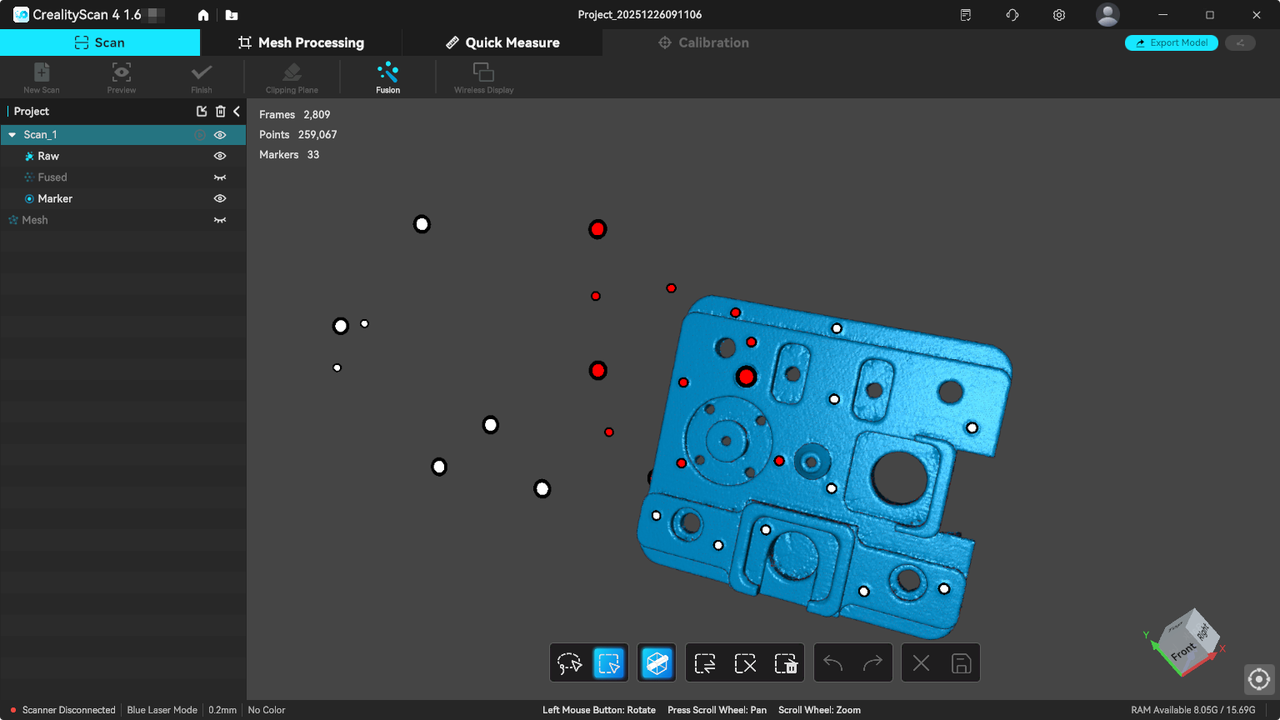
¶ 4. The showing or hiding of the raw point cloud and markers does not affect each other's selection status
-After selection, both markers and point cloud will be selected simultaneously, facilitating quick hiding of markers and preventing accidental deletion of markers.
¶ 5. Optimized categorization of the settings panel
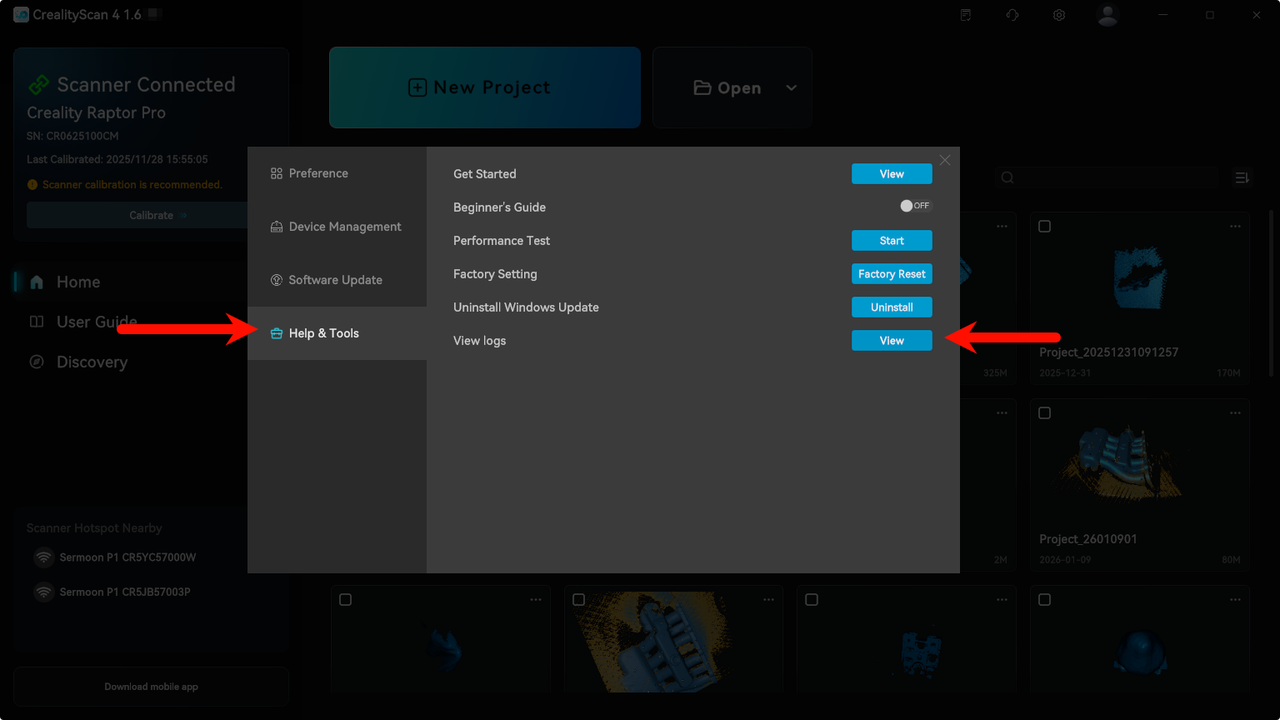
Help & Tools has been moved out from Preference. ⚠️The log viewing feature has been moved to the [Help & Tools] Tab.
¶ Bug Fixes
- Fixed the issue where deleted parts are restored when deselecting during editing.
- Optimized the maximum zoom level limit of the view.
- Fixed some other known issues.