¶ Filament Profile Update Guide
¶ Introduction
When you get a new roll of filament, please follow the steps below to update and configure the filament profile in Creality Print.
¶ Operation Steps
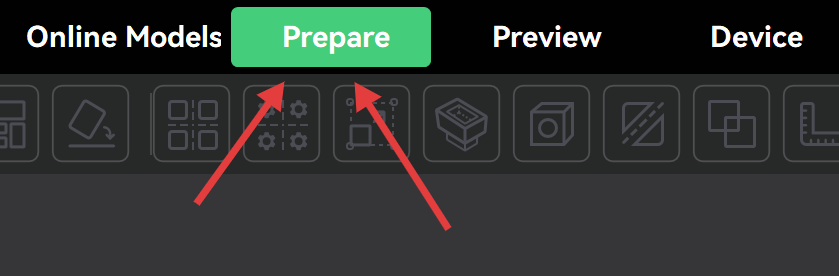
¶ Step 1: Open Creality Print and click Prepare
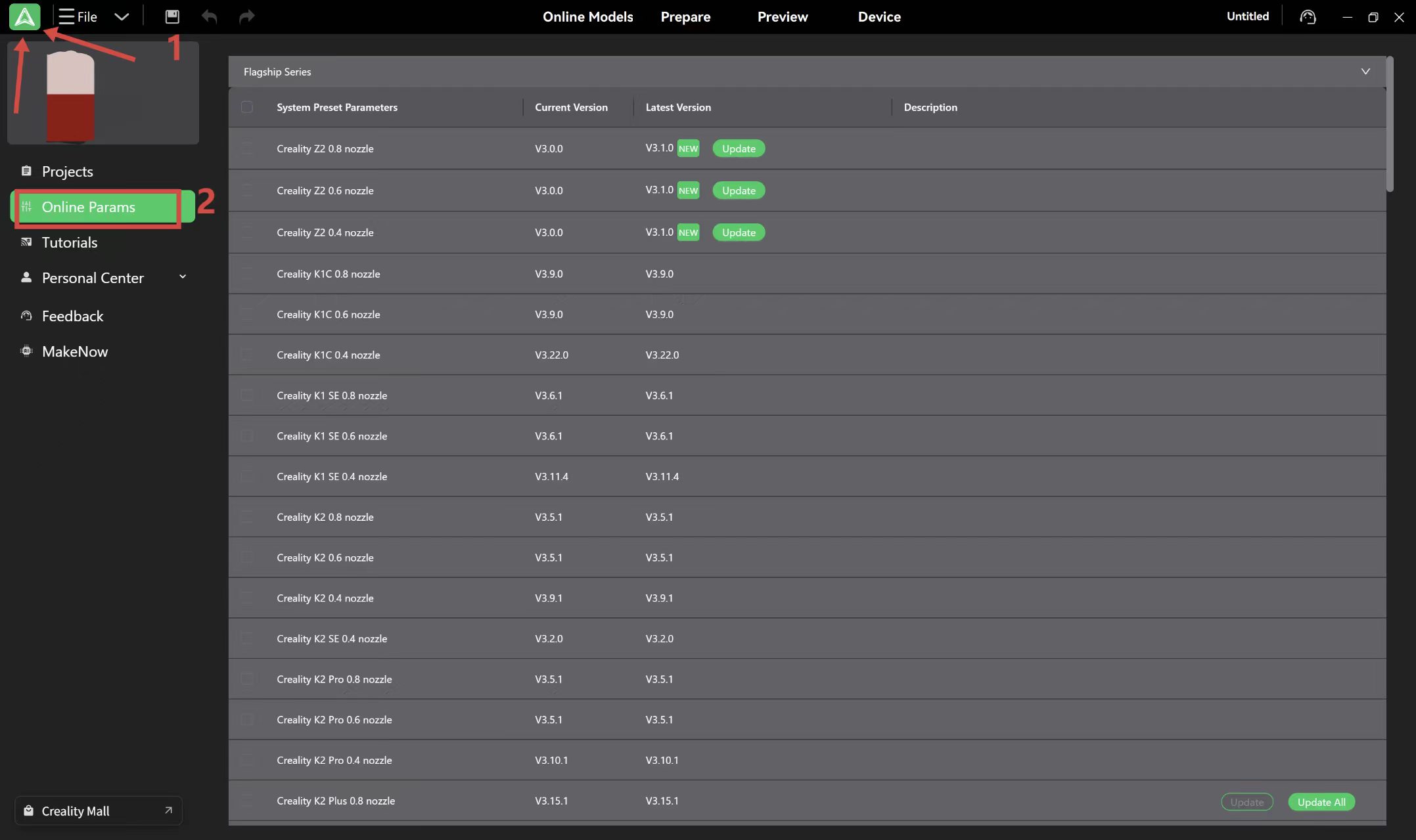
¶ Step 2: A parameter package update tips will pop up in the lower-left corner of the software. Click Details on the right side of the dialog to proceed with the update. If no prompt appears, click the Creality logo in the upper-left corner, then select Online Parameters to check and update manually
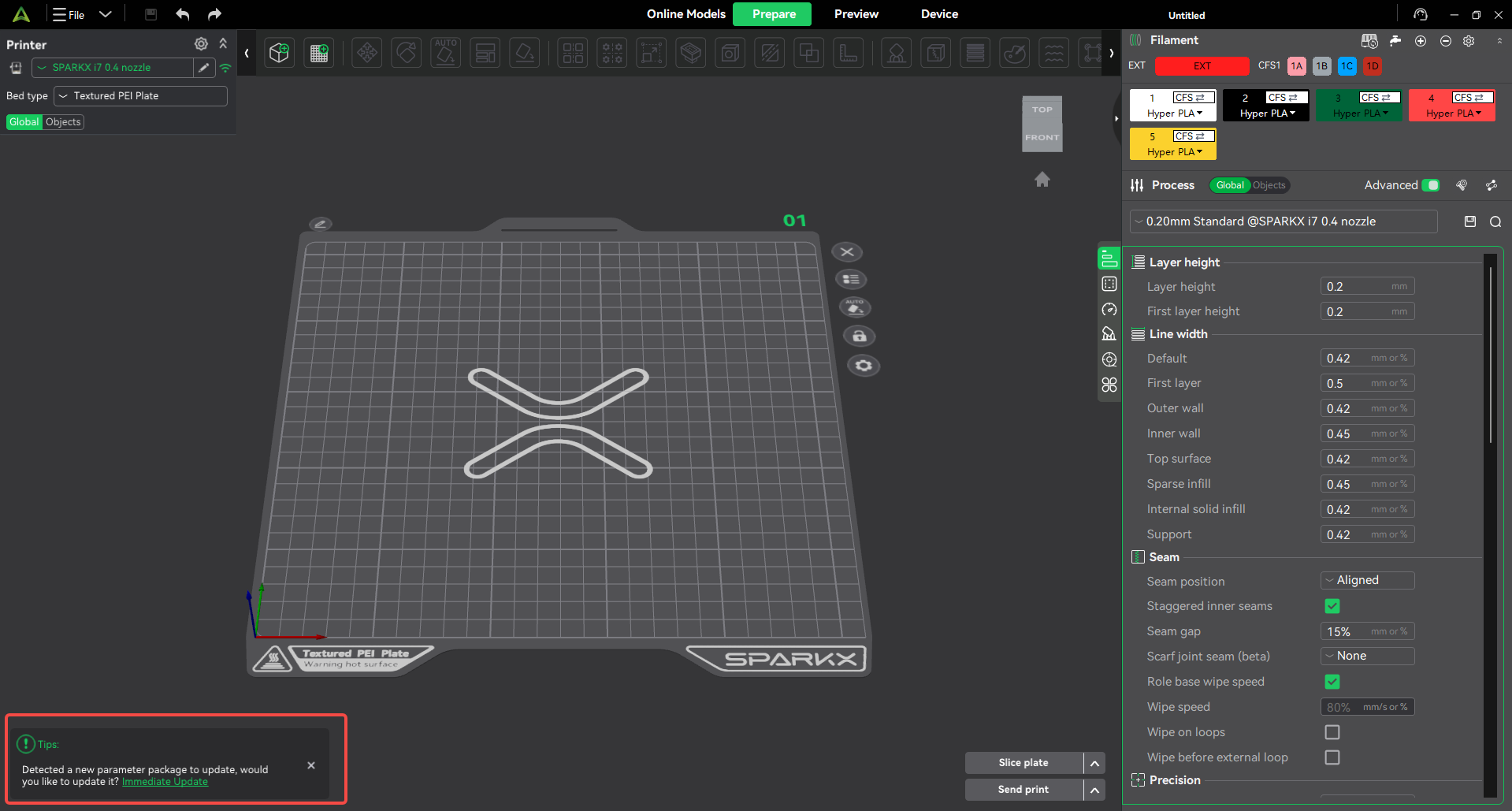
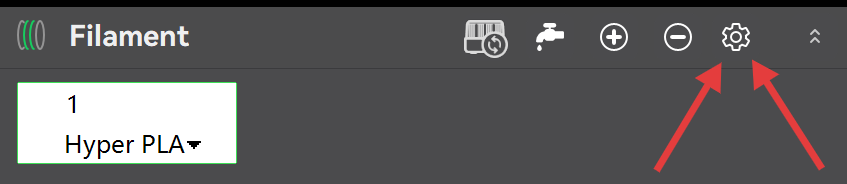
¶ Step 3: The filament interface will be displayed on the right side of the screen. Please click the small gear icon in the upper right corner
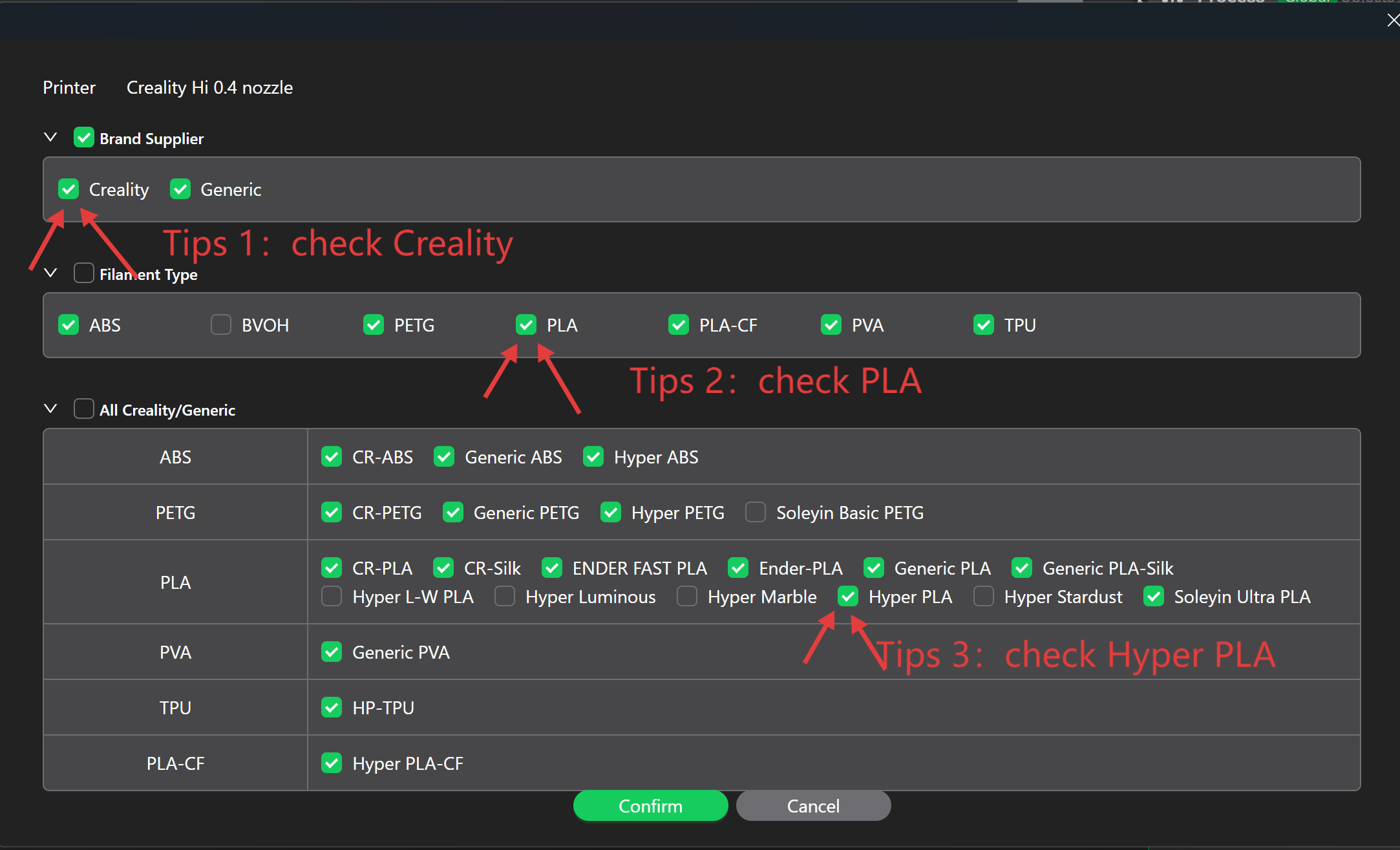
¶ Step 4: In System Materials, find the new filament (taking Creality Hyper PLA as an example), check the box, and click Confirm in the lower right corner

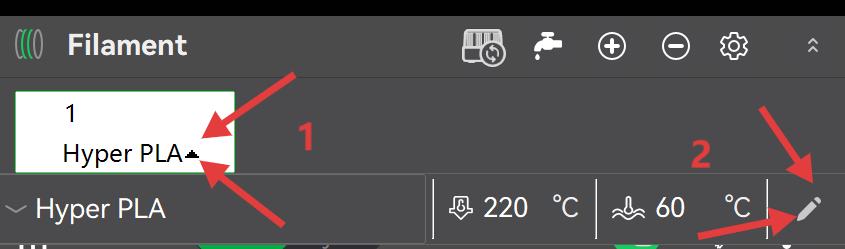
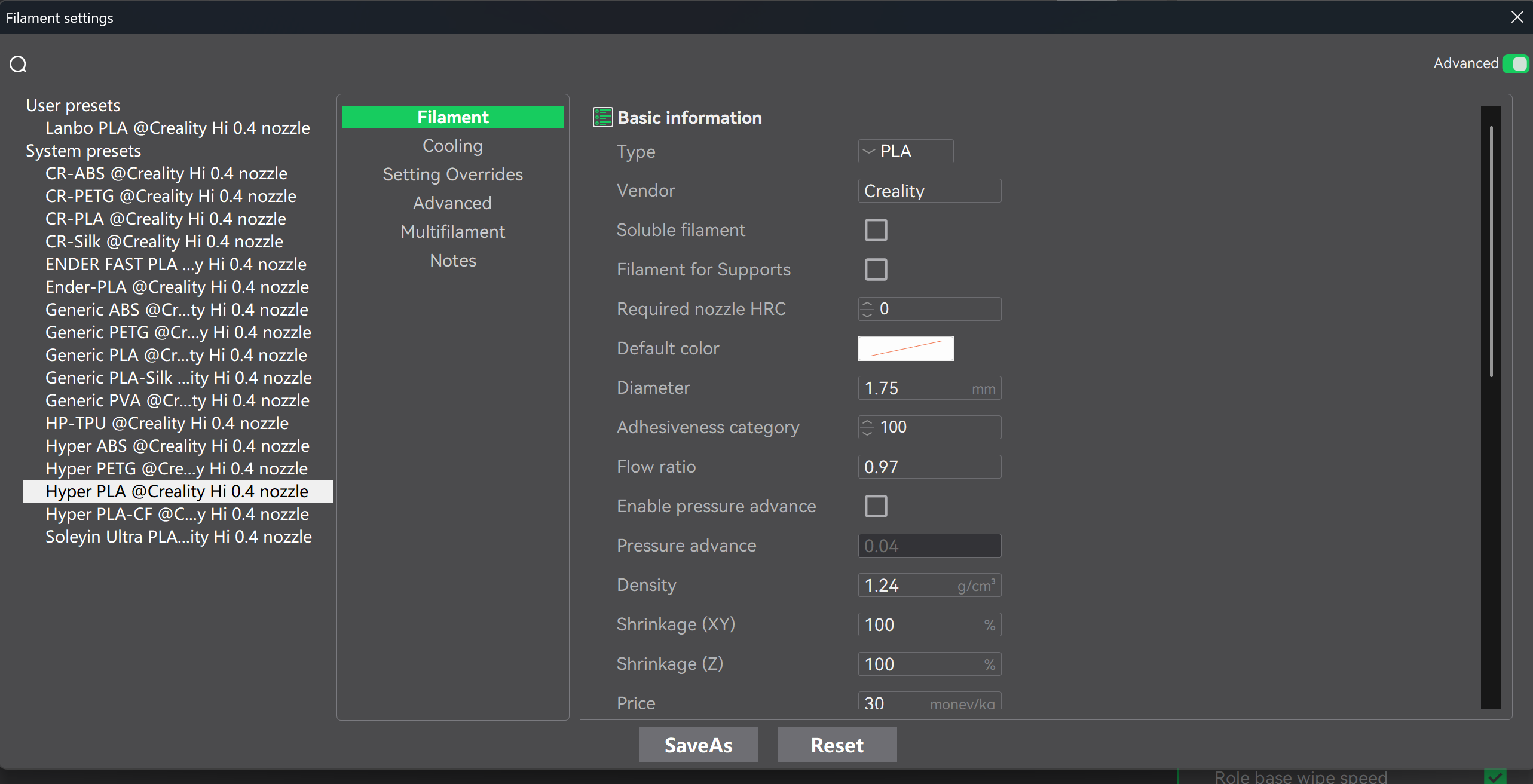
¶ Step 5: If you have third-party filaments, you can customize settings based on existing profiles in the system material library. First, click the drop-down arrow to the right of the filament name, then adjust relevant parameters (such as printing temperature range, hot bed temperature, volumetric speed, flow ratio, etc.) according to the third-party filament spool information or through calibration tools in the slicing software
¶ Step 6: Update complete. You can now select the new filament from the Filament dropdown