¶ Method 1
¶ Direct Download from Official Website
• Open your browser and enter Creality
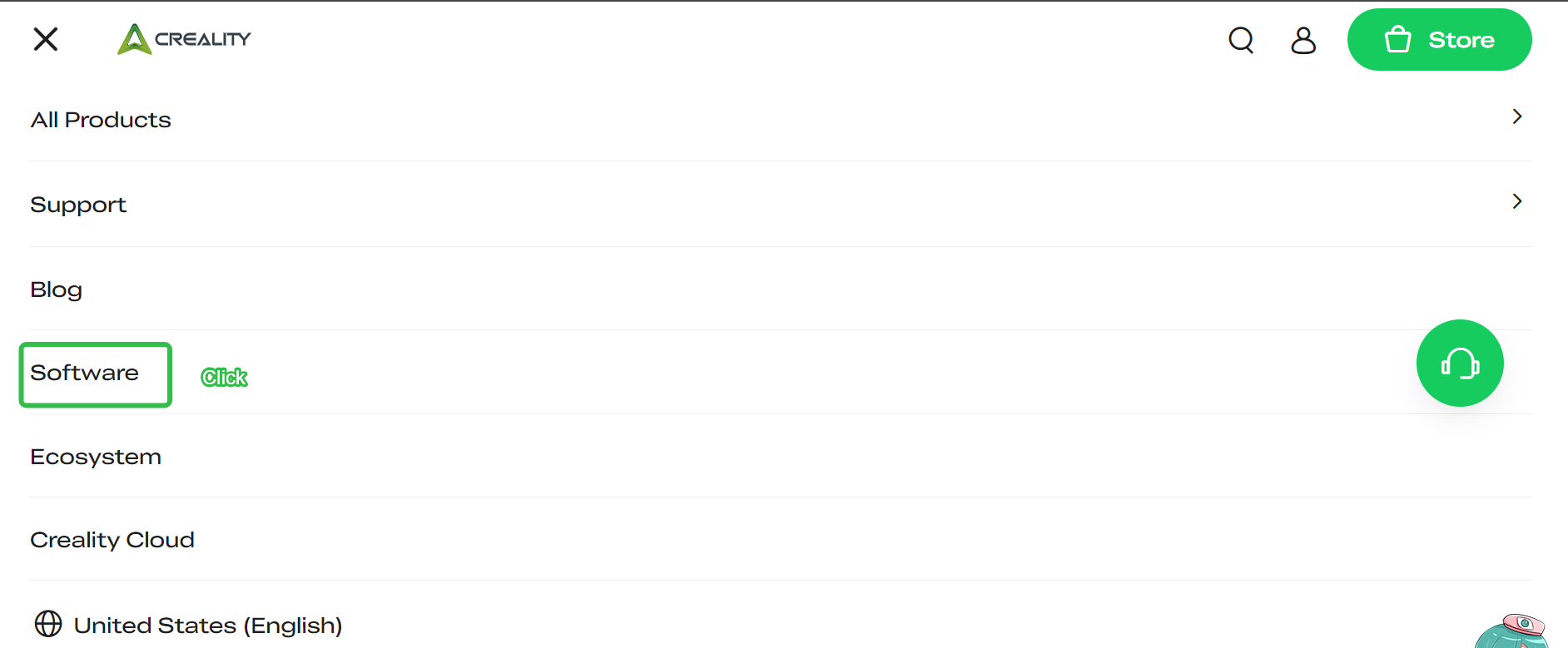
• Click the top left navigation bar.

• Click on "Software" in the top navigation bar;
• Scroll the page down then find “Browse by Product Category”.
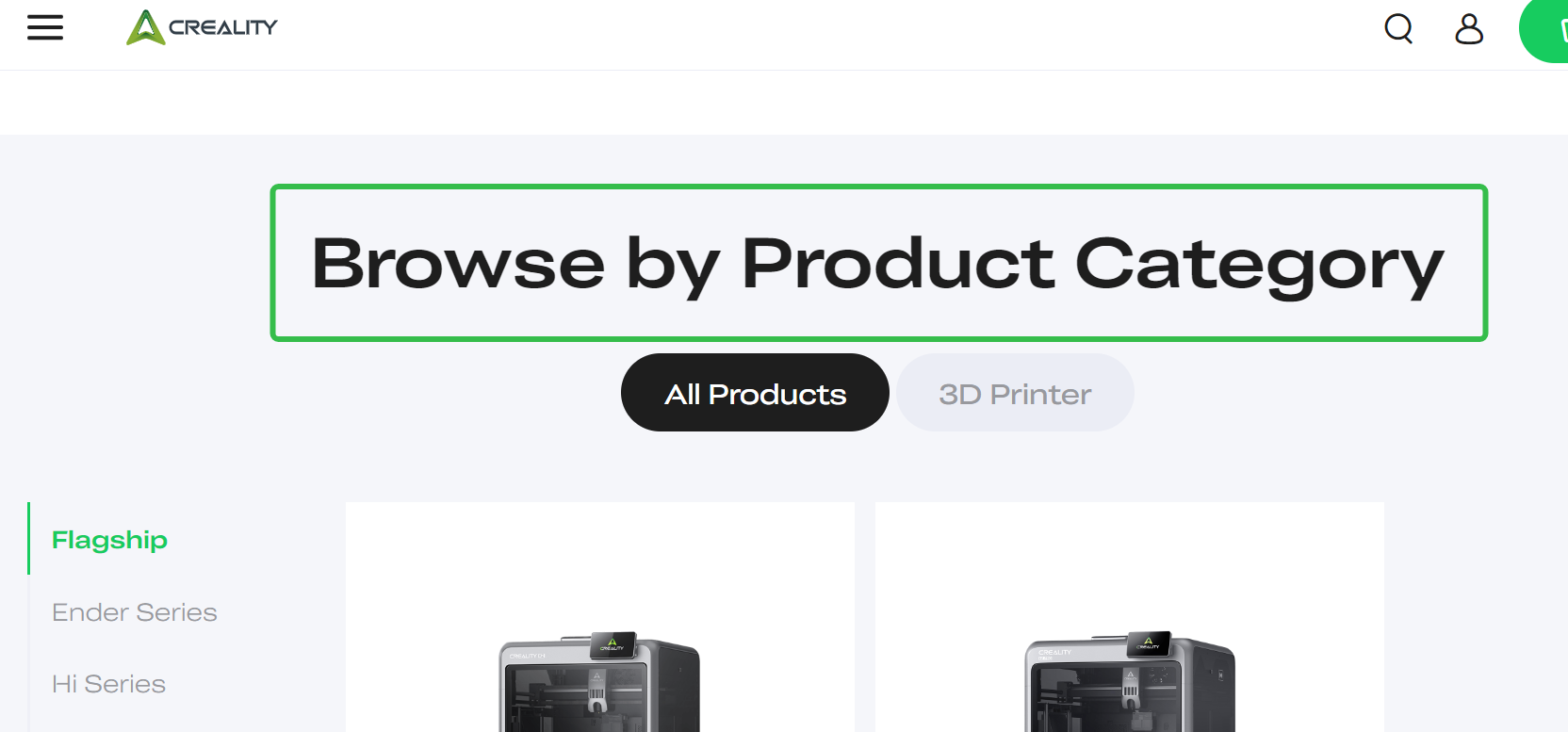
¶ Locate your device category
• Select your specific model from the product list;
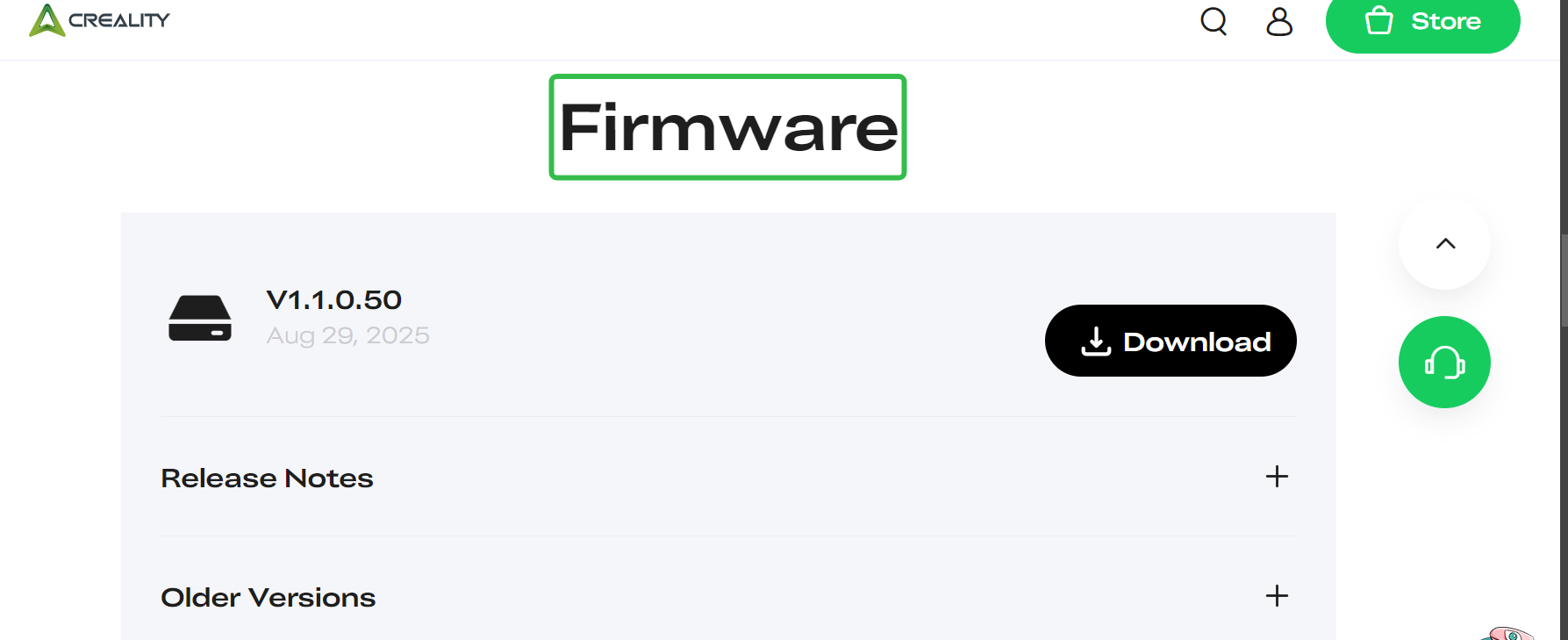
• On the product page, scroll to the "Firmware" section;
• Select and download the firmware version suitable for your device.
¶ Method 2
¶ Download from Creality Cloud
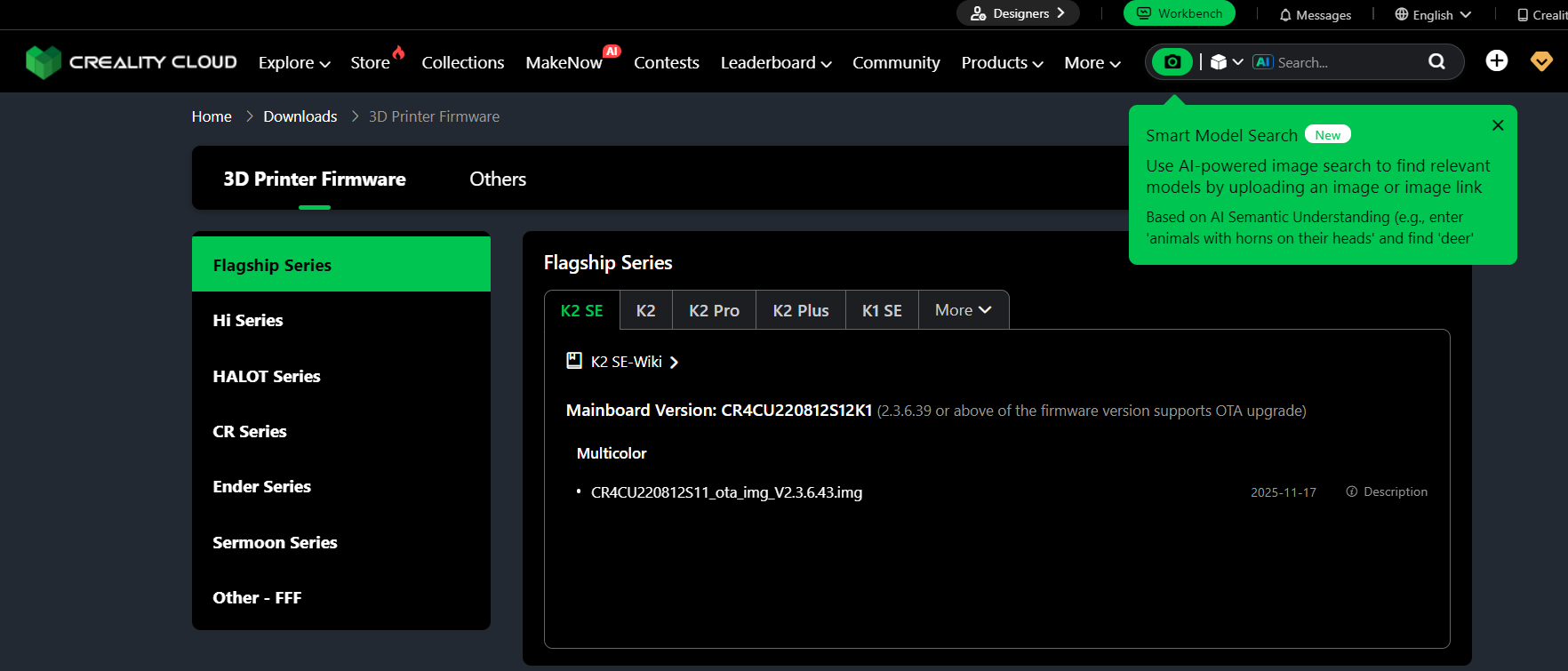
• Open your browser and enter "Creality Cloud".
• On the top bar of the website, click “More”.
• Choose “Downloads”.


• Select and download the appropriate firmware for your device from the search results.
¶ Tips
▸ Please confirm your exact printer model before downloading;
▸ It is recommended to use a computer for firmware download and update operations;
▸ If you encounter problems, you can contact cs@creality.com for help.