¶ Troubleshooting
¶ Problem Phenomenon
The Z-axis may occasionally stop moving during the printing process.
¶ 1. Upgrade to the Latest Firmware
Please contact our After-Sales email (after@piocreat3d.com) to get the latest firmware package.
¶ 2. Check the Photoelectric Sensor
Use an object to block the sensor's beam.
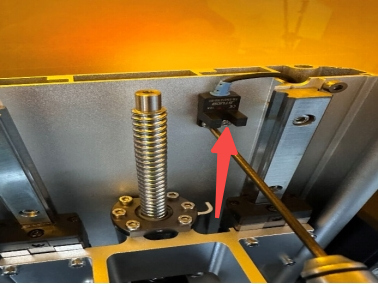
Normal Behavior: The sensor's indicator light is normally red. The light should turn off when the sensor is blocked.
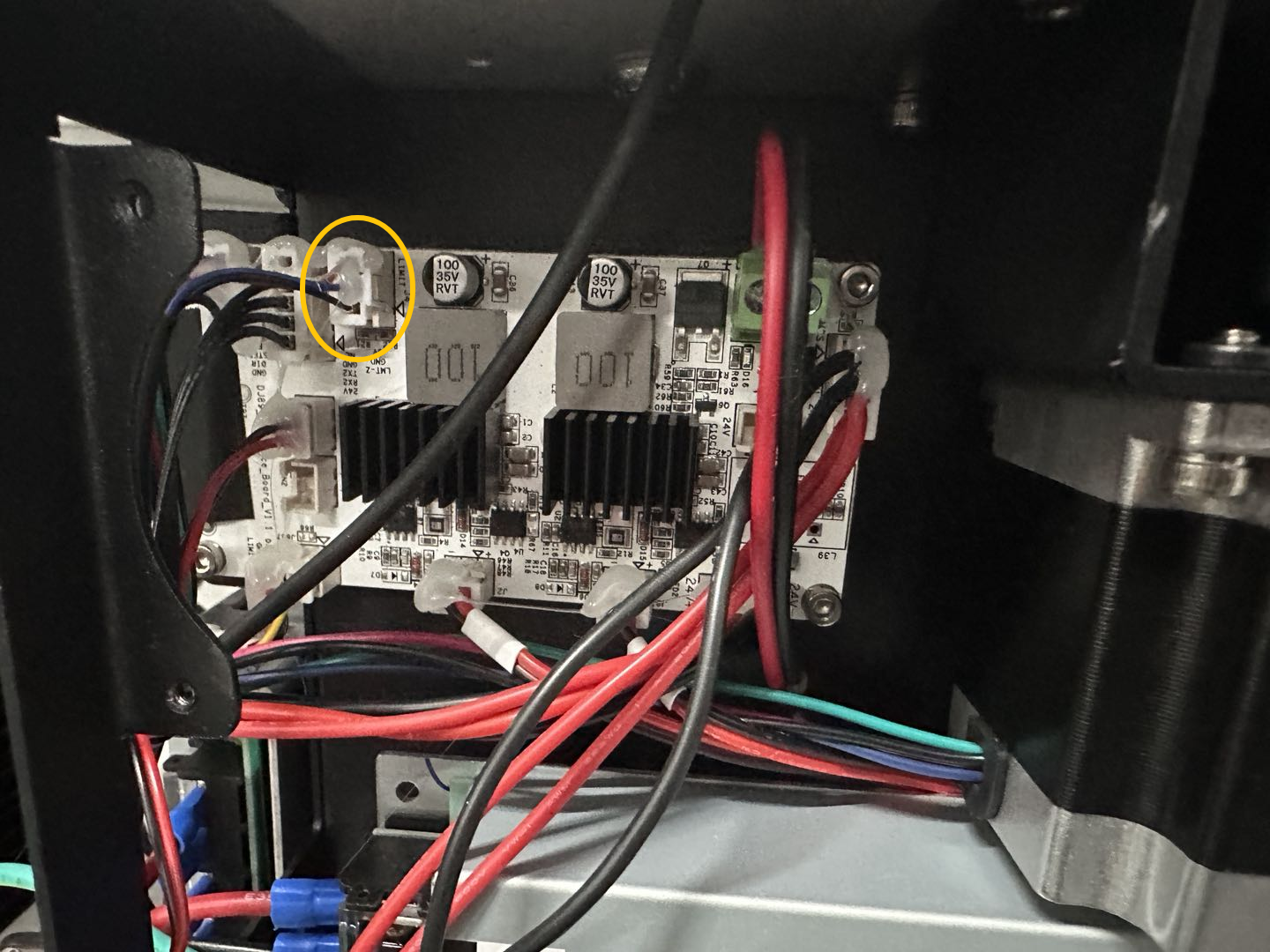
If the light is always off: Reseat the photoelectric sensor connector on the mainboard.