¶ Troubleshooting
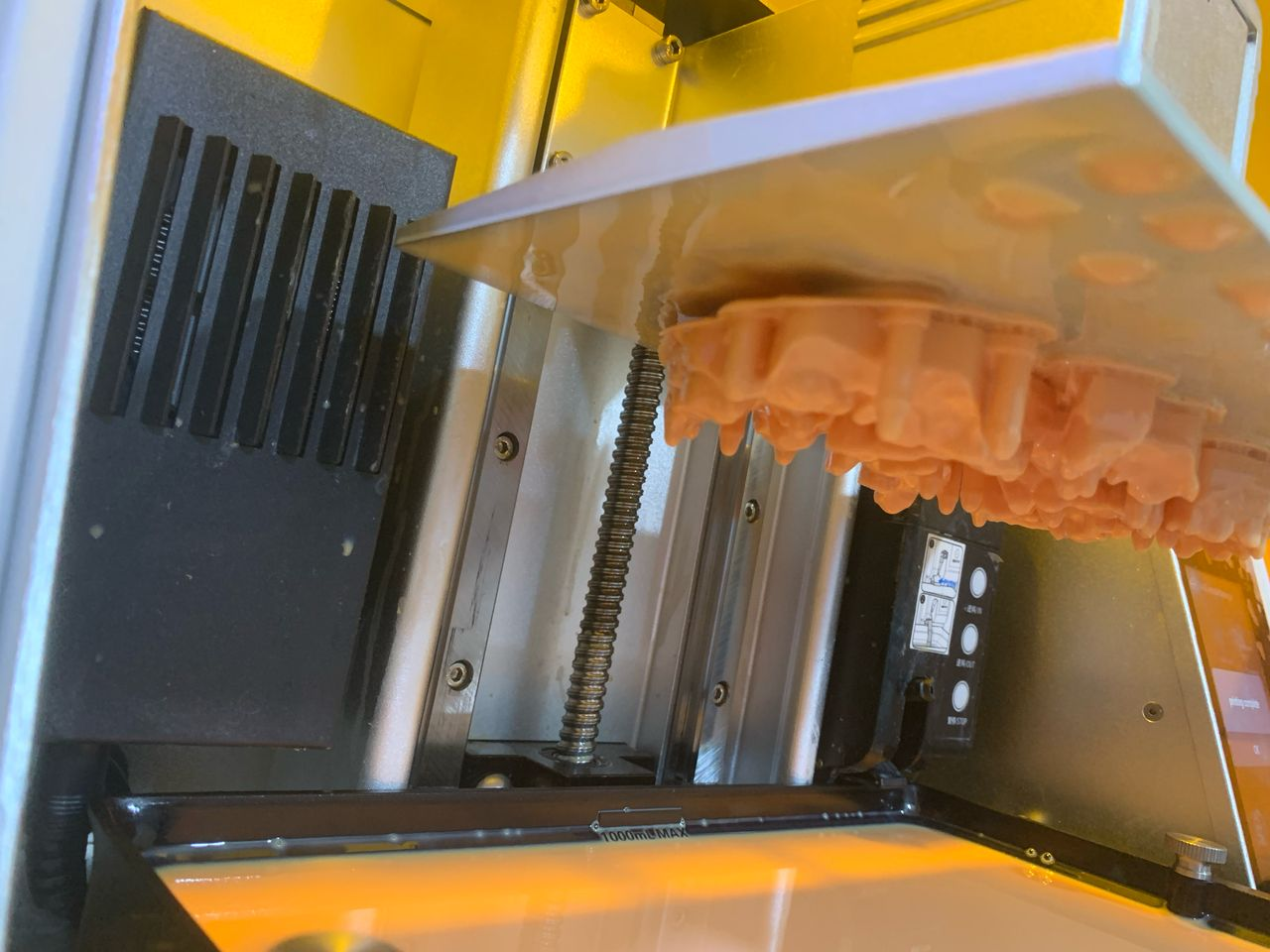
¶ 1. The gap between the platform and the release film is too large.
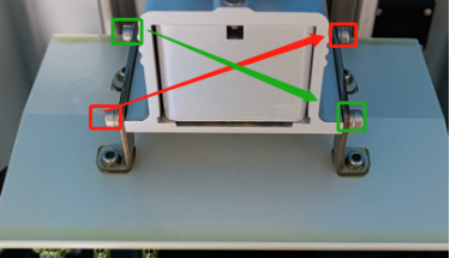
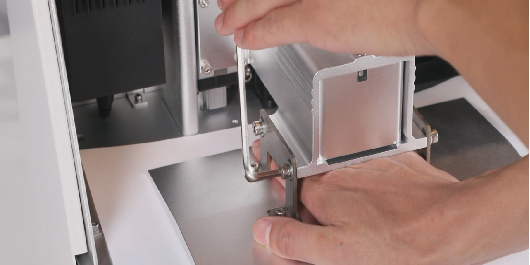
- Re - level the platform with a piece of A4 paper (Reference video: https://youtu.be/kQ0yooRZ6d0. In the video, a calibration card is used for leveling. It is recommended to use A4 paper in actual operation). Pay attention to locking the screws diagonally. After leveling, slowly pull out the A4 paper and feel the friction of the paper. If the friction on one side is very small or almost non - existent, it means the leveling is not done well and you need to level it again.
- If the problem cannot be solved after proper leveling with the A4 paper, you can try to level it without the A4 paper.
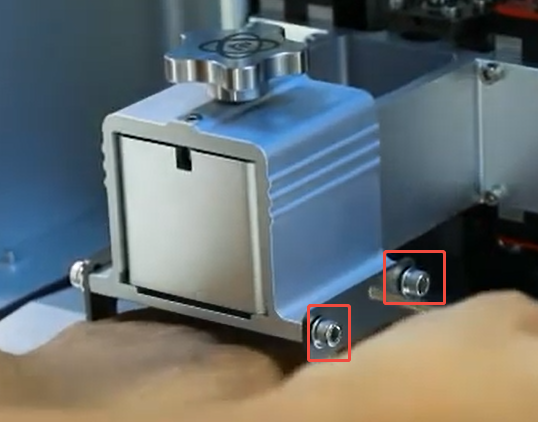
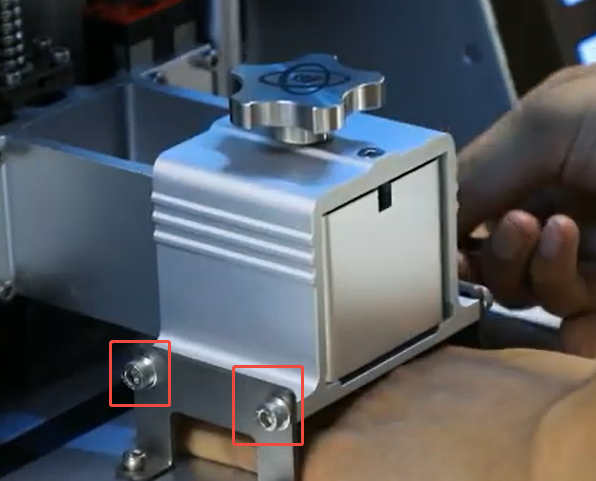
¶ 2. The screws of the molding platform are not tightened.
- After leveling, make sure to tighten the screws of the molding platform in a diagonal order.
¶ 3. The bottom exposure time is too short.
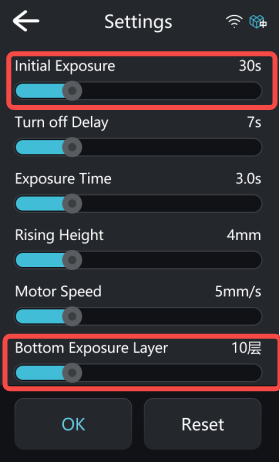
- Increase the initial exposure time and the number of layers. You can set the initial exposure time to 60 seconds first. If the printing is normal, you can gradually reduce the initial exposure time to shorten the printing duration.
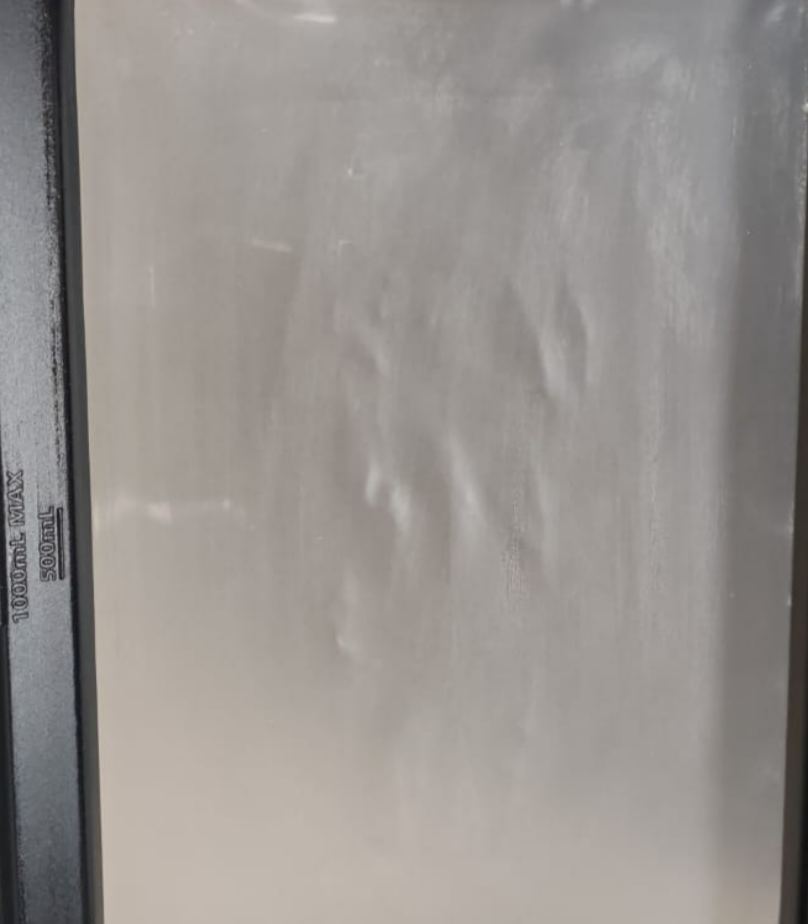
¶ 4. The release film is loose.
- Replace the release film (Reference video: https://youtu.be/FbvqA5OwcXU).
- The release film is a consumable item. It is recommended to replace it every 10 - 20 prints.
¶ 5. The platform is too smooth.
- Use a spatula to make several scratches on the platform or sand the platform.
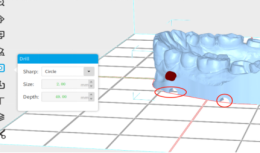
¶ 6. No holes were punched at the bottom during slicing.
Especially for hollow models, it is necessary to punch holes. Otherwise, the negative pressure of the vacuum will cause the model to crack.
- When slicing, evenly create four semi - circular holes at the bottom of the dental model to relieve the negative pressure.
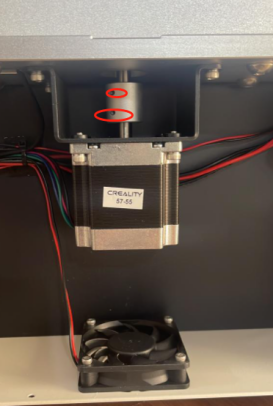
¶ 7. The Z - axis is not locked.
- Tighten the coupling of the motor.
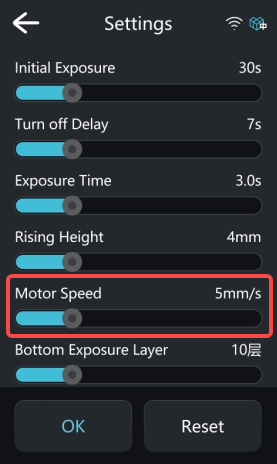
¶ 8. The motor speed is too fast.
- You can set the motor speed to 2 mm/s. If the printing is successful, you can gradually increase the motor speed.