¶ Troubleshooting
¶ Problem Phenomenon
The printed model shows a significant deviation in height along the Z-axis compared to the designed model, being either noticeably taller or shorter.
¶ 1. Slicer Software Settings
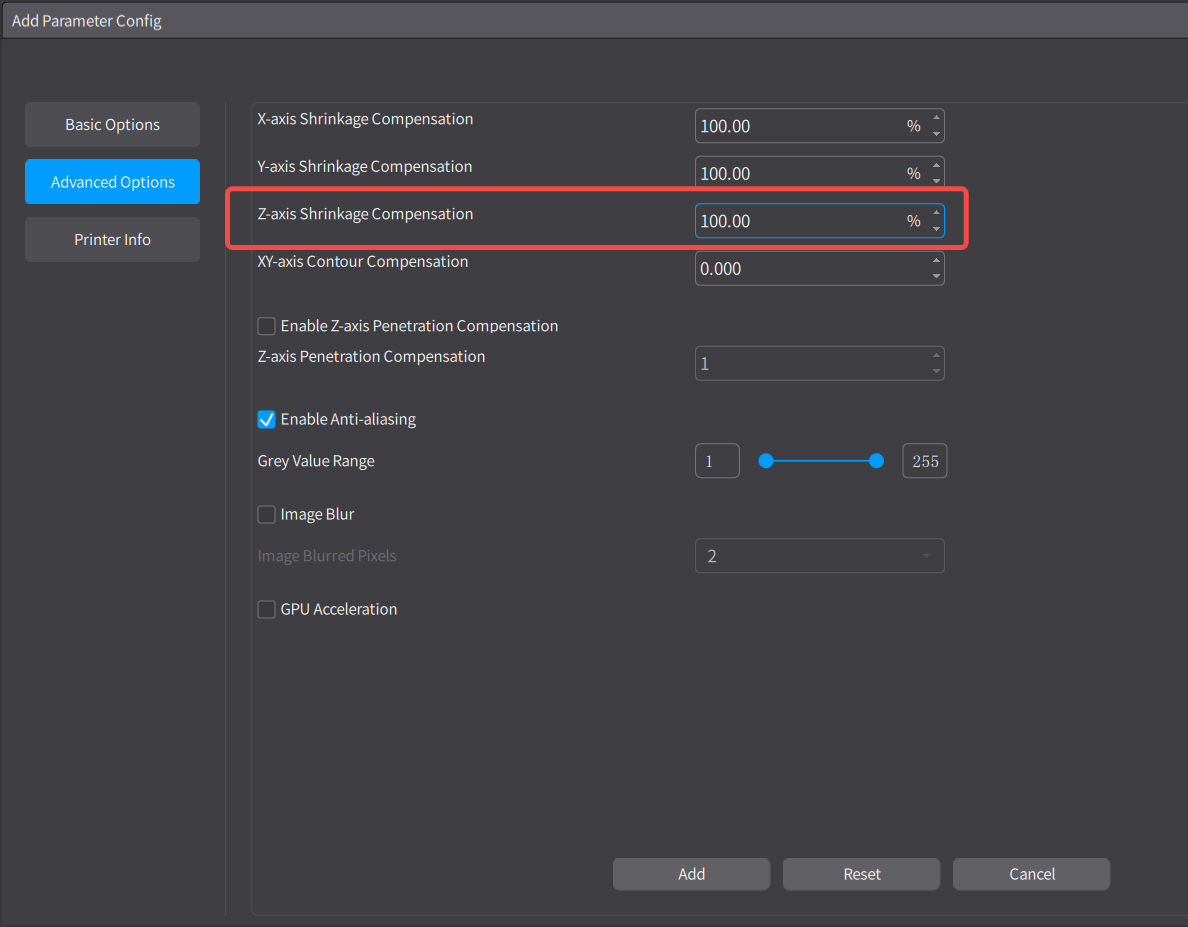
Check the advanced settings of the print parameters in the slicing software to see if the Z-axis shrinkage compensation
has been modified. The default value is typically 100%.
¶ 2. Loose Coupler
After starting the device, remove the build plate and the resin vat. Try to press down on or lift the Z-axis by hand to see if it moves.
-
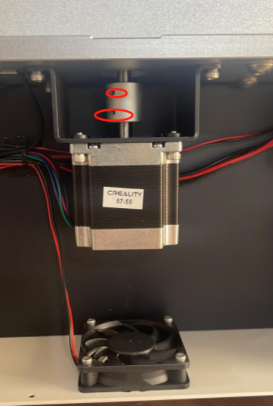
If the Z-axis can be moved by hand: Open the rear cover and check if the coupler's fixing bolts are loose.
-
If they are loose, tighten the bolts and test again.
-
If the bolts are not loose, replace the coupler with a new one.