¶ Troubleshooting
¶ Problem Phenomenon
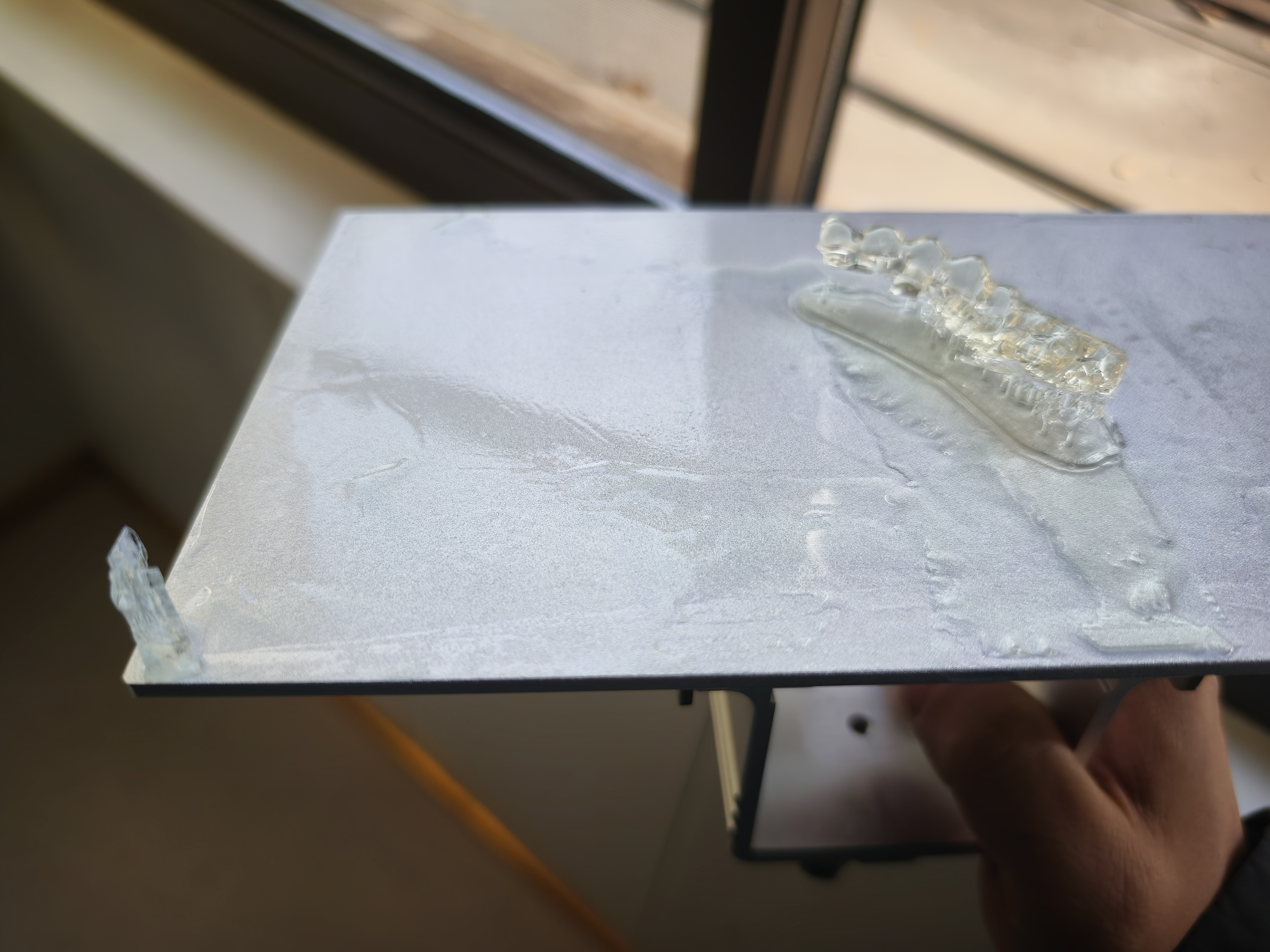
After a print is completed, extra unwanted cured resin fragments are found on the build plate alongside the actual model.
¶ 1. Check the LCD Screen Cable
- Open the front cover of the machine and inspect the cable on the LCD screen's flexible cable for any damage.
- Re-seat the cable connection firmly.
- Remove the resin vat and the build plate.
- Run a tank cleaning or exposure test file.
Expected Normal Result:
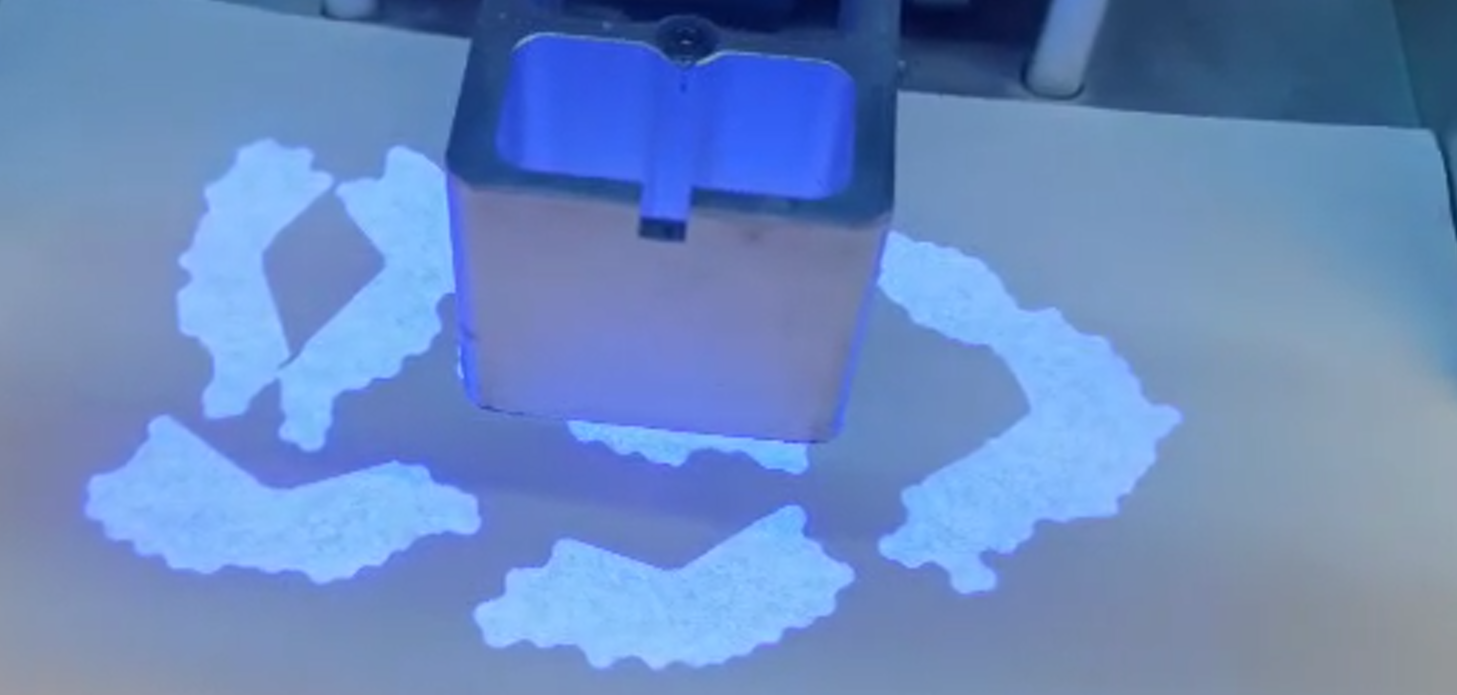
- When the first layer should be exposed, onlythe image of your model should be displayed on the screen.
Abnormal Result Indicating a Fault:
- If any extra patterns, light areas, or a full bright screen appear in addition to (or instead of) the model's image, the LCD screen is damaged and needs replacement.
¶ 2. Residual Cured Resin in the Vat
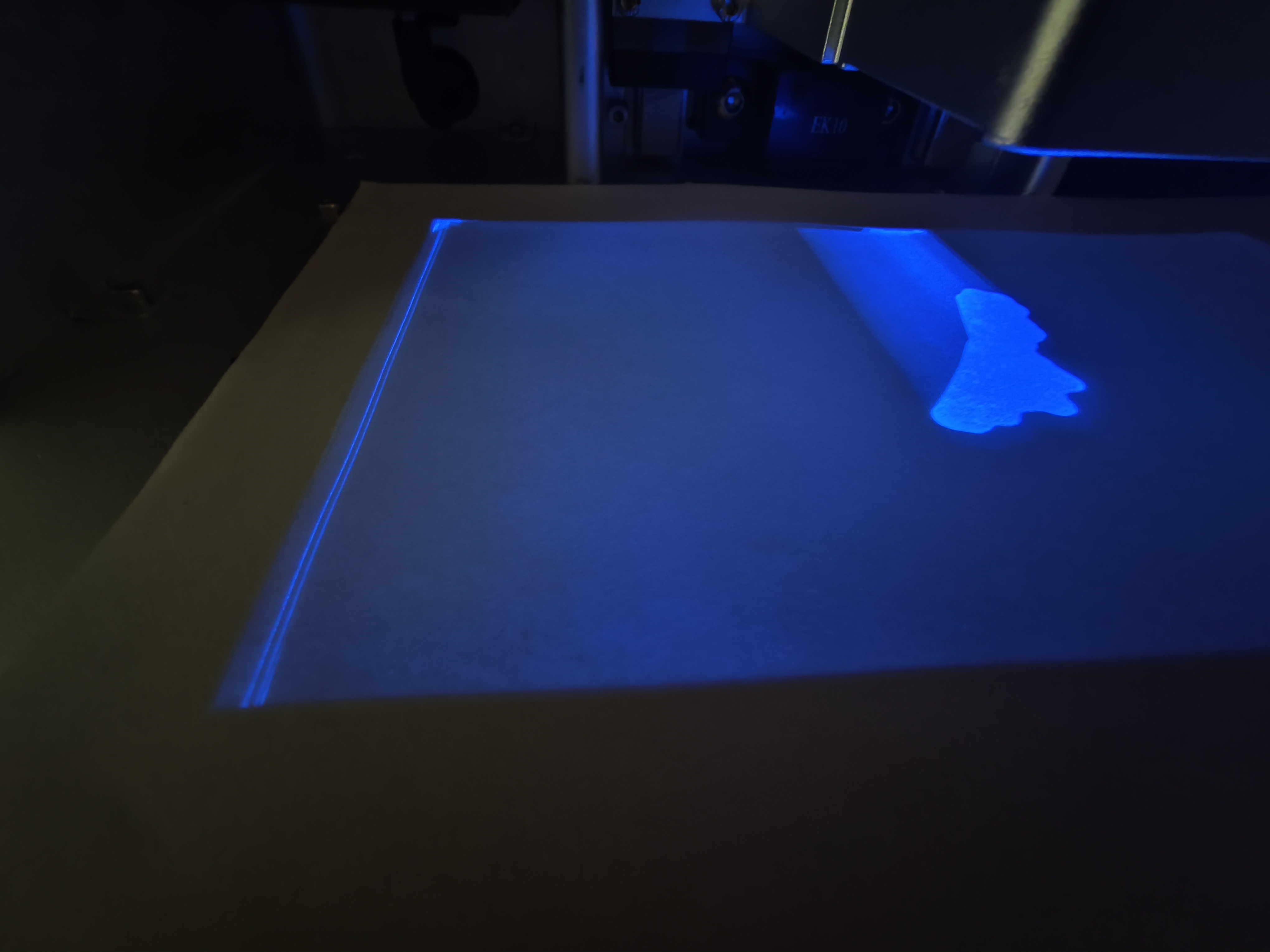
- If leftover cured resin fragments from previous prints were not cleaned from the vat, they can stick to new prints.
- Solution:Use the tank cleaning function to solidify a thin layer of resin on the FEP film, peel it off to remove all debris, and then filter the resin before reusing it to ensure no cured particles remain.