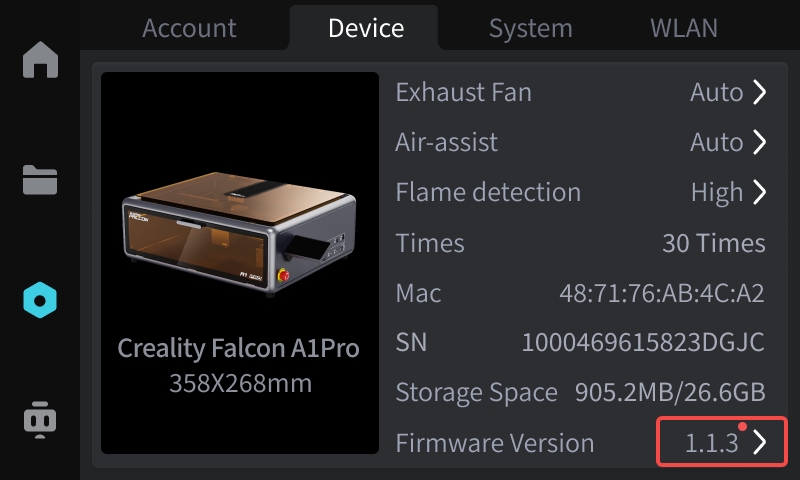
¶ A. Upgrade using a USB drive
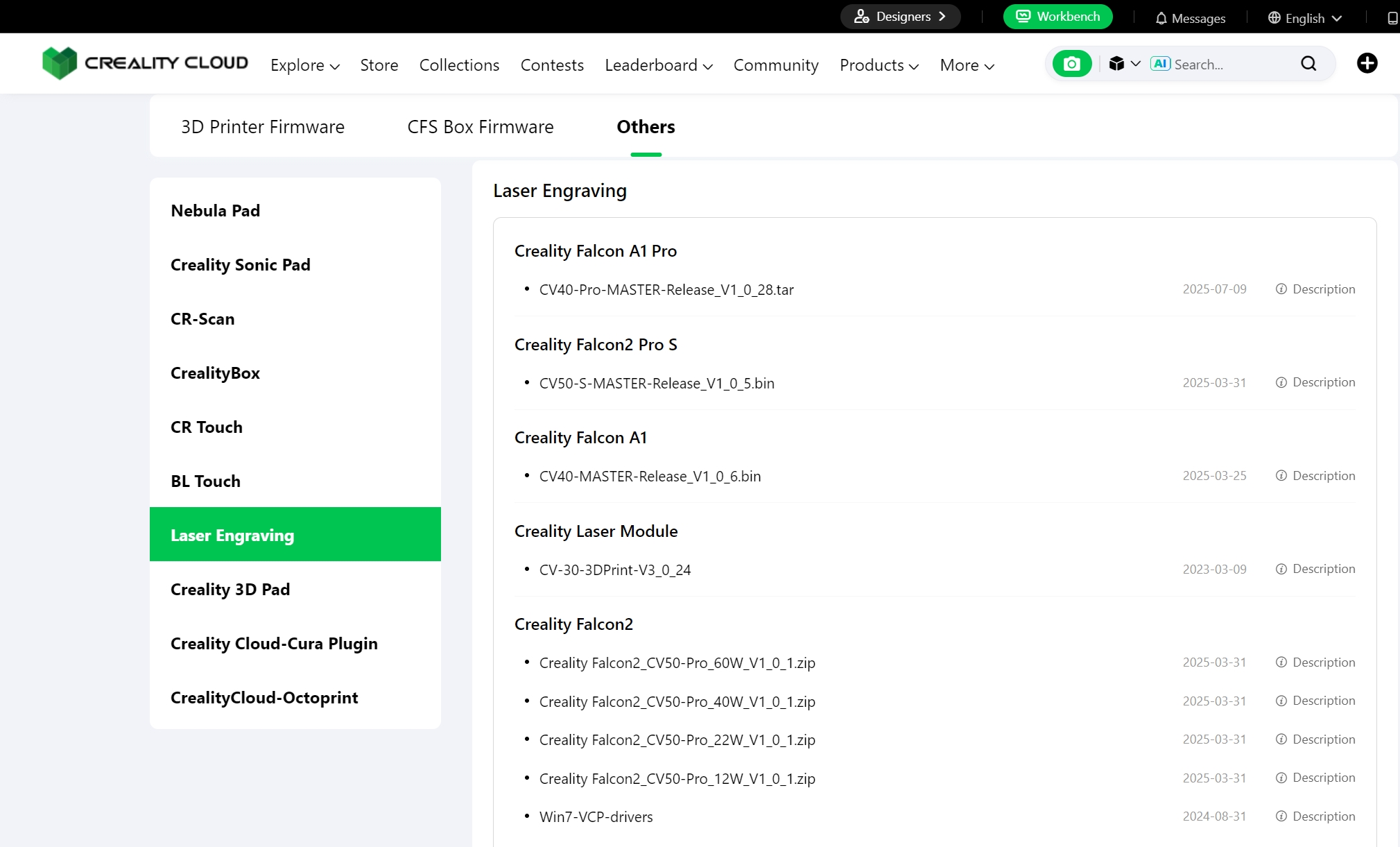
①To use the latest version of the firmware, click the link below and select the corresponding model to download the latest firmware version:
https://www.crealitycloud.com/downloads/other/laser-engraving
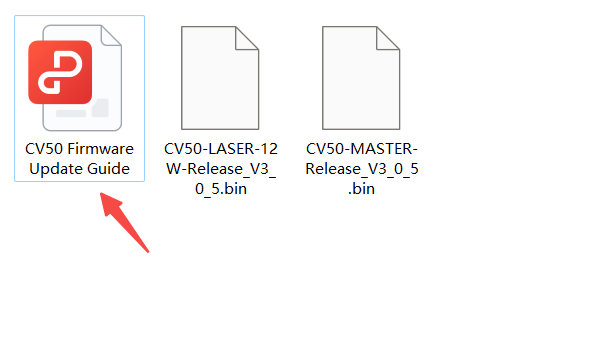
②After downloading and decompressing three files, you can open the PDF file to view the detailed firmware upgrade guide, as shown in the following figure.
¶ B. Online upgrade using the interactive screen (applicable to A1pro and T1)
① Go to the 【Settings】-【Device】 page and click on the firmware version to upgrade (the device is already connected to the internet).