Important Operation Reminder
The calibration operation of the UV laser module + UV Internal Engraving F-theta Lens (purple) involves certain professional requirements and uncontrollable operational risks. It is not recommended to perform it by yourself unless necessary. Please proceed with caution!
¶ I. Does your device need calibration?
If your device is a complete unit pre-installed with a UV laser module from the factory:
After completing the module replacement and F-theta Lens replacement restart operations, if the software does not pop up a calibration prompt, it indicates that the equipment parameters are normal, and no additional F-theta Lens calibration is required.
If you have certain professional knowledge, and wish to self-check the status of your equipment (prioritize self-inspection instead of direct calibration):
In the Falcon Design Space software, you can engrave any pattern within the 70mm format, verify that the parameters of the 130 field lens and the violet light module operate normally, and then determine whether calibration is required.
¶ II. Pre-calibration Check (Mandatory)
Carefully check the status of the equipment calibration board:
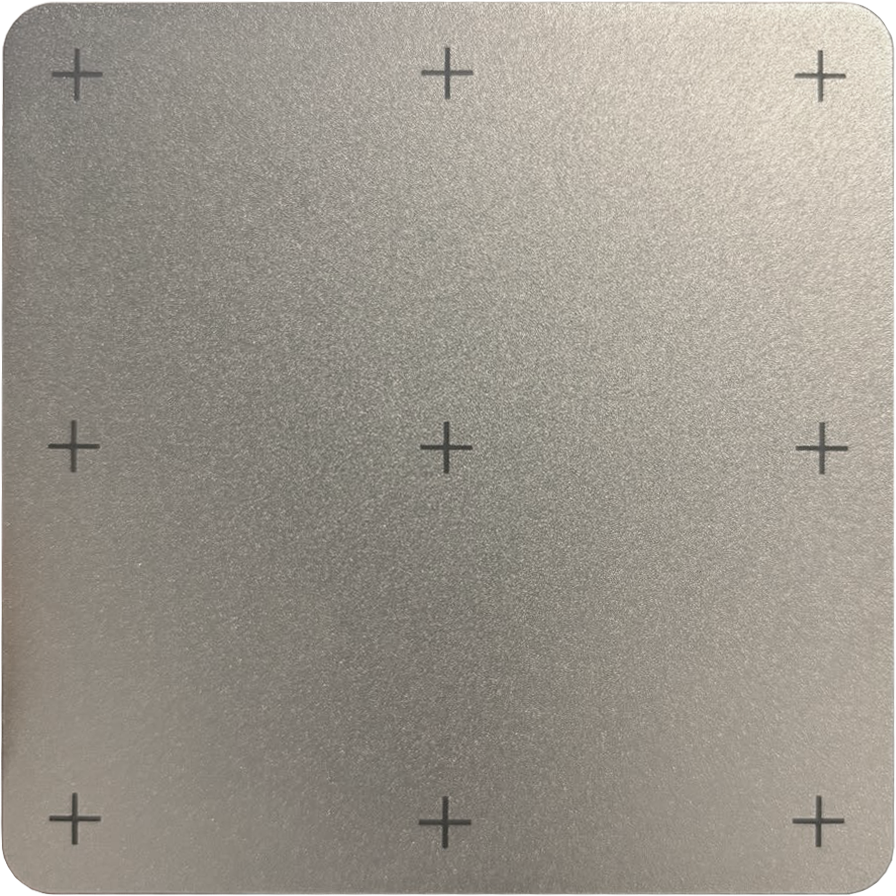
- Confirm that the calibration plate is properly installed, correctly positioned, free of offset and loosening.
- The cross pattern on the calibration plate must be free of scratches, blurriness, whitening or excessive lightness in color.
- If the cross pattern has any of the above abnormalities, it will directly lead to calibration failure. You can check the details to troubleshoot the problem.
¶ III. Fault Codes 7022201 Complete Troubleshooting Steps
If this error occurs, troubleshoot and fix it step by step in the following order, and none of the steps can be omitted:
¶ Verify device firmware version
Contact official customer support and upgrade the device firmware via OTA to version 1.2.6 or later, then attempt calibration after the firmware update is completed.
¶ Confirm Calibration Board Installation Correct
Reconfirm that the calibration plate is firmly installed with precise position, and there are no problems such as offset, looseness or skew.
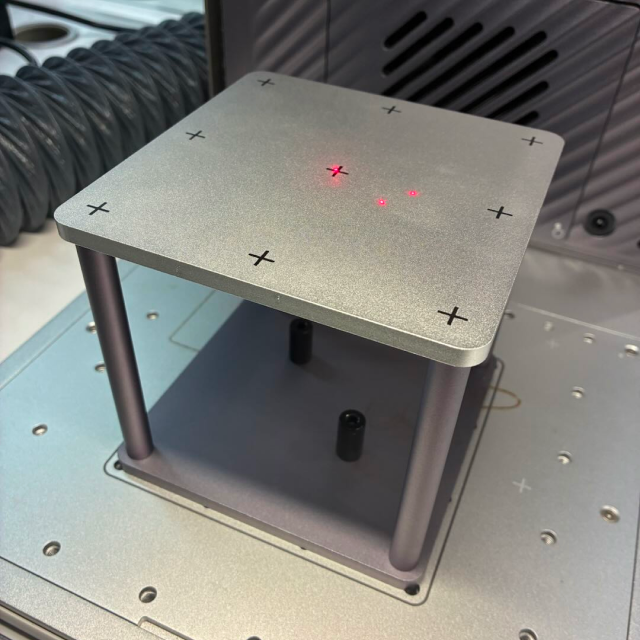
¶ Confirm that the cross pattern is clear and free of interference
- Check whether the cross pattern is intact — Any damage such as scratches, blurriness, fading, or overly light color will affect recognition accuracy
- Presence of pseudo-cross marks —— If the laser penetrates the laser photographic paper during calibration, it will leave extra marks on the calibration plate, which will interfere with subsequent identification
Should either of the above two situations arise, this tutorial provides two solutions:
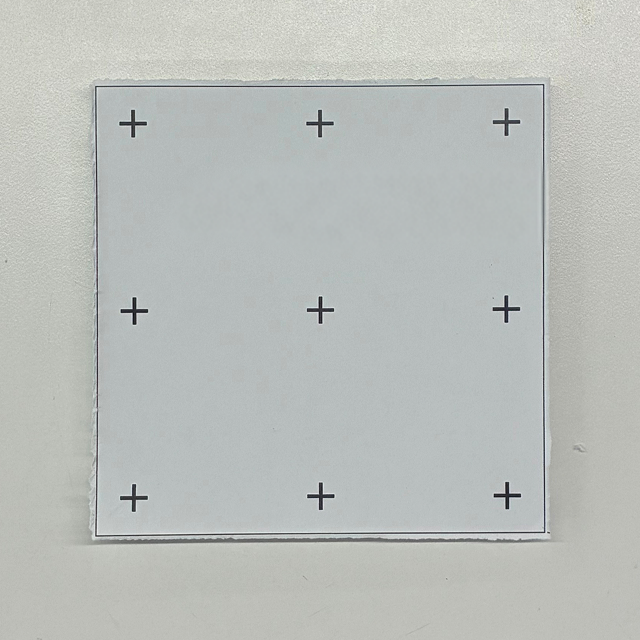
Option 1: (You will need a printer, A4 paper, and scissors.)
please use the calibration sheet file provided officially, print it on plain white A4 paper with the actual size printing setting (ensure the cross lines are dark and clear). Then attach the printed calibration sheet flatly to the original calibration board, making sure there are no wrinkles or curled edges, and retry calibration after it is firmly attached.
Calibration board printout.pdf
Option 2: (Alternative option if you do not have a printer)
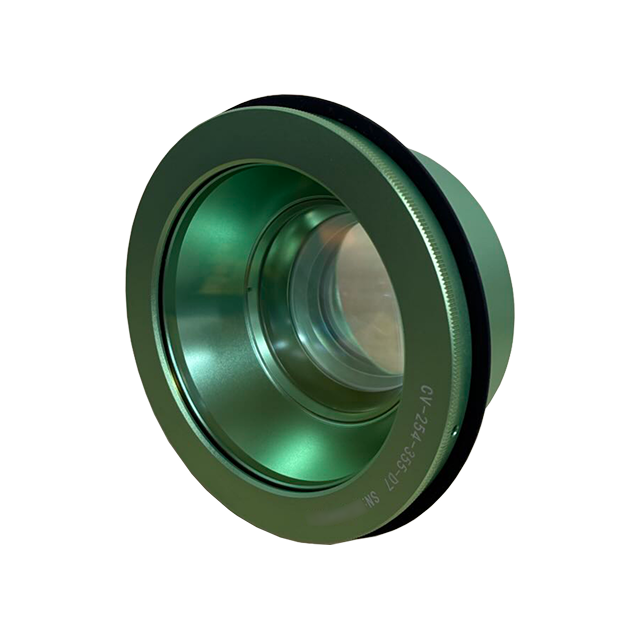
Please prepare the following items:
|
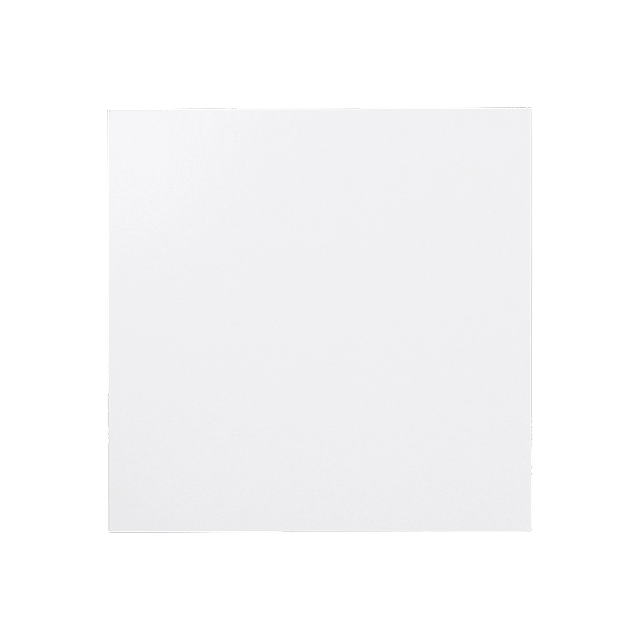
|
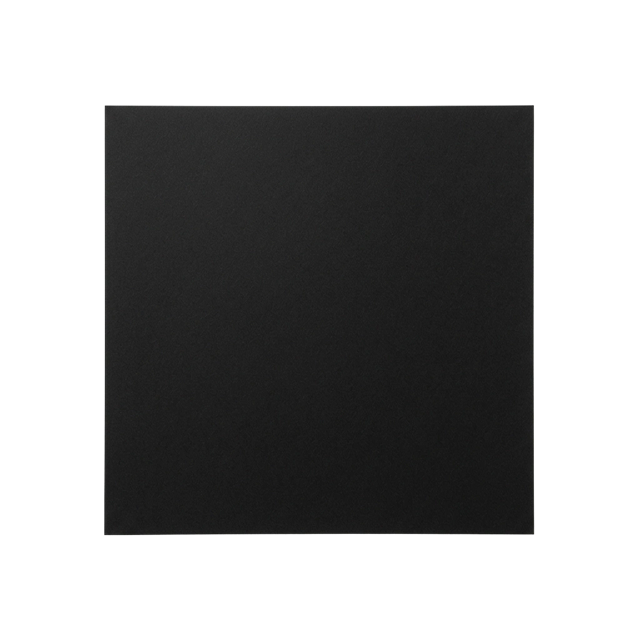
|
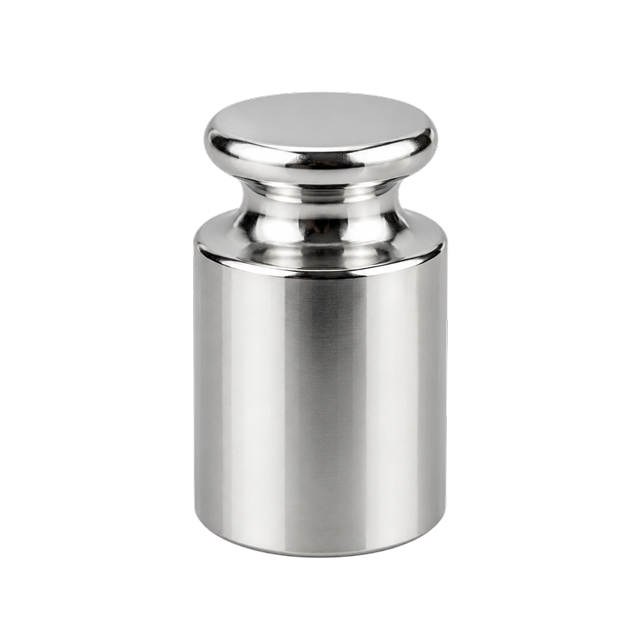
|
Please ensure the 5W UV laser module and the UV flat-engraving f-theta lens are installed before proceeding.
Guide for Replacing the Laser Module
Guide for Replacing the F-theta Lens
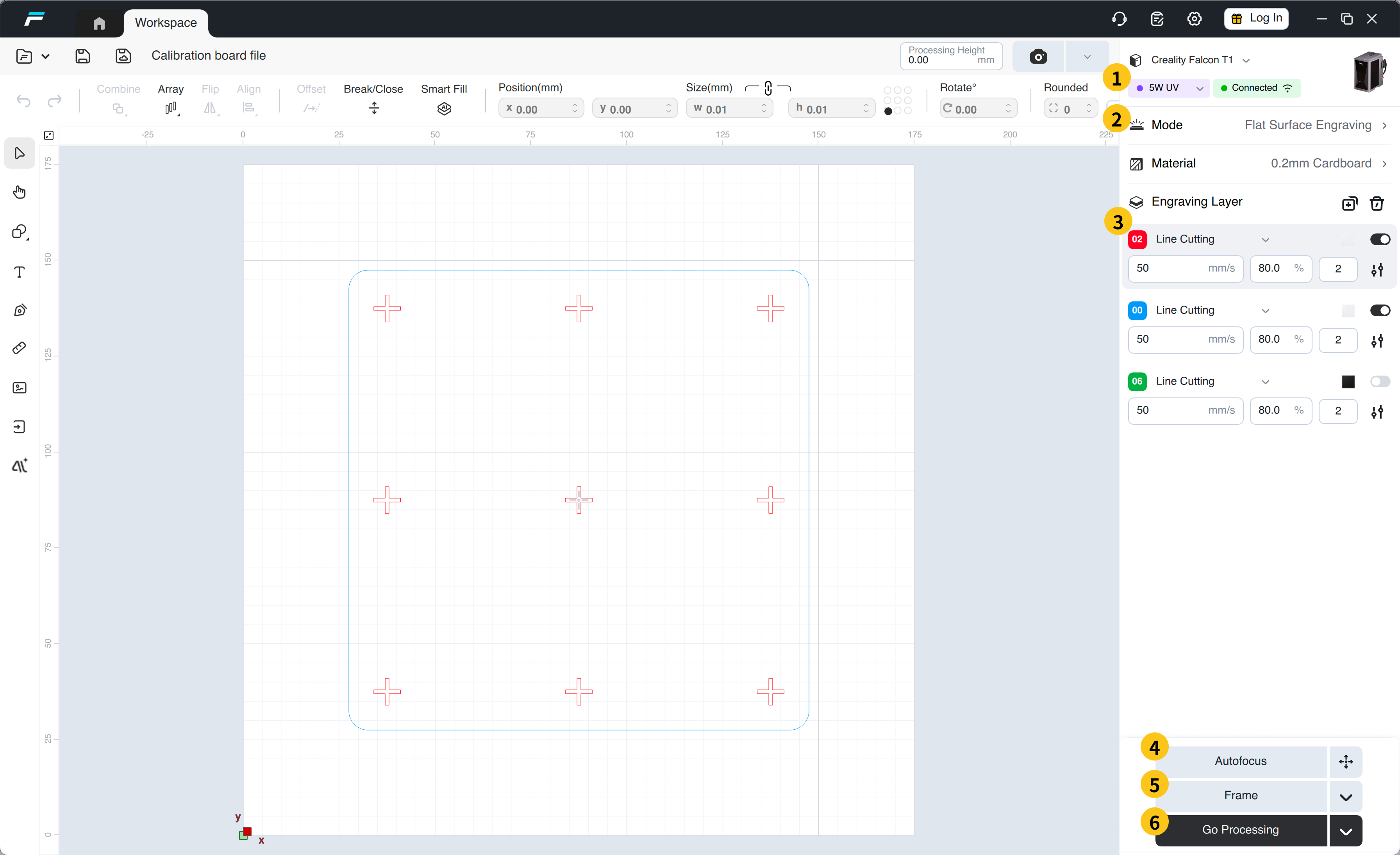
Download the FDS file below and open it using the Falcon Design Space software on your computer:
 |
 |
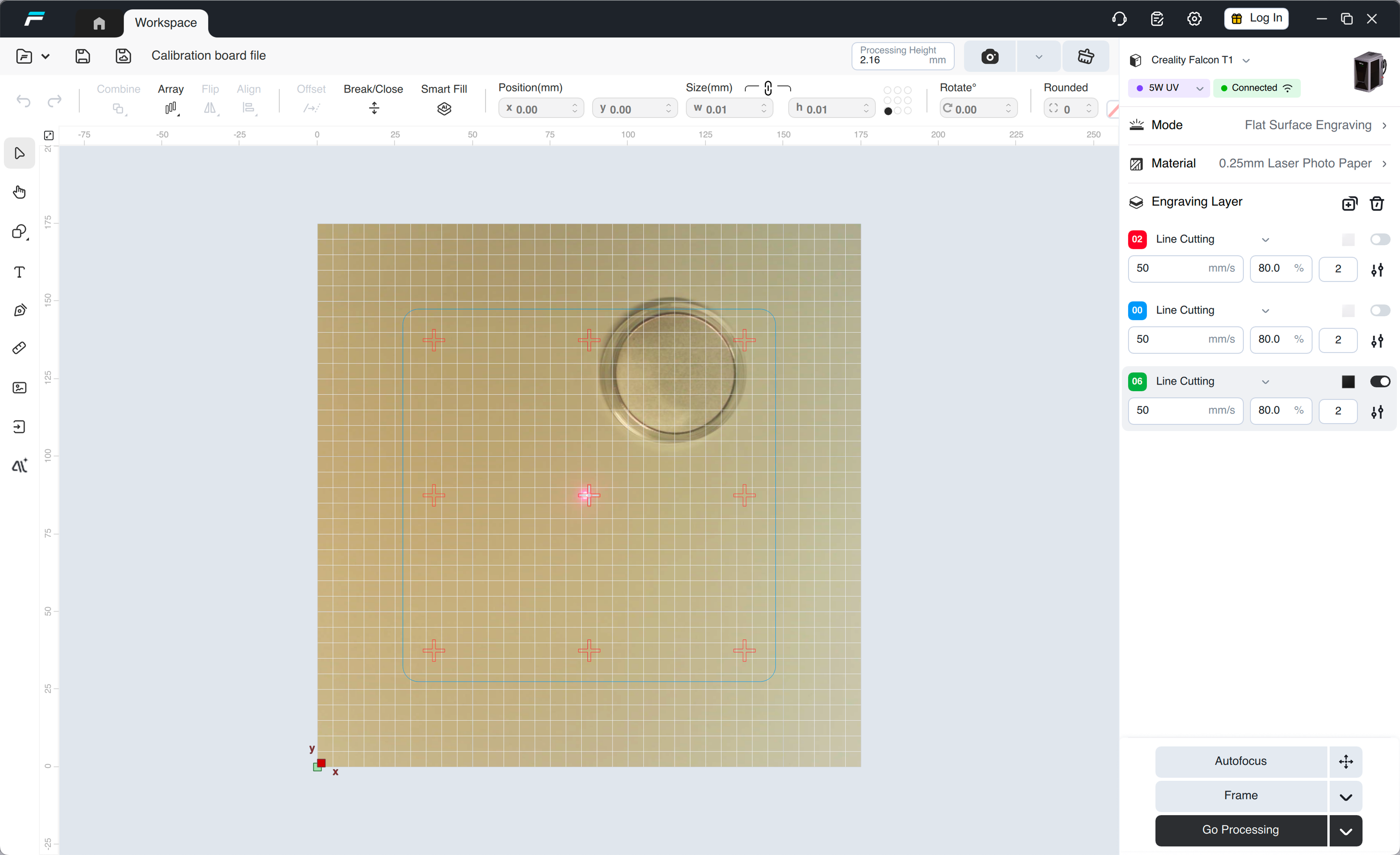
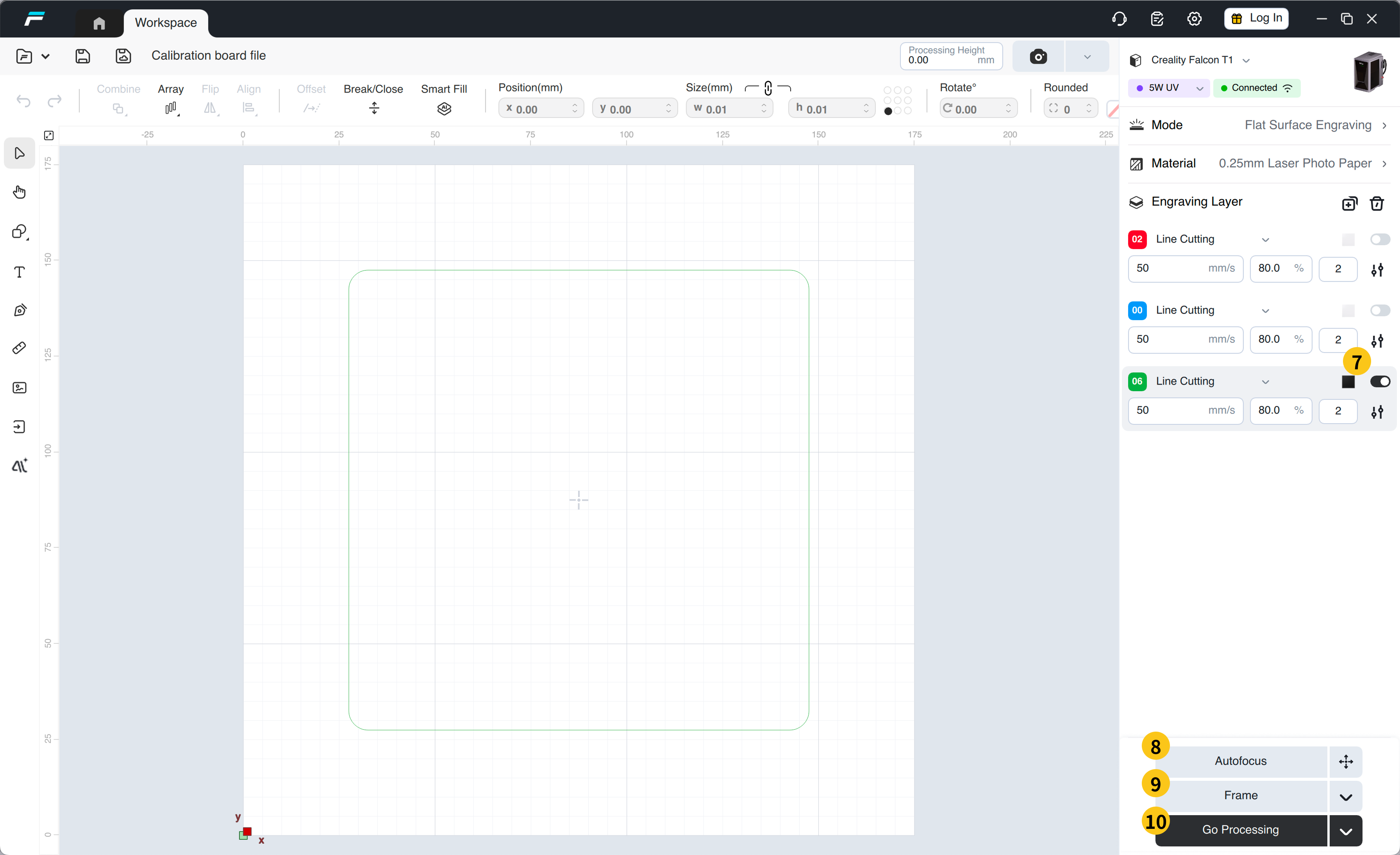
1. Confirm that the device is connected and the 5W UV module is installed.
2. Confirm that the engraving mode is "Plane Engraving"
3. Confirm that the layer parameters are correct
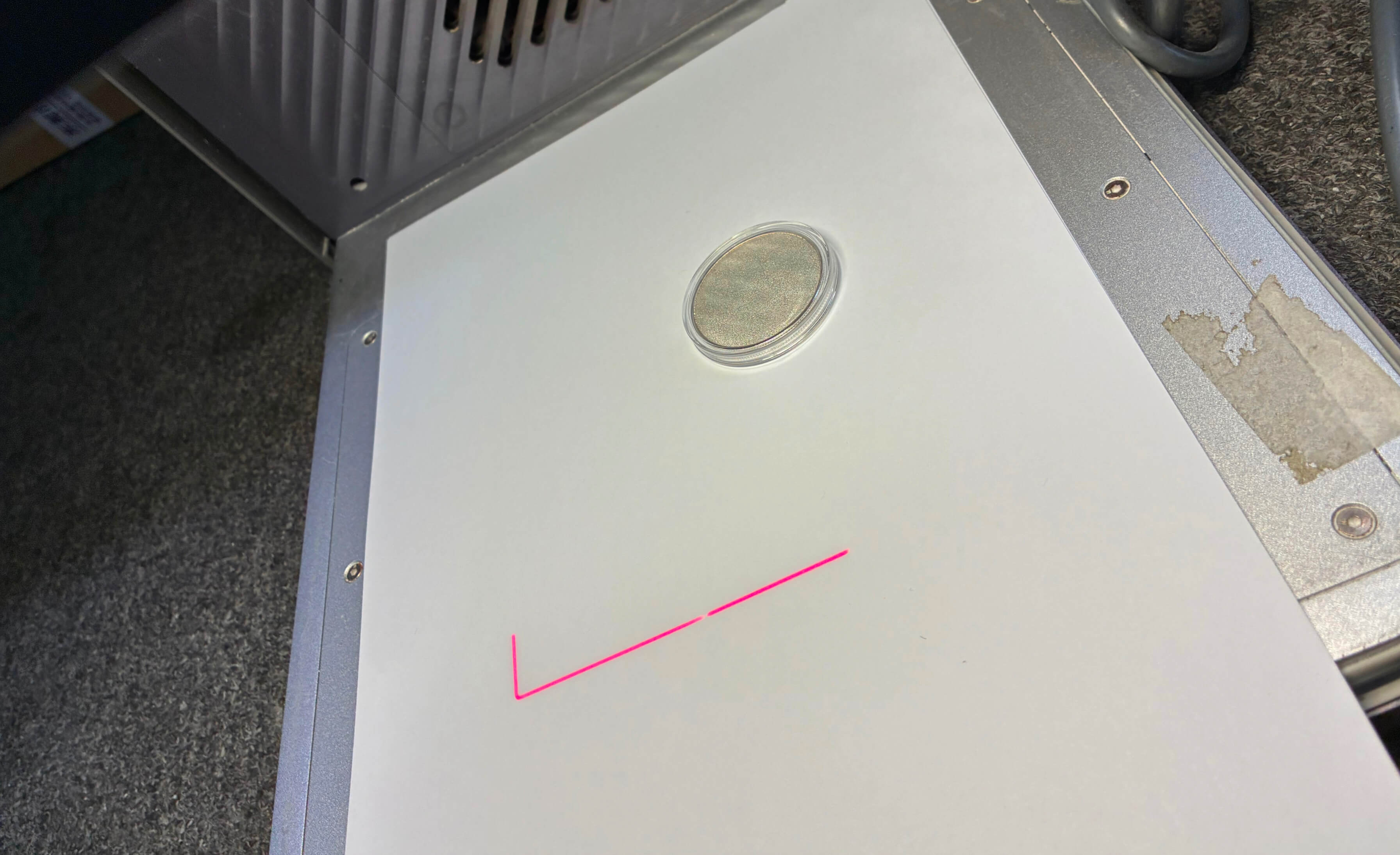
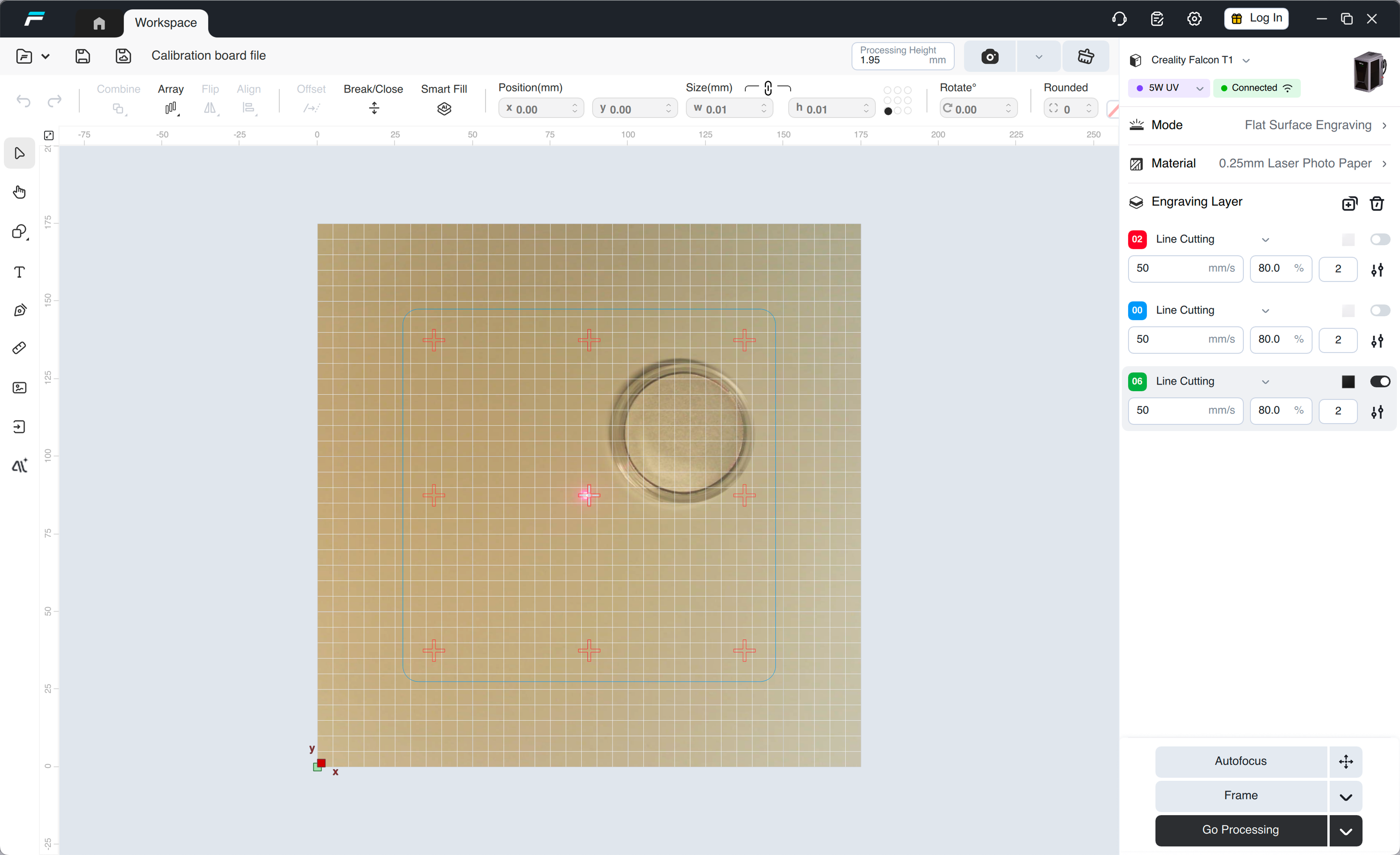
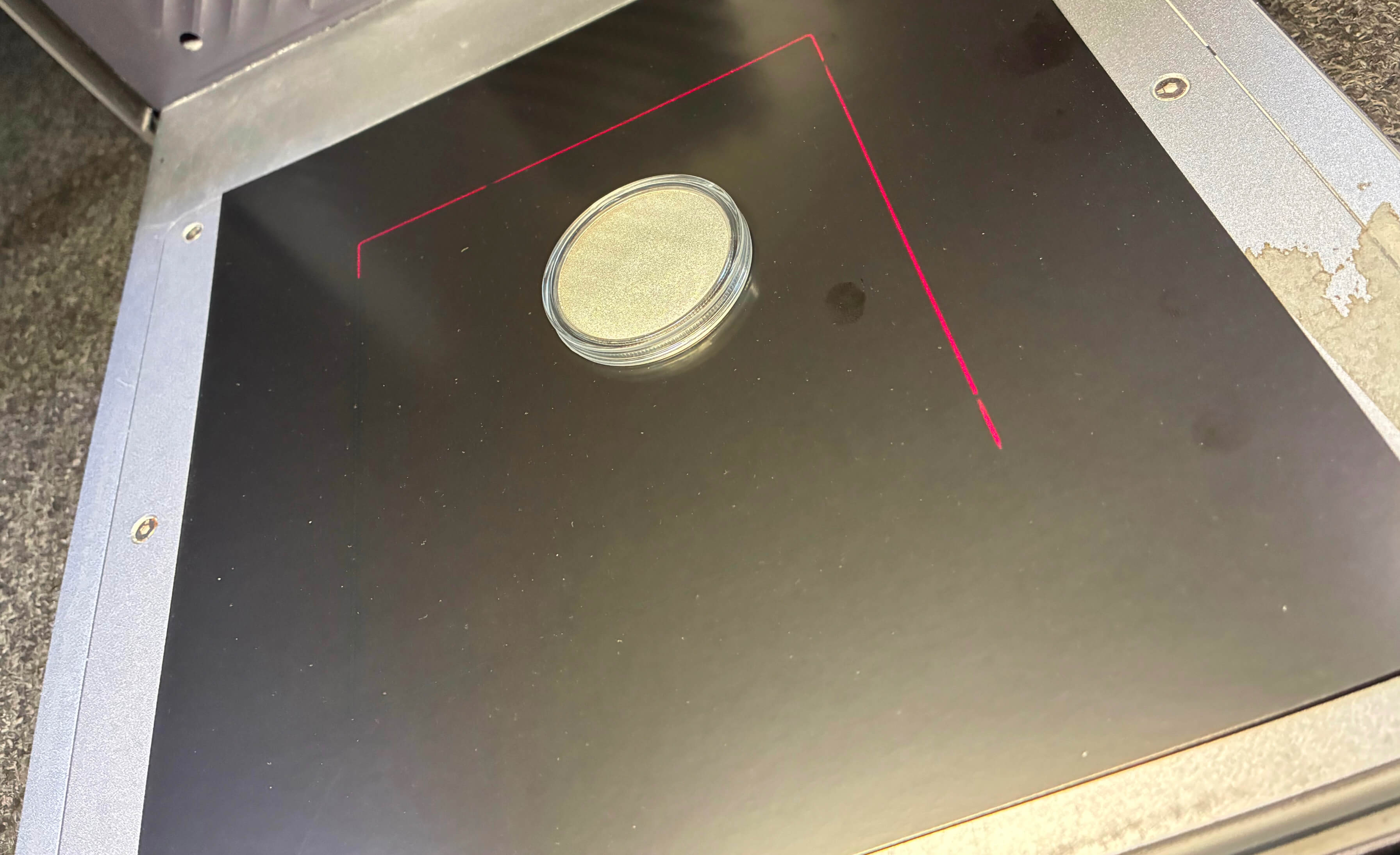
4. Put in white paper (size must be larger than 130mm*130mm, non-reflective) and heavy objects (coins in the reference picture). The heavy objects must avoid the cutting line, and then click "Auto Focus"
|
|
5. Click "Frame" to ensure the engraving area does not extend beyond the edges of the material.
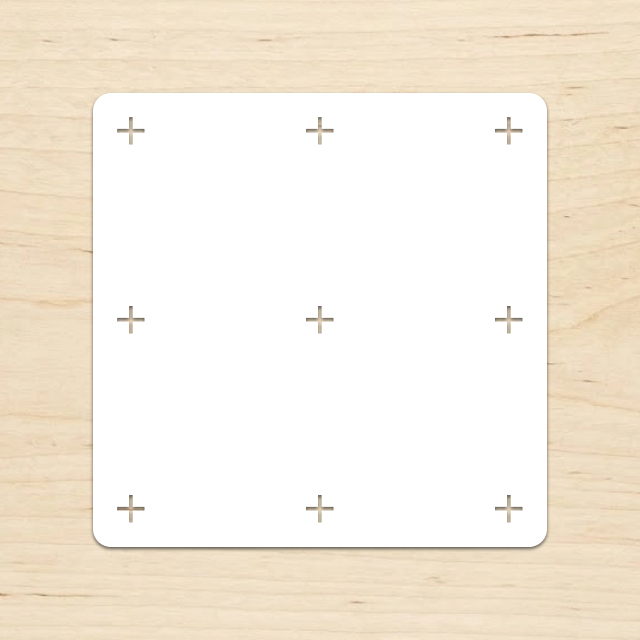
6. Click "Go Processing" to complete the engraving; the result will look like the image shown:
 |
 |
7. Adjust the layer toggles as shown in the image (disable the top two layers and enable the third layer).
8. Put in white paper (size must be larger than 130mm*130mm, non-reflective) and heavy objects (coins in the reference picture). The heavy objects must avoid the cutting line, and then click "Auto Focus"
9. Click "Frame" to ensure the engraving area does not extend beyond the edges of the material.
10. Click "Go Processing" to complete the engraving; the result will look like the image shown:
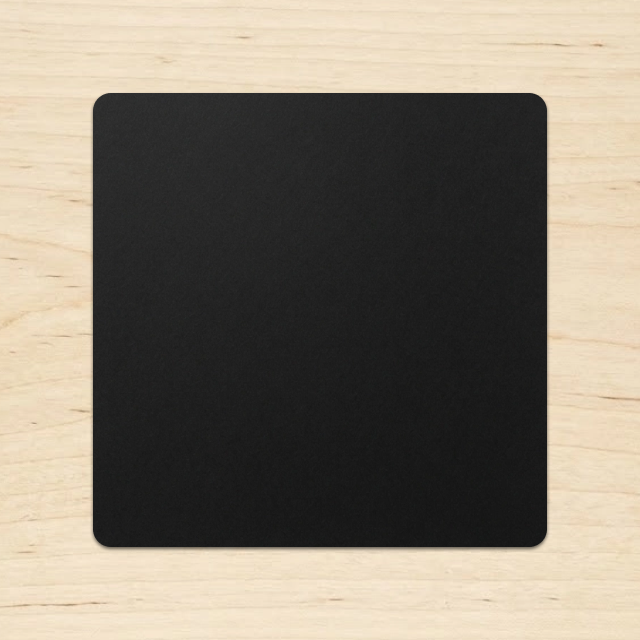
11. Simply attach the two materials onto the calibration board.
¶ Restart calibration operation
After completing all the troubleshooting and repair operations above, restart the calibration process, follow the on-screen prompts of the device step by step strictly, and do not skip any steps or operate arbitrarily.
¶ If error 7022201 still occurs after recalibration
First perform factory reset on the device
After recovery is complete, use the Falcon Design Space software to engrave a pattern within a format of 70mm to self-check the operating status of the equipment
If the self-check shows abnormalities and the problem remains unresolved, please contact us