¶ How to download and install Falcon Design Space on PC
¶ I. Steps for Downloading and Installing on Windows System
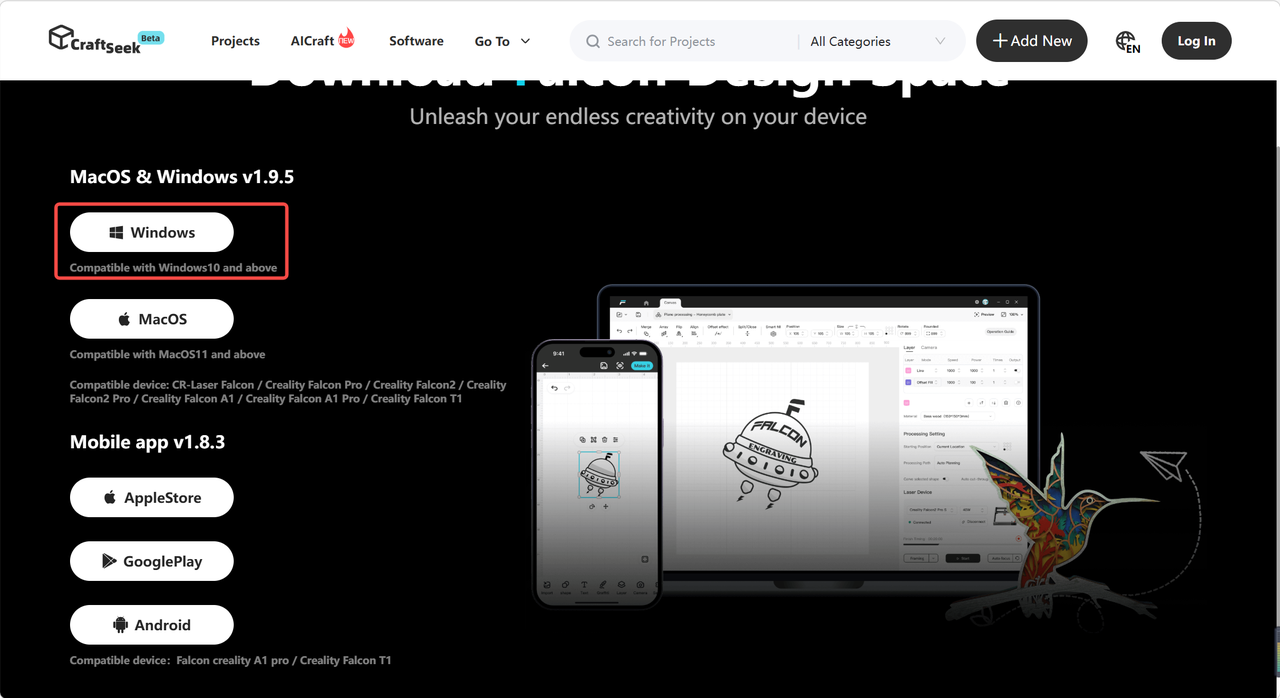
Open your browser and go to the official software download page: 【https://webapp.craftseek.com/#/download】, then click Windows to start the download
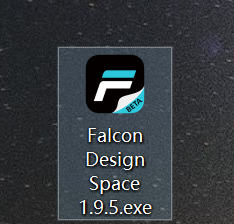
Locate the FDS. exe installation package in the Downloads folder and double-click it to launch the installation wizard.
The system will pop up a permission prompt "Do you want to allow this app to make changes to your device? ", click Yes and follow the wizard to complete the installation.
After the installation is complete, double-click the software icon on the desktop to launch the program.
¶ II. Steps for Downloading and Installing on macOS System
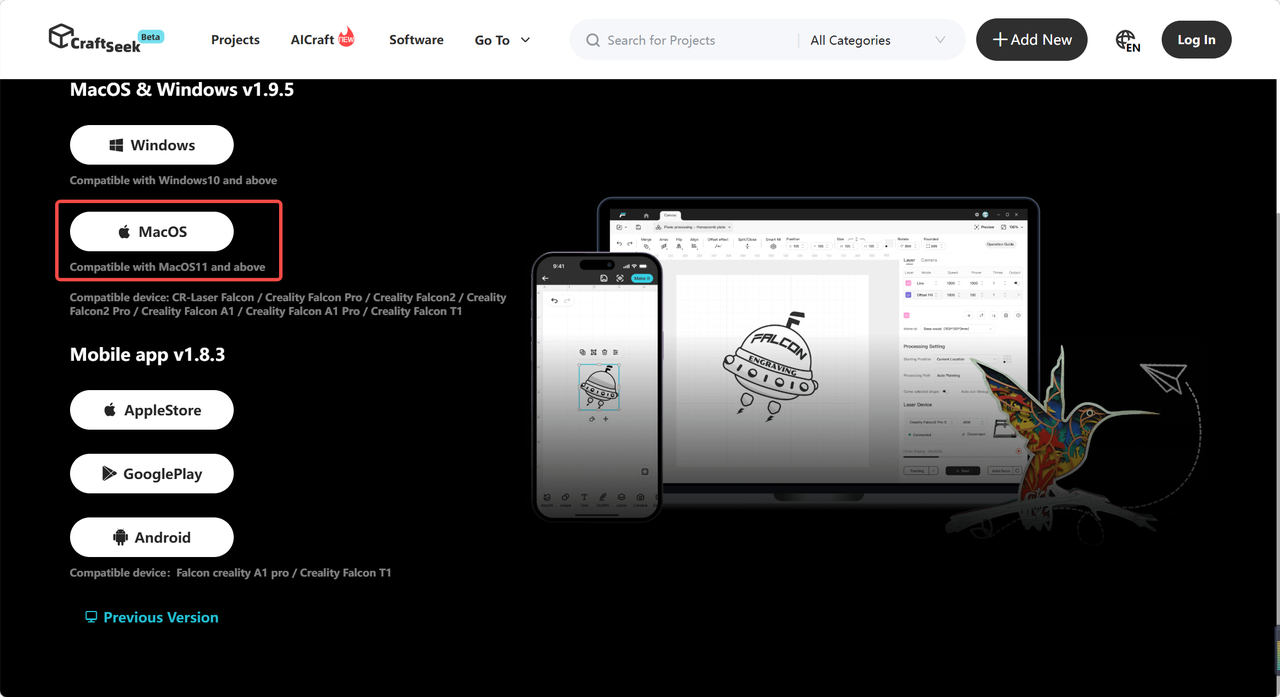
Open your browser and go to the official software download page: 【https://webapp.craftseek.com/#/download】, then click MacOS to start the download
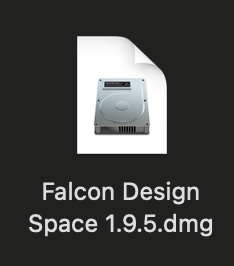
Double-click the downloaded FDS. dmg file to bring up the installation window.
Drag the software icon to the [Application] folder to complete the installation.
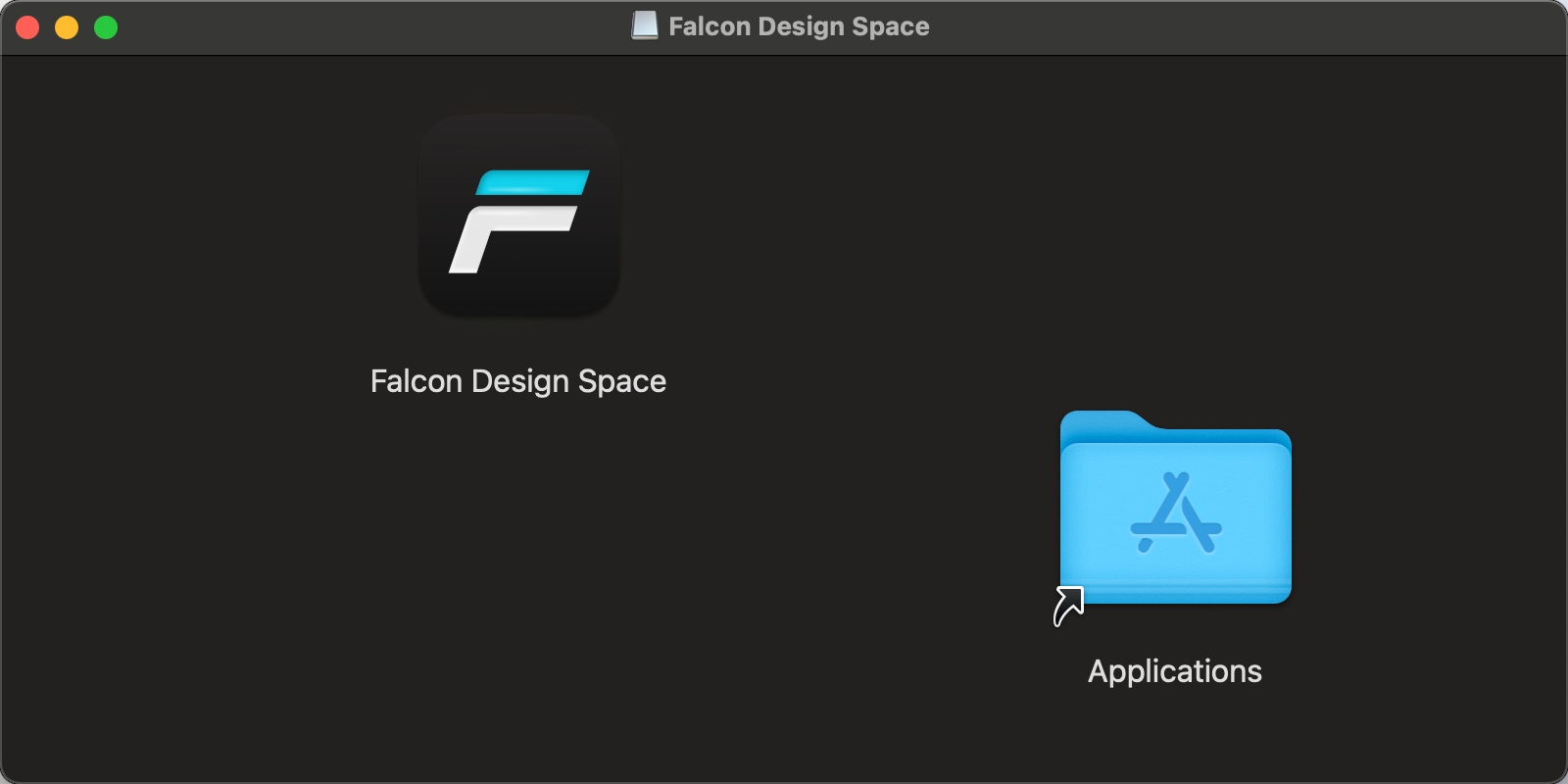
Open the Launchpad at the bottom of your desktop and locate the app icon to launch the software.
¶ III. Initial Setup for First-Time Use
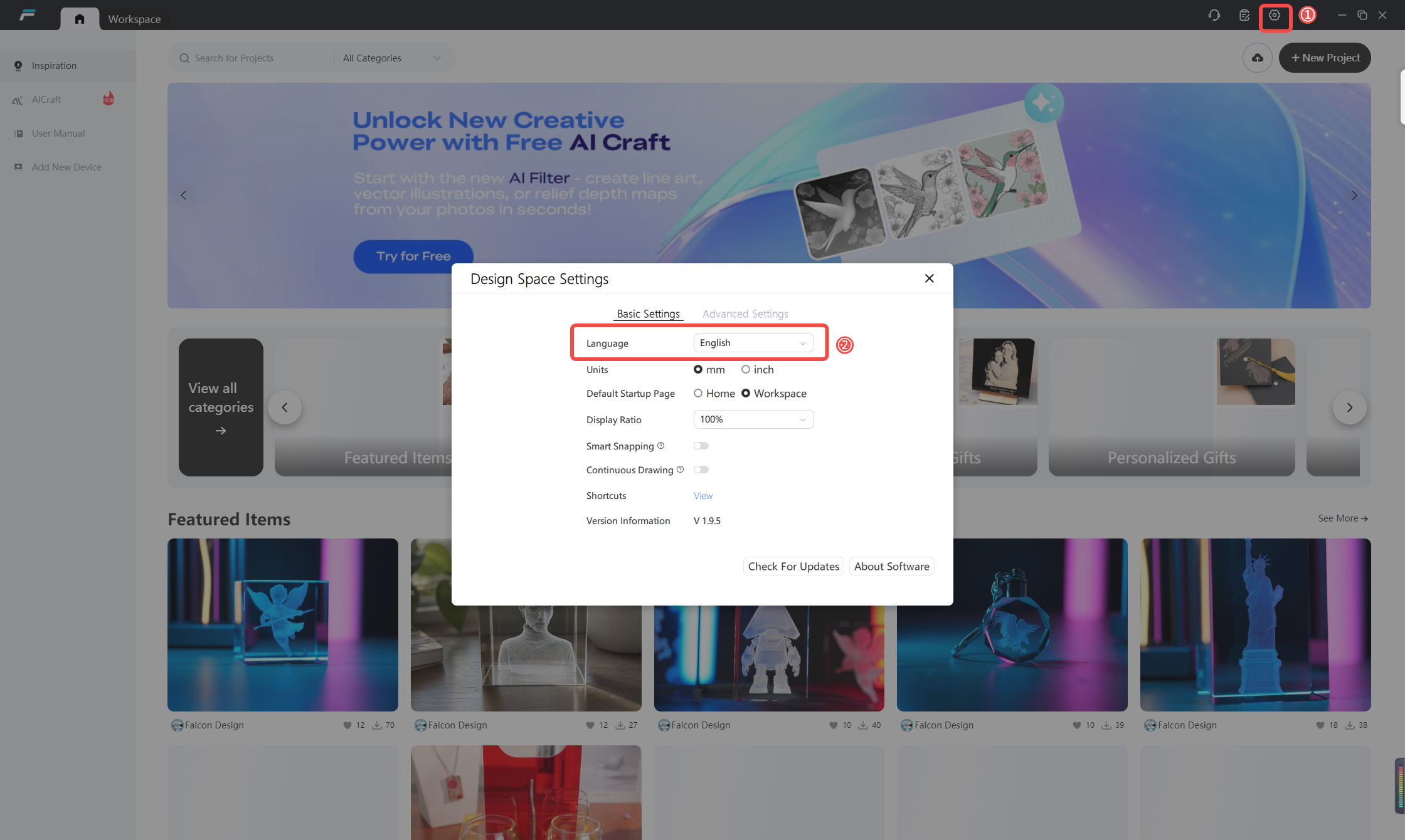
Launch the software, click the menu icon in the upper right corner to access the settings panel, where you can customize the display language, units and other preferences of the software.
¶ IV. Notes
1.Login Exception Query: https://wiki.creality.com/en/laser-engraver/Steps-to-fix-login-failure
2.Disable your computer's antivirus and blocking features before installation to prevent the installation package from being mistakenly deleted.
3.After the installation on Mac is complete, right-click to eject the disk mirroring so that it will not occupy background storage space.
4.The software comes with built-in templates, a material library and a creator center, from which process creatives can be downloaded directly.