¶ 1.Phenomenon Description
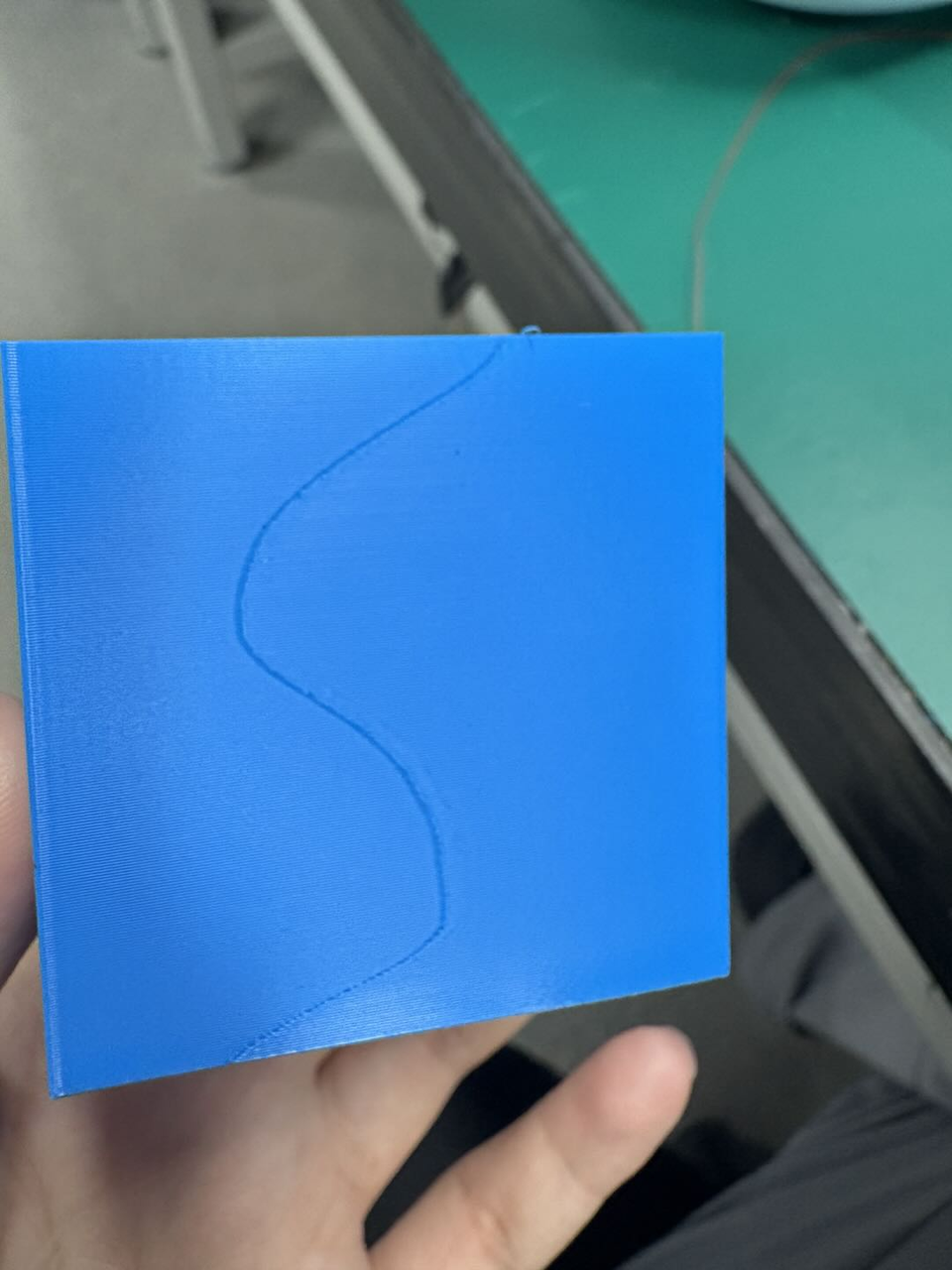
Noticeable periodic ripples, fine horizontal lines, or vibration textures appear on the surface of printed parts, particularly observable on side walls, near corners, or in high-speed printing areas.
¶ 2.Cause Analysis
Common causes include:
- XY belt too loose: Insufficient belt tension may cause vibration during high-speed movement, resulting in ringing.
- Ringing optimization not effective or calibration values do not match: Ringing optimization parameters have not taken effect correctly, or the current calibration results do not match the actual state of the device.
- Vibration transfer from other components: During device operation, abnormal vibration from fans or surrounding mechanical components may be transferred to the nozzle or motion mechanism, causing fine ringing on the model surface.
¶ 3.Troubleshooting
1.Re-execute Ringing Optimization
Re-execute the K3 ringing optimization process.
Once completed, reprint the same model to confirm whether the ringing has improved.
2.Check for Abnormal Fan Vibration
After starting the fans, observe whether the model fan and heat break fan are running smoothly.
Key checks:
- Whether there is any obvious abnormal vibration;
- Whether there is any accompanying abnormal noise;
- Whether the printhead exhibits noticeable resonance when the fans are running.
If abnormal fan vibration is confirmed, it is recommended to replace the corresponding fan and re-verify.
3.Check XY Belt Condition
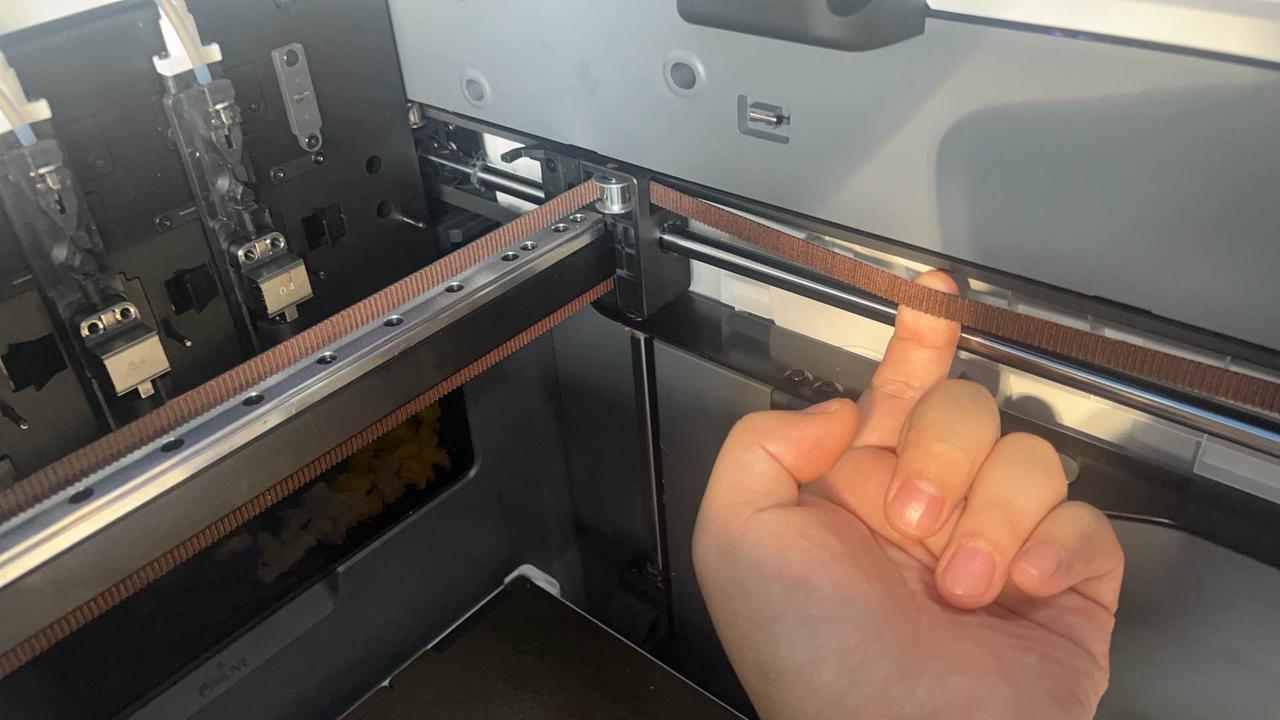
Check whether the XY belts have obvious slack or insufficient tension.
If the belts are found to be too loose, restore them to the normal tension first, then reprint to verify.
4.Investigate External Vibration Interference
Confirm whether other machines nearby are operating simultaneously and generating noticeable vibration while the device is running.
If so, temporarily stop the other devices and run the K3 alone for a print verification to confirm whether the ringing improves.