¶ Phenomenon Description
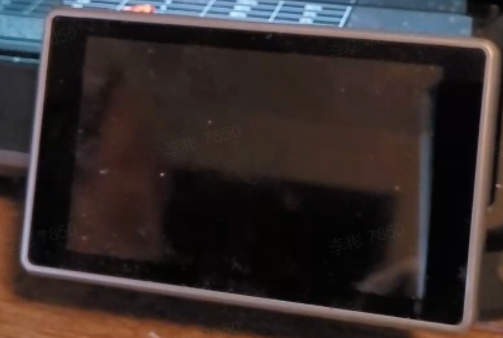
The device powers on, but the machine's display screen shows nothing.
¶ Cause Analysis:
- Assembly issue
- Screen ribbon cable issue
- Power supply voltage switch issue
- Screen issue
- Mainboard issue
¶ Troubleshooting and Solutions
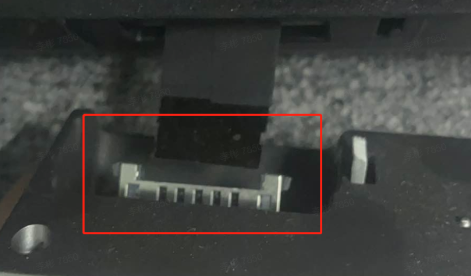
Check whether the ribbon cables connected to both the screen and mainboard ends have issues affecting communication, such as not being fully inserted, being inserted in reverse, or the gold fingers peeling.
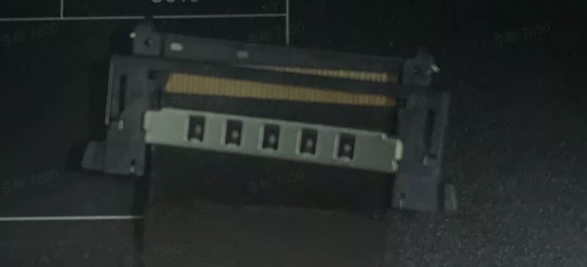
Check whether the screen ribbon cable has any damage or bends.
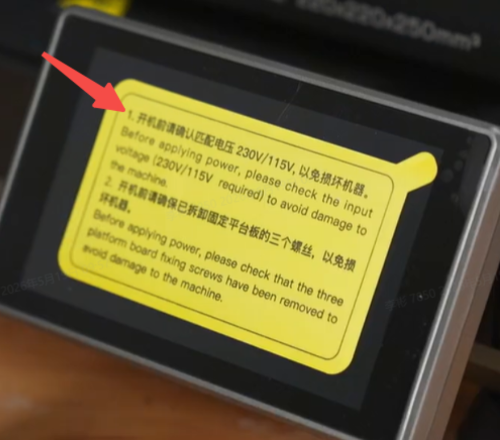
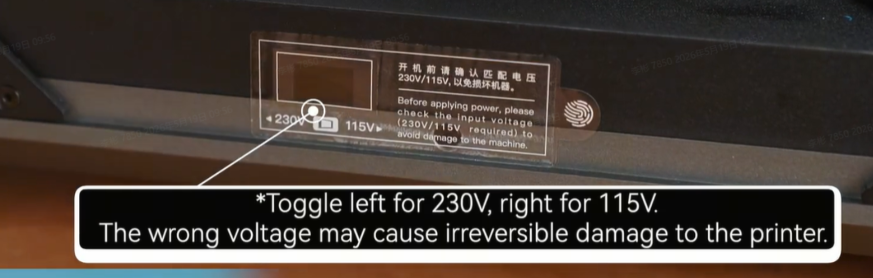
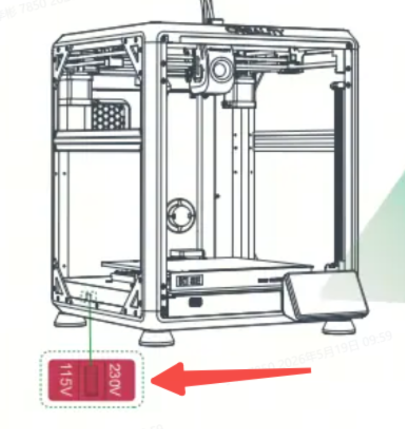
The machine is set to 220V by default from the factory. If the machine is used in a country that uses 110V, the voltage switch on the power supply must be switched to the 110V position before powering on.
 |
 |
 |
Check whether the mainboard power supply is functioning normally. You can measure whether there is 24V voltage at the mainboard power terminal. If there is no power, the issue lies with the power supply. If power is present, continue checking the status of the mainboard indicator lights. Normally, the mainboard should have two blue lights on — one flashing and one constantly lit.
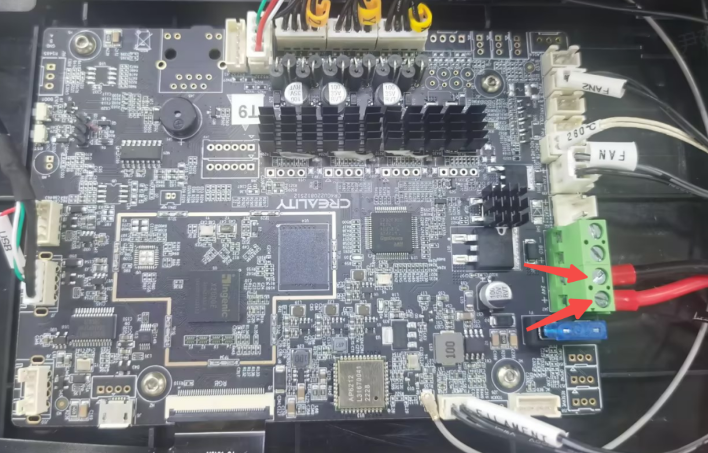
If the indicator lights are normal, check whether the display screen ribbon cable connector on the mainboard has any shorted, deformed, or burnt pins. If none are found, replace the display screen. If any are found, replace the mainboard.
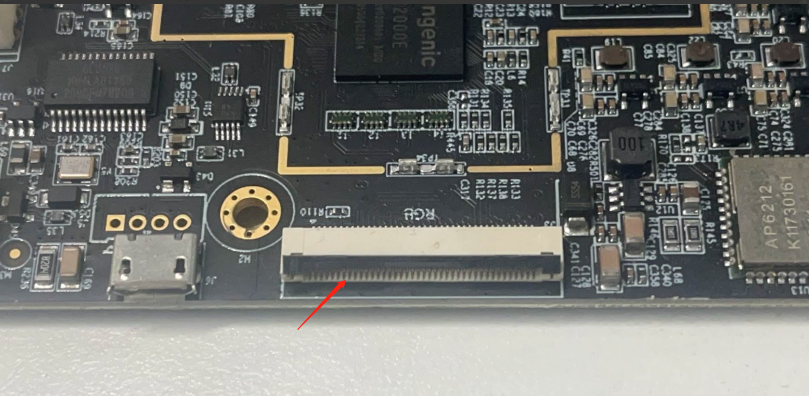
Note: If the mainboard indicator lights are abnormal, power off the machine and disconnect all terminal connectors from the mainboard, retaining only the mainboard power cable and screen ribbon cable. Then power on again and check the mainboard indicator light status.
¶ 1. If the mainboard lights are normal (one flashing, one constantly lit)
There may be a short circuit in one of the other terminal connectors on the mainboard. You can test and eliminate the issue by reconnecting the terminals to the mainboard one by one.
¶ 2. If the mainboard lights are abnormal
This indicates a mainboard issue — replace the mainboard.