¶ Phenomenon Description:
After powering on, the screen is black/not lit up.
¶ Cause Analysis:
The screen cable is not properly connected/has poor contact. Try unplugging and reconnecting.
The screen itself is damaged.
¶ Troubleshooting:
¶ Check if the screen cable is normal
1. Check if it is installed in place.
2. Check if the terminals and PCB edge connector are intact.
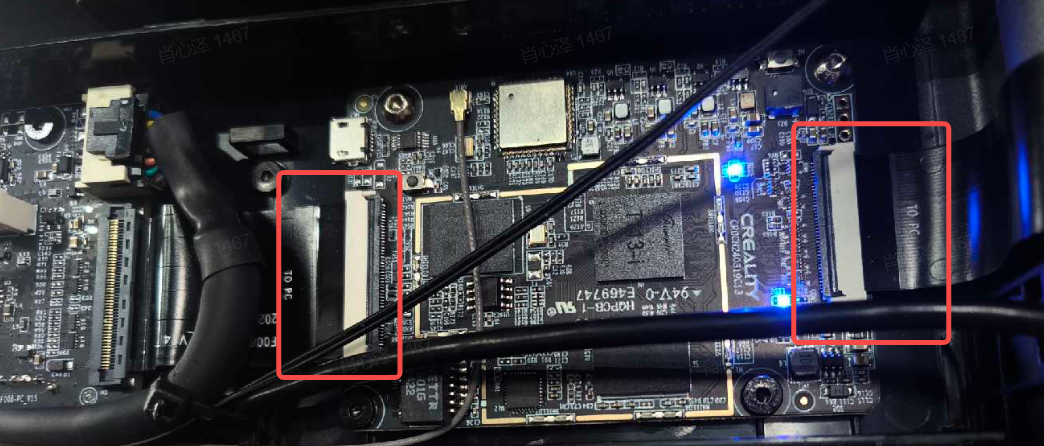
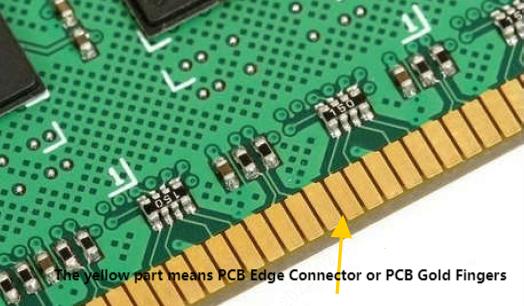
¶ Check if one indicator light on the mainboard is always on and the other is flashing
1. Open the mainboard cover.
2. Check the indicator lights.
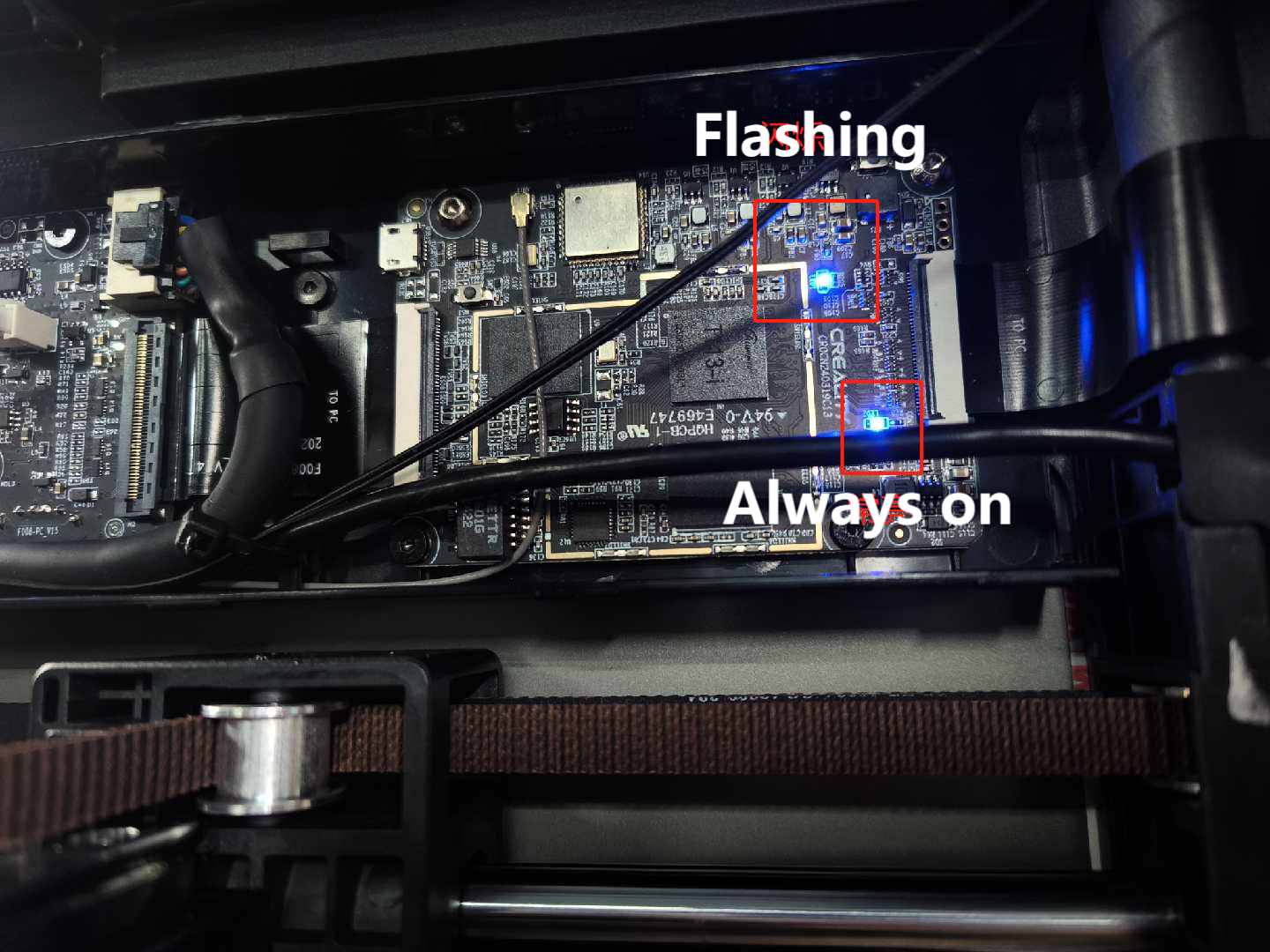
3. If none of the indicator lights are on, after powering on, first check if the voltage of the lower motherboard is normal (normal voltage is 24V).
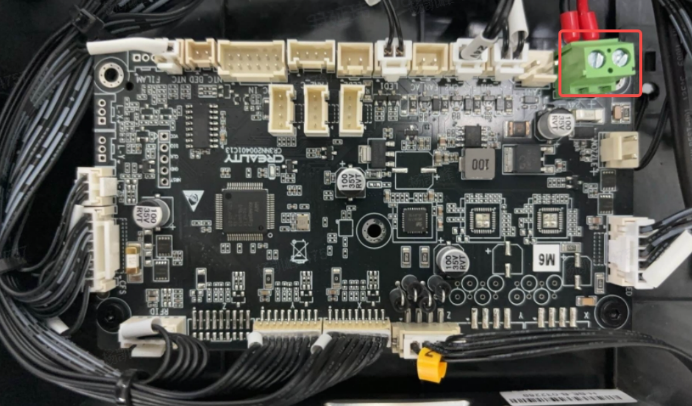
4. If the power supply is normal, disconnect all cables from the lower motherboard, but do not disconnect the cables in the red circle shown in the image.
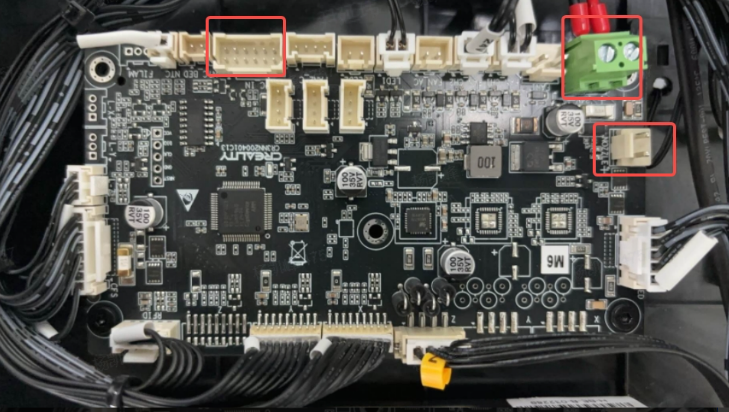
5. Do not disconnect the cables in the red circle shown in the image of the upper computer, but disconnect all other cables. Power on and check if the screen turns on.