¶ Phenomenon 1
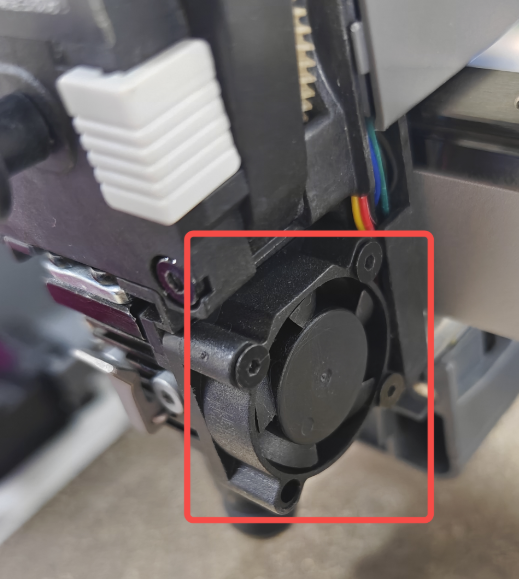
Heat break cooling exception causing filament to melt inside the heat break, resulting in insufficient extrusion force, inadequate filament output or no output at all.
¶ Troubleshooting
Heat the nozzle to 35 degrees in the operation interface and observe whether the heat break fan is rotating and if there are any unusual noises. If abnormal, replacement is needed. For replacement steps, refer to Wiki: Replacing Ender-3 V4 Heat Break Fan
¶ Phenomenon 2
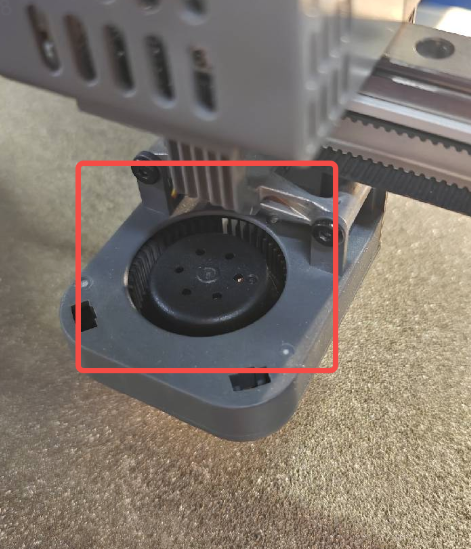
Printing model shows insufficient cooling, fan needs to be checked.
¶ Troubleshooting
Lower the nozzle to room temperature and set the model fan speed to 100% in the operation interface. Observe whether the fan blades are rotating; place your hand at the air outlet to feel if there's airflow and check for unusual noise. If abnormal, the fan needs to be replaced. For replacement steps, refer to Wiki: Replacing Ender-3 V4 Model Cooling Fan Kit
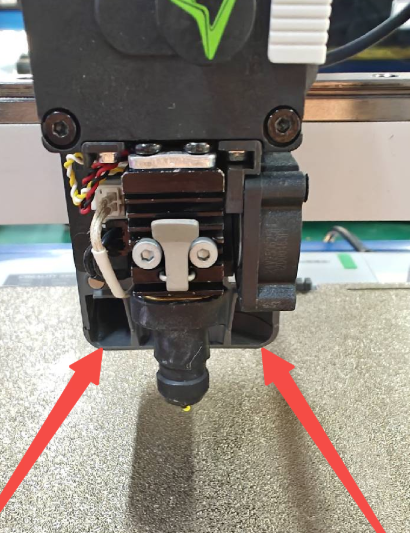
Note: When printing, the nozzle cover should be installed as it contains the air duct that directs airflow from the model cooling fan to the model
 |
 |