¶ Phenomenon Description
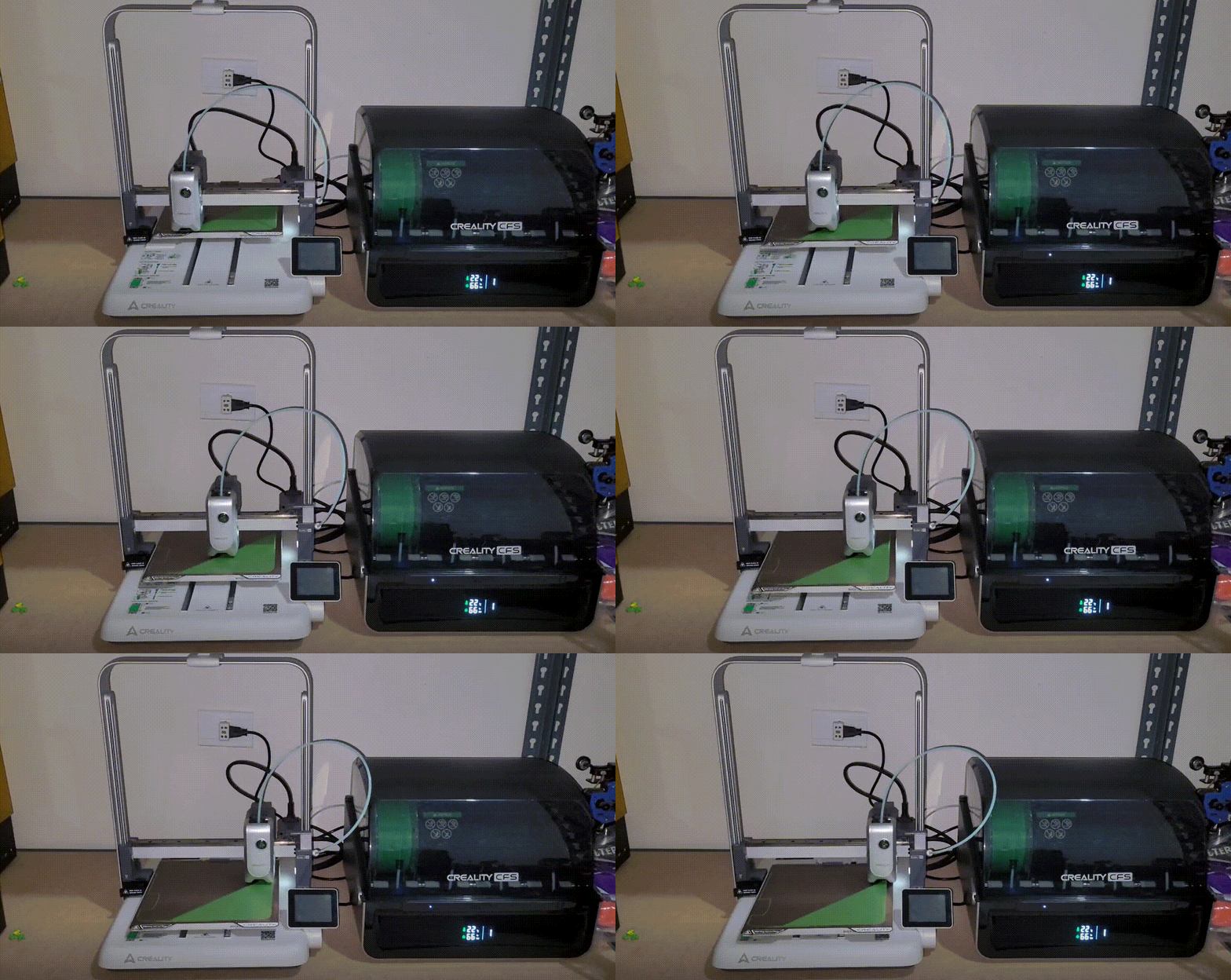
Faulty video about abnormal noise while printng.
¶ Cause Analysis
- Loose front cover of the nozzle causing resonance.
- Loose plastic edge trim on the hot bed causing resonance
- Abnormal noise from X and Y axis motors
¶ Troubleshooting
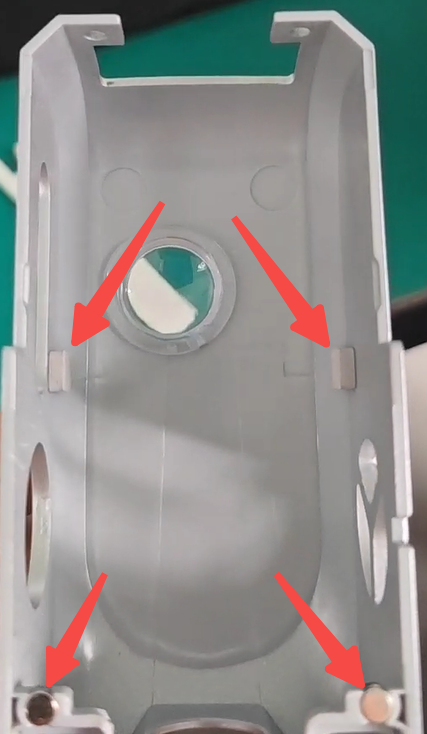
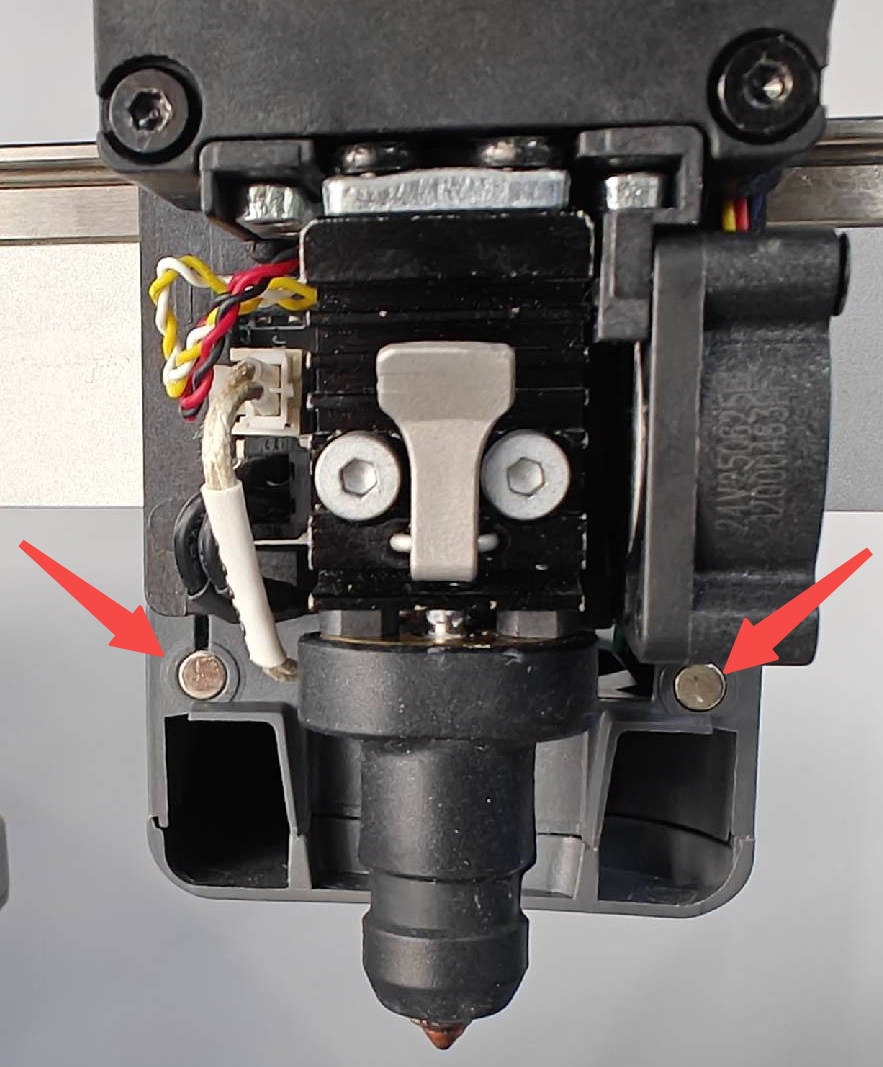
1. Remove the nozzle front cover and test print to see if the noise is reduced. If the abnormal noise decreases, the cause is resonance from the nozzle front cover. In this case, check if any magnets are missing from the nozzle front cover, or if the foam pads on both sides inside the front cover are missing, and replace accordingly. Please contact cs@creality.com accordingly.
 |
 |
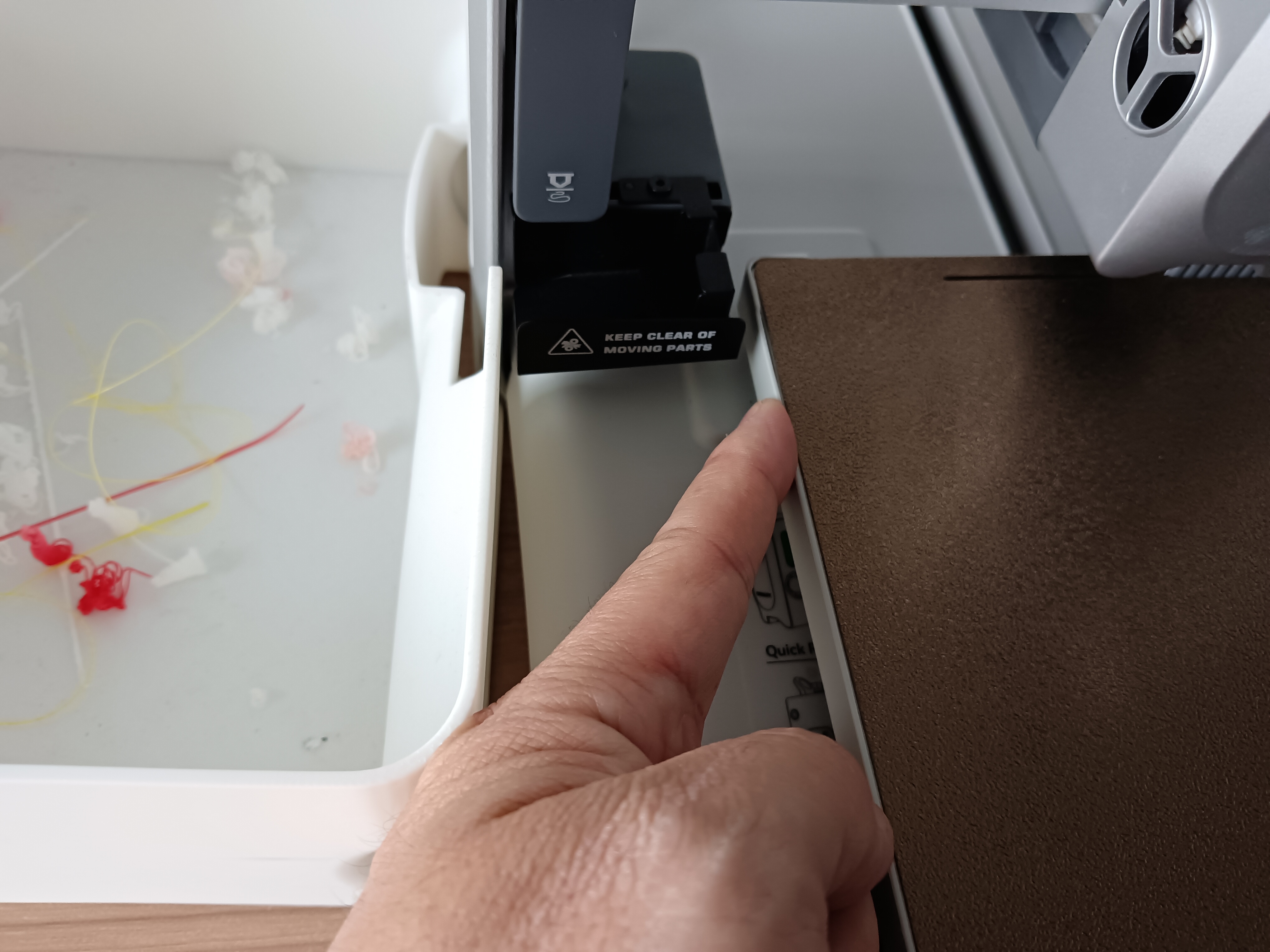
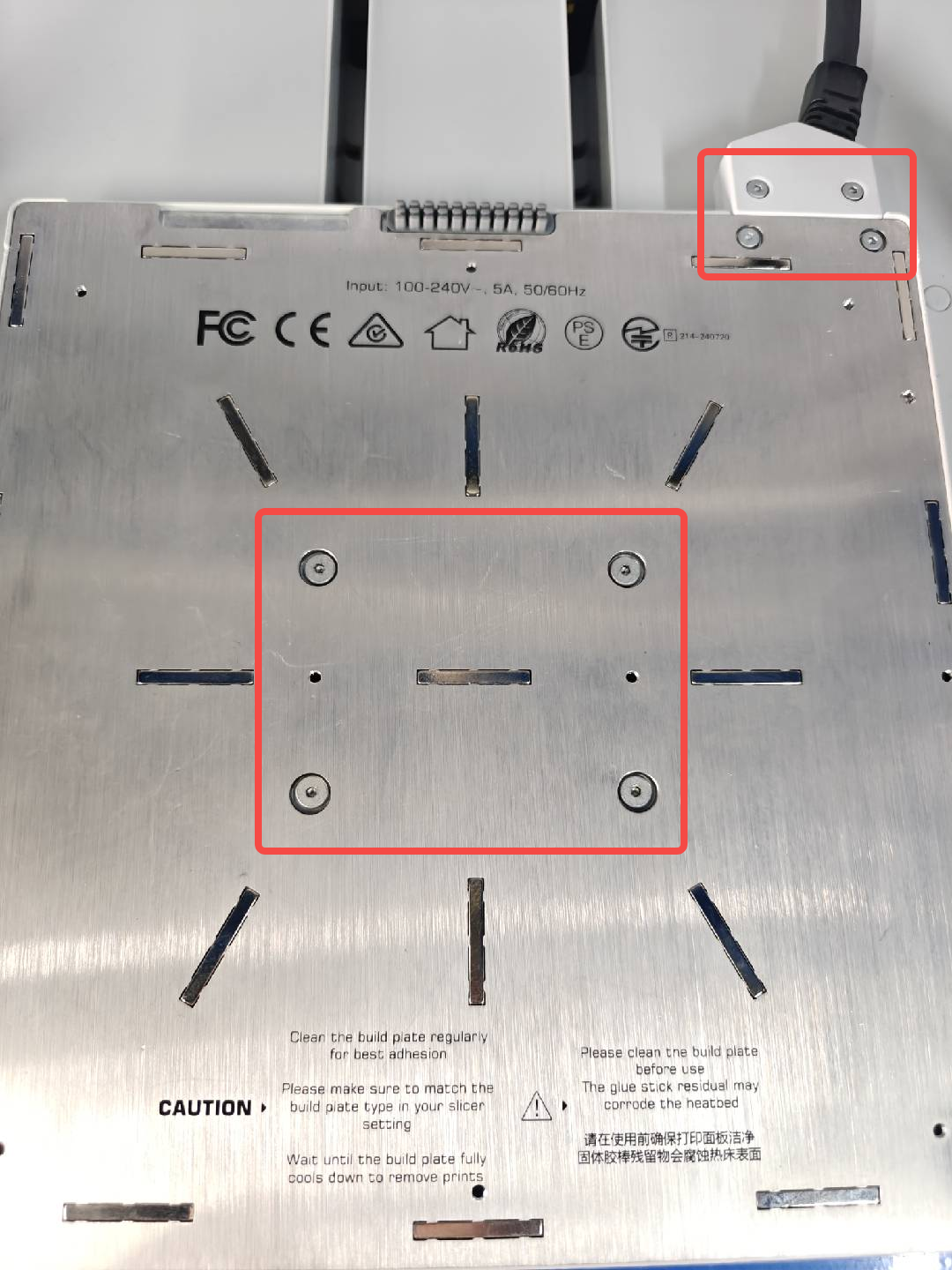
2. During printing, if there is abnormal noise, press the plastic edge trim of the hot bed with your hand to see if the noise decreases. If the noise decreases, the resonance is coming from the hot bed's plastic trim. In this situation, retighten the fixing screws on the hot bed, place several pieces of double-sided tape inside the plastic trim to secure it, then test print again.
 |
 |
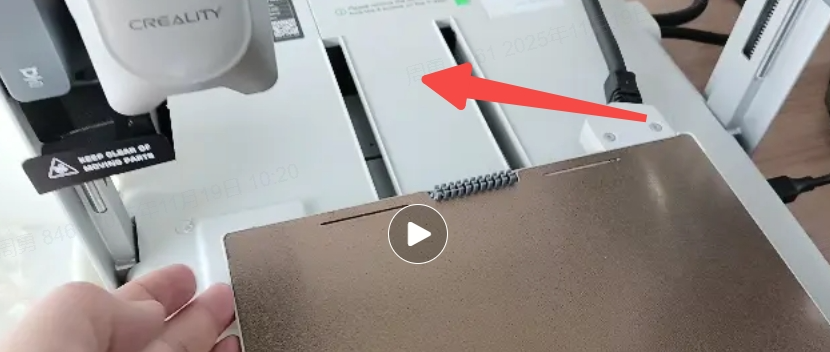
3. Resonance may also be caused by other loose components, such as the hotend quick-release plate, nozzle cooling fan, model cooling fan, or bottom middle cover. Ensure everything is tightly installed, then test print again.
4. If all resonance issues above have been ruled out, and the abnormal noise from the X or Y axis is more noisy during printing, then the corresponding motor is causing the noise and should be replaced. Please contact cs@creality.com accordingly.