¶ Phenomenon Description
After powering on, the CFS-C cannot communicate with the machine host.
¶ Cause Analysis
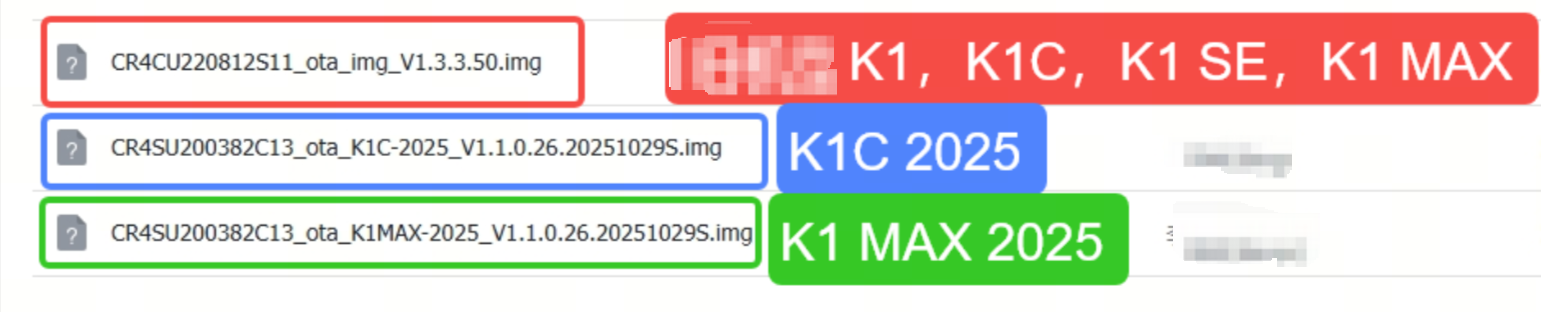
The machine's firmware has not been correctly updated.
The adapter's cable is inserted into the wrong port.
Poor communication between the machine and CFS-C.
¶ Troubleshooting and Solutions
Check if the adapter cable is inserted into the correct port
CAN to USB Type-C port
Confirm whether the firmware has been correctly updated. If uncertain, please contact after-sales customer service to provide the firmware installation package for your specific model.
Check if the machine's firmware has been correctly updated. You need to update using the firmware provided on the USB drive, and ensure you're updating with the correct firmware for your printer. If uncertain, please contact cs@creality.com to provide the firmware installation package for your specific machine.