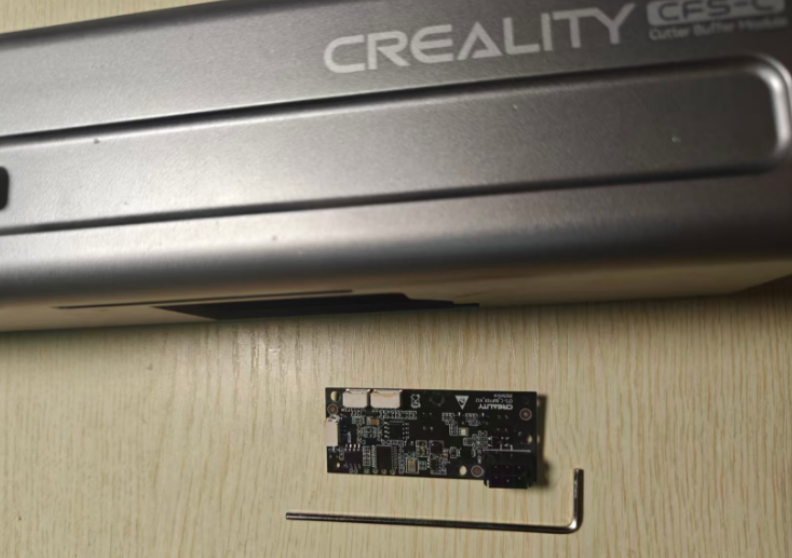
¶ Tools
M2 Wrench
New Mainboard
¶ Replacement Steps
Step 1: Open the magnetic housing upward
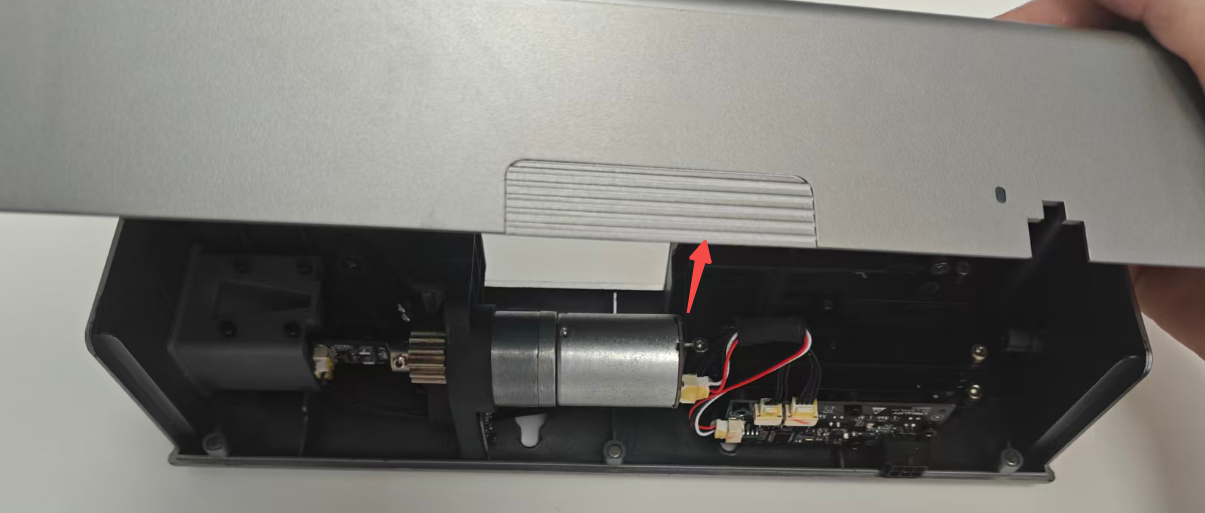
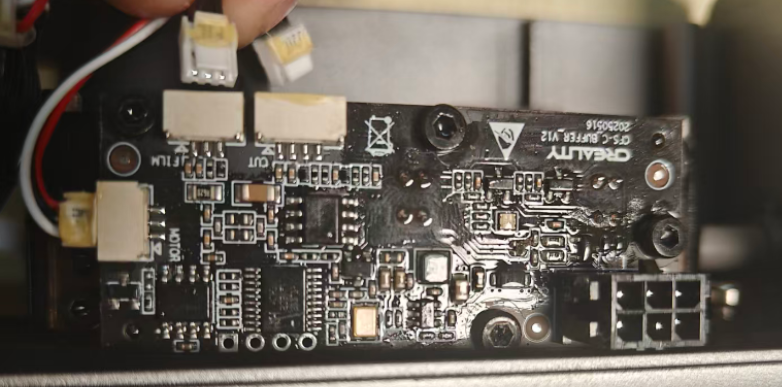
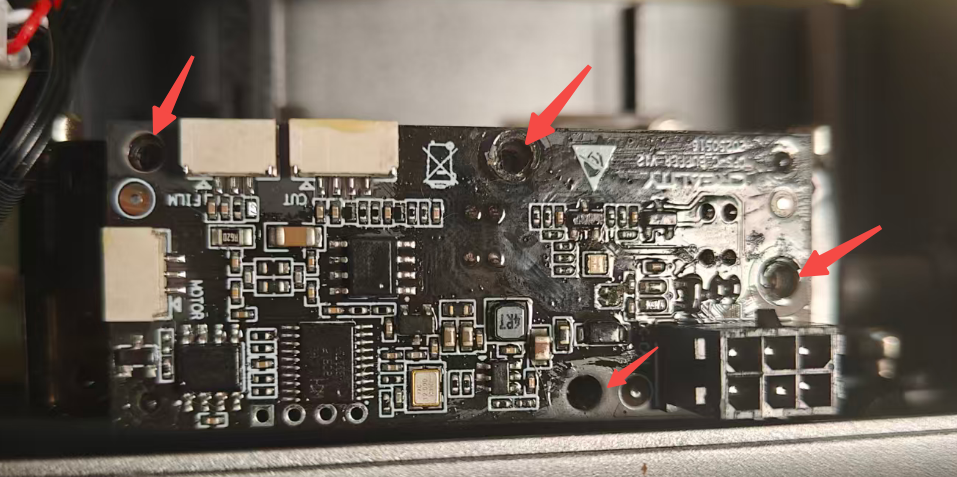
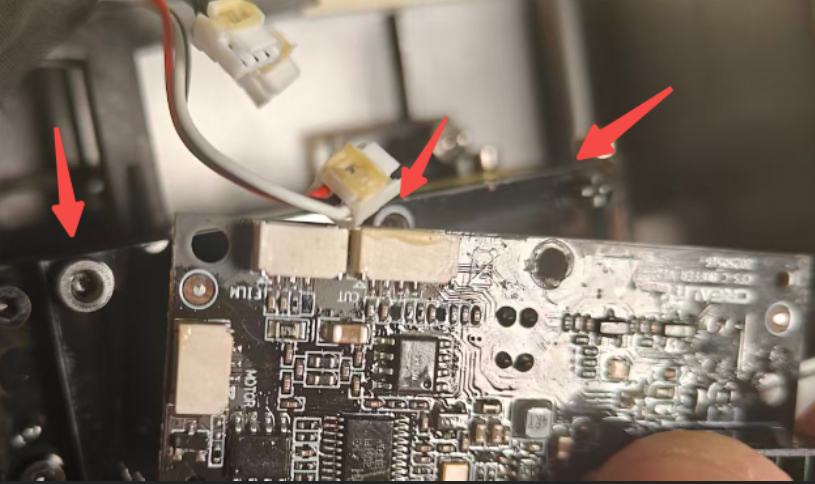
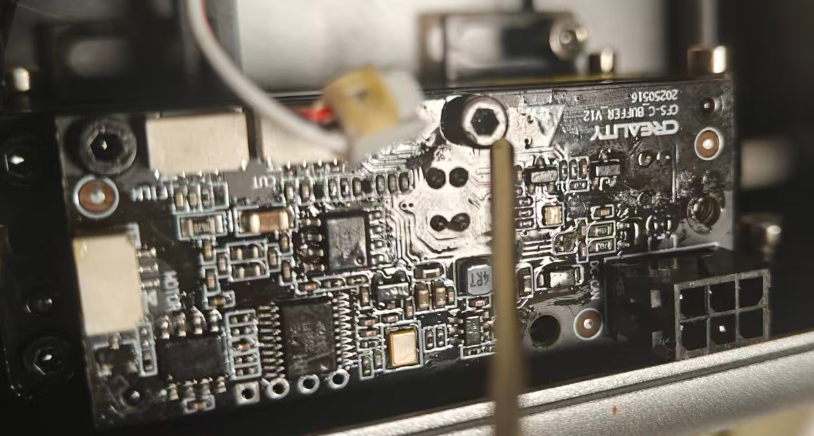
Step 2: Remove three mainboard cables in sequence; use M2 hex wrench to remove four fixing screws one by one.
 |
 |
Step 3: Align the mounting holes to install the new mainboard and tighten the M2 fixing screws in sequence.
 |
 |
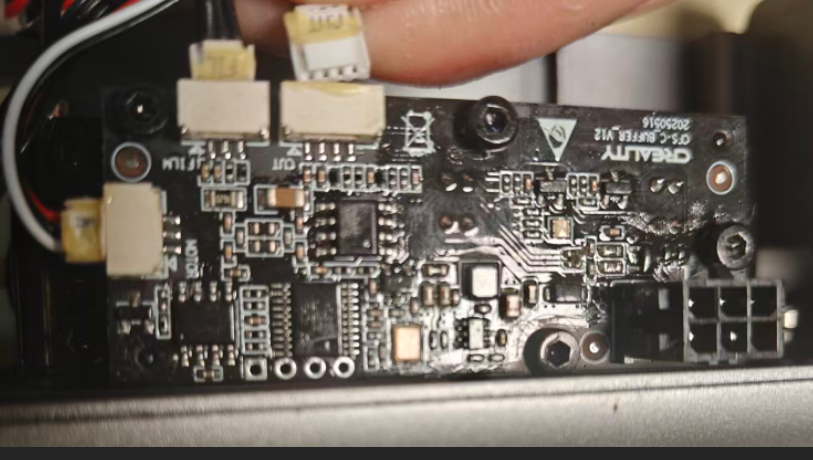
Step 4: Connect the three mainboard cables; close the magnetic housing.
¶ Friendly Reminder
If you still haven't resolved the issue after following the steps in this document, or if you encounter any difficulties during the process, you can click the right corner of the wiki page online support to contact our after-sales team for more help.