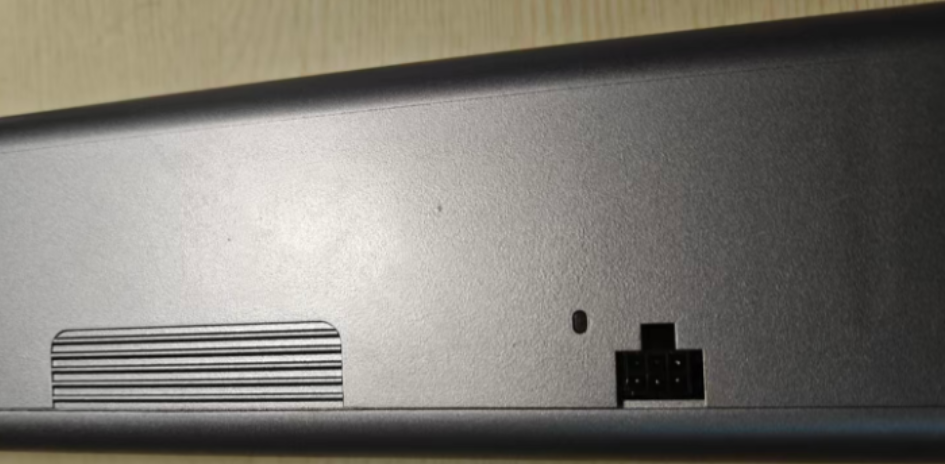
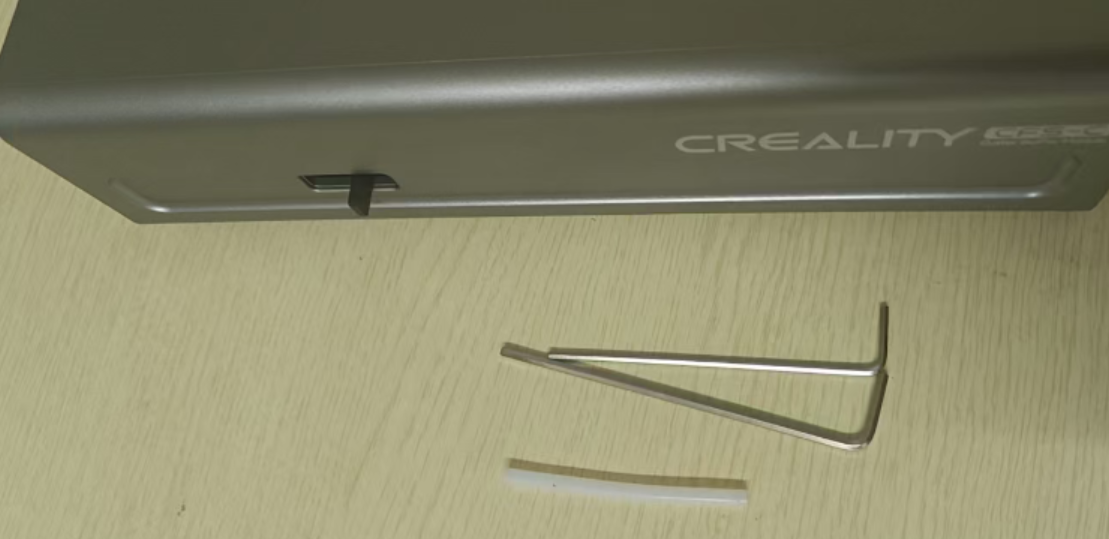
¶ Tools
6CM PTFE tube
H2 hexagonal wrench
H2.5 hexagonal wrench
¶ Replacement steps
After powering off, you need to remove the cutter buffer module from the printer, then open the magnetic shell upward.
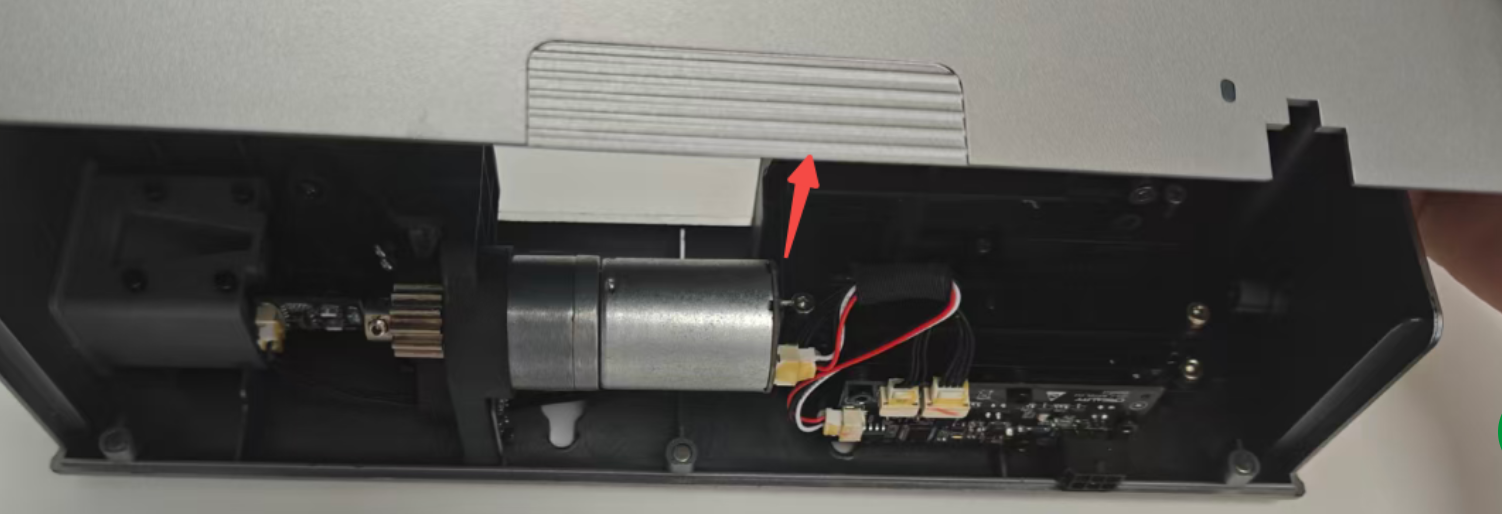
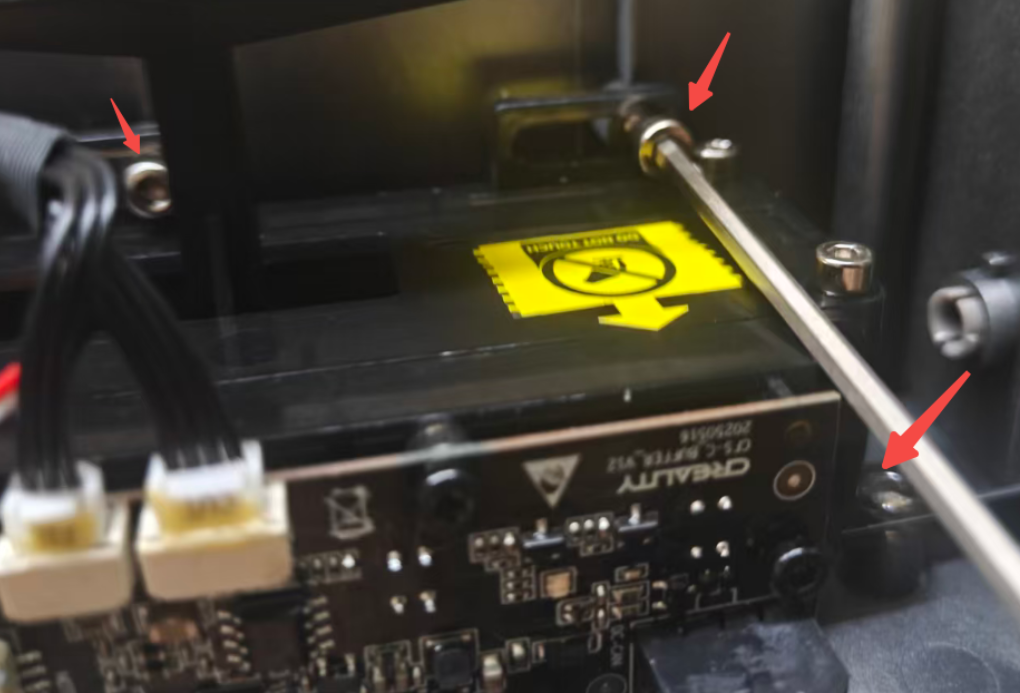
Use the H2.5 hexagonal wrench to remove the 3 fixing screws as shown in the following picture.
Note: When replacing the cutter buffer PTFE tube, do not grip the mainboard on the top of the buffer to avoid damage.
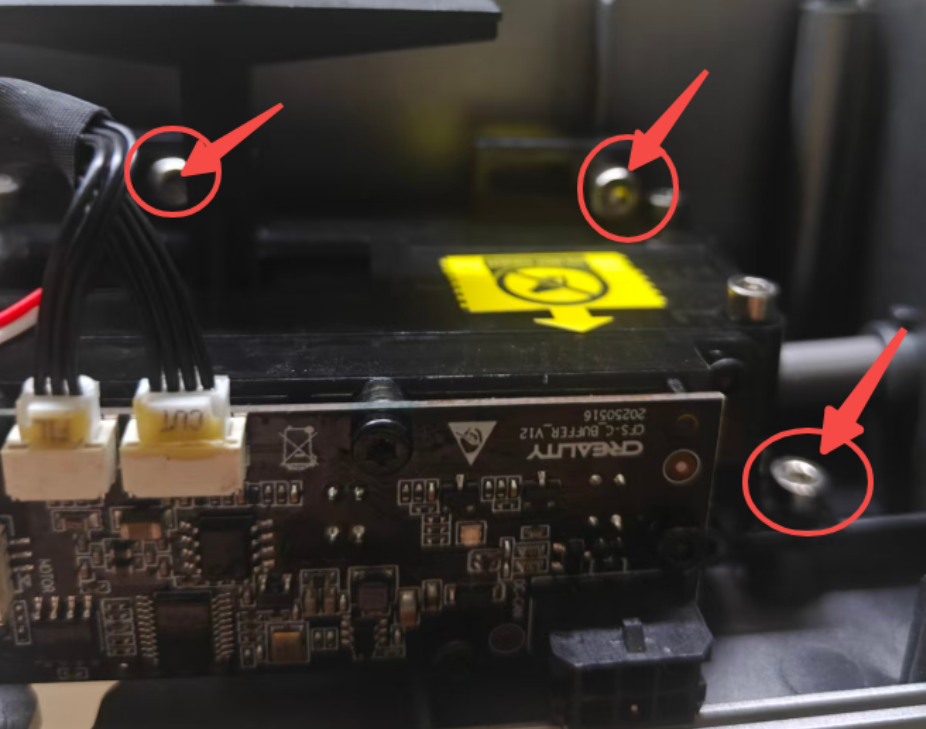
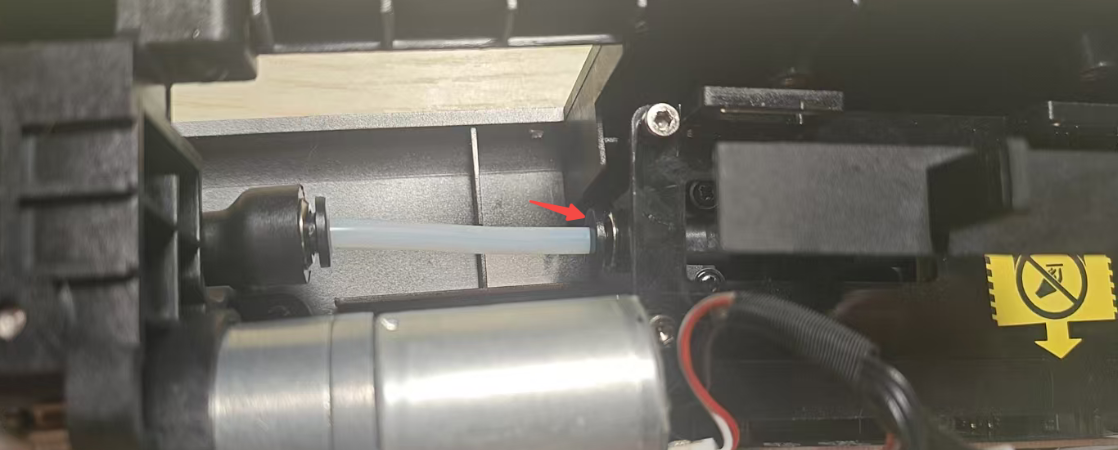
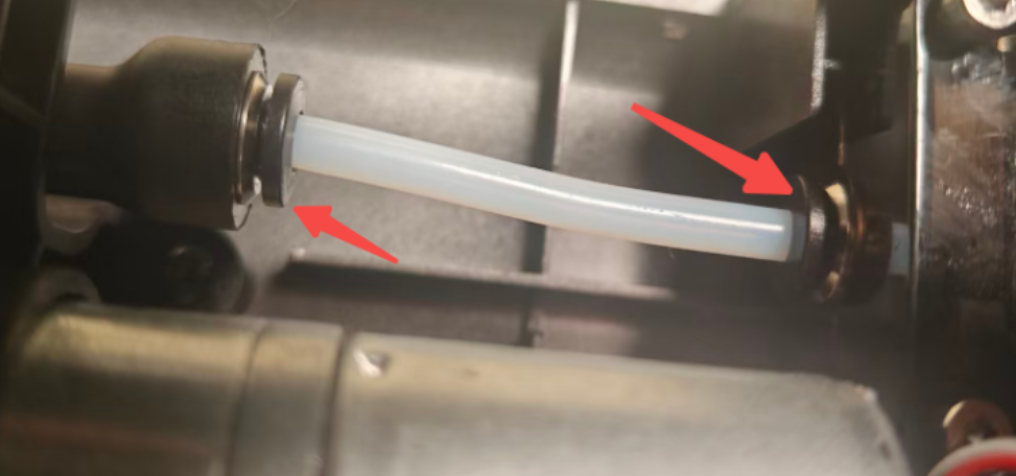
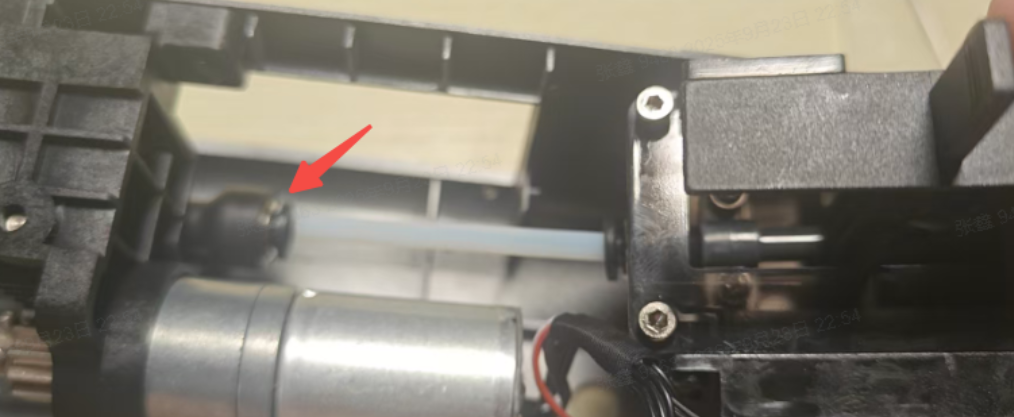
Press the tube connector and pull out the PTFE tube, then insert the new PTFE tube into the tube connector; then tighten the three fixing screws in sequence.
 |
 |
 |
 |
Put on the magnetic top cover.