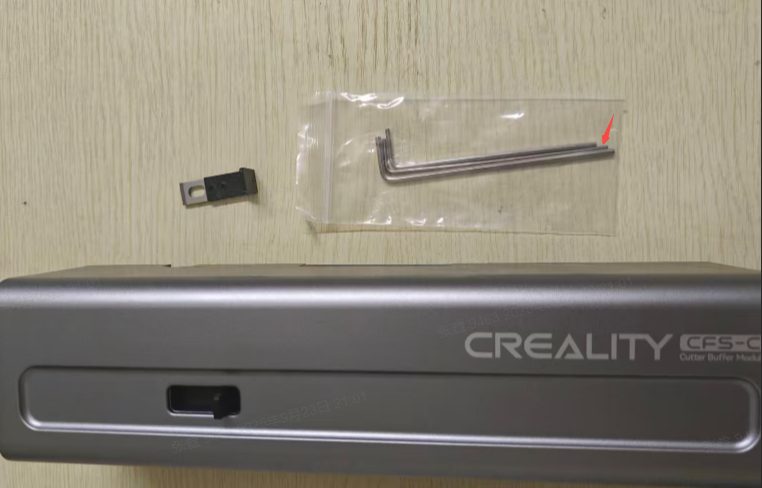
¶ Tools
M2 hex wrench
Cutter module
Spare cutter
¶ Replacement Steps
¶ 1. Retract Filament
Click "Retract" on the device UI page; or open Creality Cloud and click "Retract" in the cloud; or click "Retract" in the slicing software;
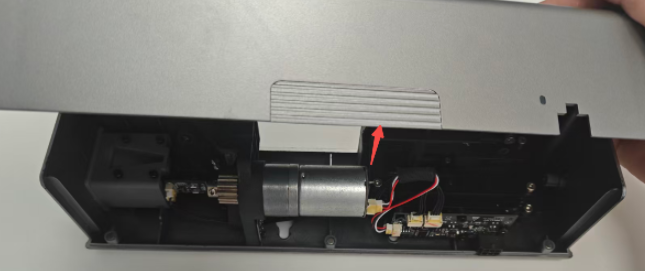
After retraction, power off the device, remove the CFS-C cutter module, and open the magnetic housing upward.
¶ 2. Disassembly
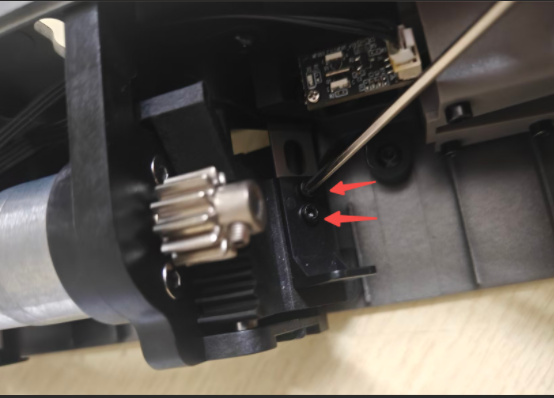
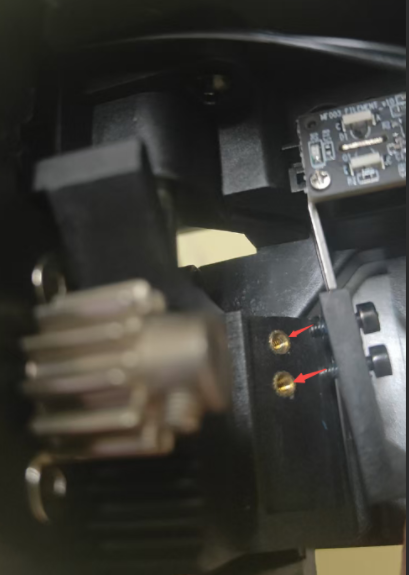
Locate the cutter position, use M2 hex wrench to loosen and remove two fixing screws.
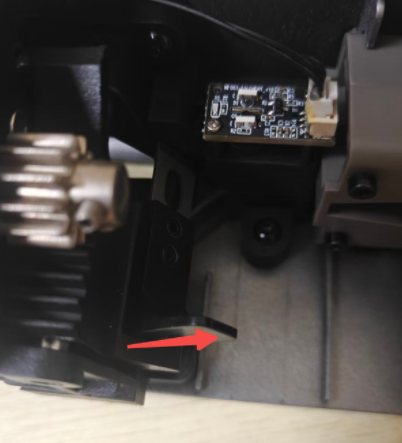
Note: The cutter needs to be removed to the position shown.
¶ 3. Remove the faulty Cutter
¶ 4. Install
Install the new cutter using M2 hex wrench (Note: align with screw holes) and secure with two M2 screws.
Close the magnetic housing.
¶ Friendly Reminder
If you still haven't resolved the issue after following the steps in this document, or if you encounter any difficulties during the process, you can click the right corner of the wiki page online support to contact our after-sales team for more help.