The CFS-C system records the effective number of filament cuts in real time. When the number of cuts reaches 60,000 times, the printer will display a prompt.
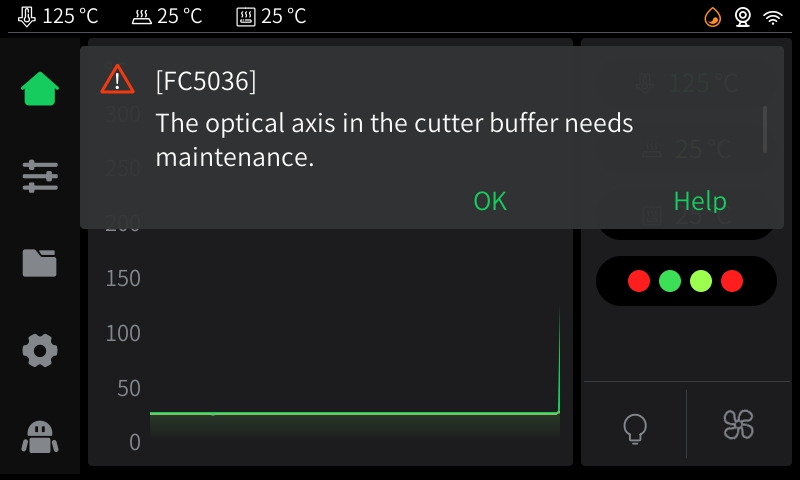
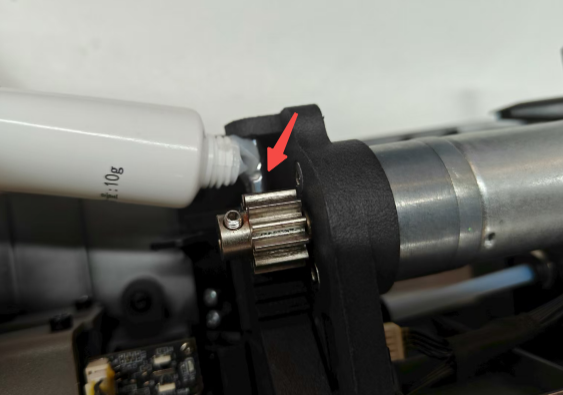
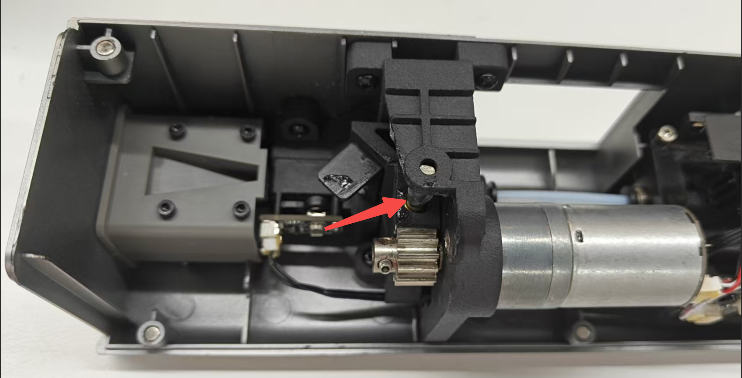
You can also maintain the optical shaft with the supplied lubricating grease based on usage.
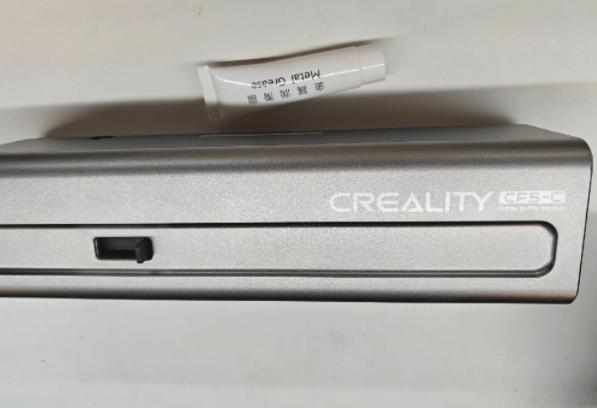
¶ Tools
Mechanical lubricating grease
Cutter module
¶ Operation steps
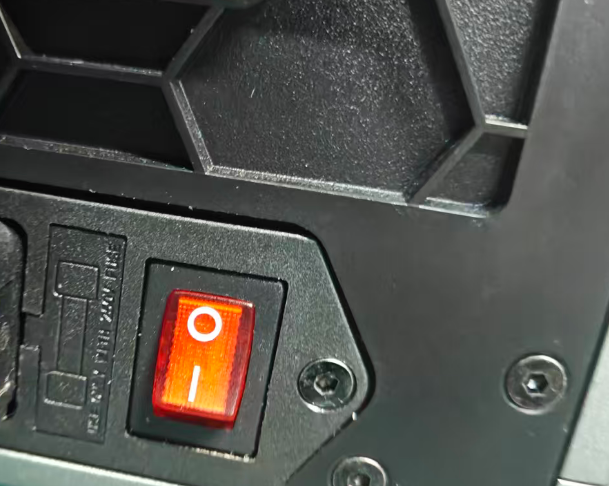
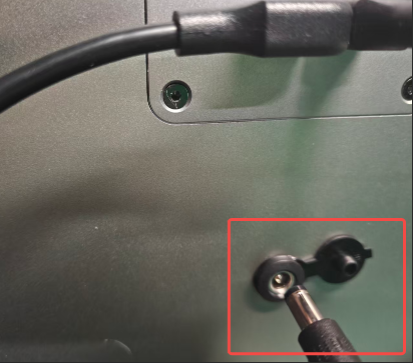
1. Power off the machine and unplug the CFS power adapter to ensure the machine is disconnected from power.
 |
 |
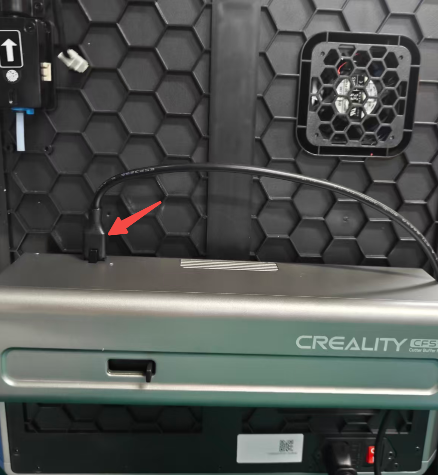
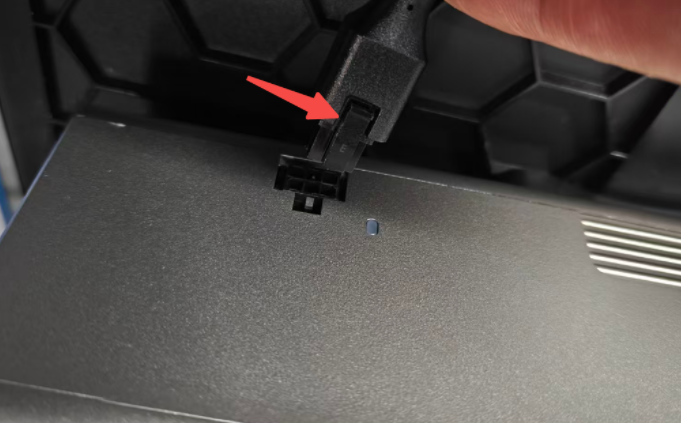
2. Press the buckle and pull up the cutter module communication cable. Hold the buffer and the connector, then pull out the PTFE tube.
 |
 |
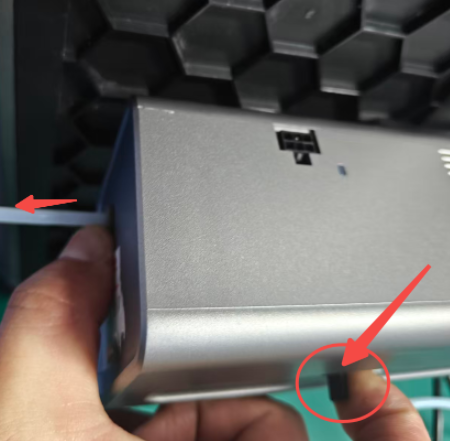
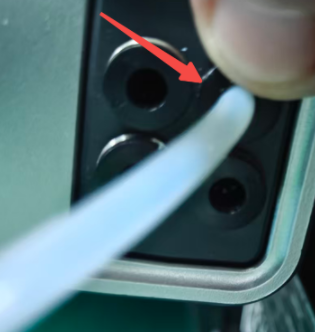
3. Remove the PTFE tube.
As shown in the figure, on the left side, hold the buffer and tube connector to remove the PTFE tube; on the right side, press the connector to pull it out directly.
 |
 |
4. Remove the cutter module upward. (It has a hook-type design structure)
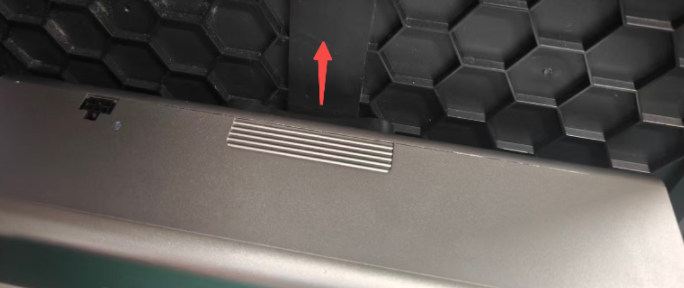 |
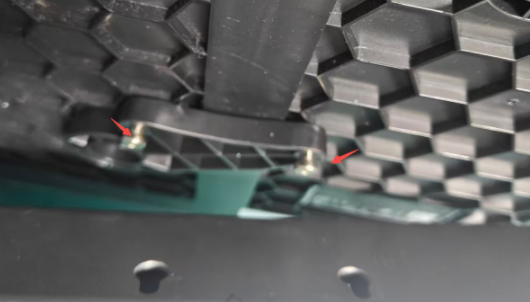 |
5. After removing the cutter module, press the edge of the housing and lift up to remove the magnetic shell, as shown in the figure:
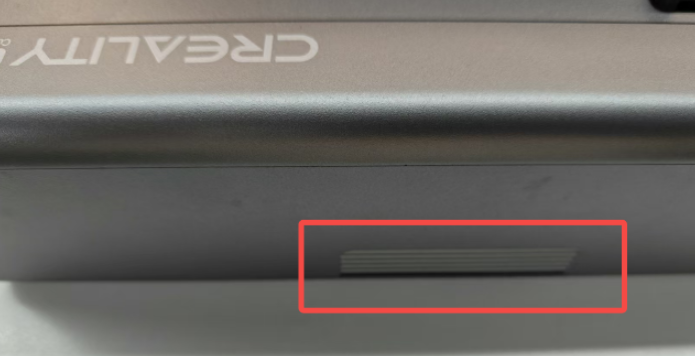 |
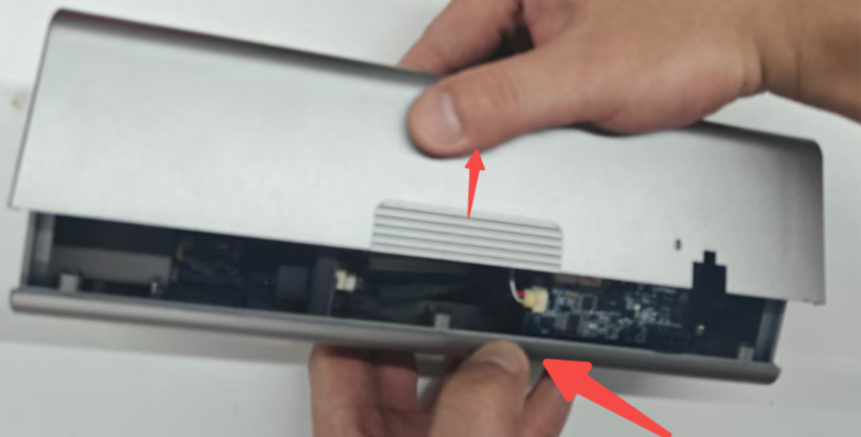 |
6. Locate the optical shaft and apply lubricating grease.
 |
 |
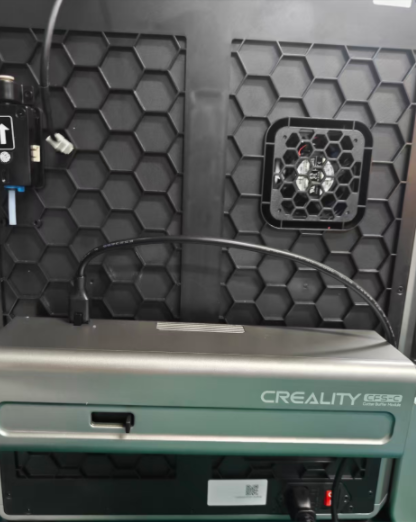
7. After applying the lubricating grease evenly by hand, you can install the cover. Then, reassemble the disassembly steps in reverse to restart installation.
¶ Friendly Reminder
If you still haven't resolved the issue after following the steps in this document, or if you encounter any difficulties during the process, you can click the right corner of the wiki page online support to contact our after-sales team for more help.