¶ Why am I seeing this message?
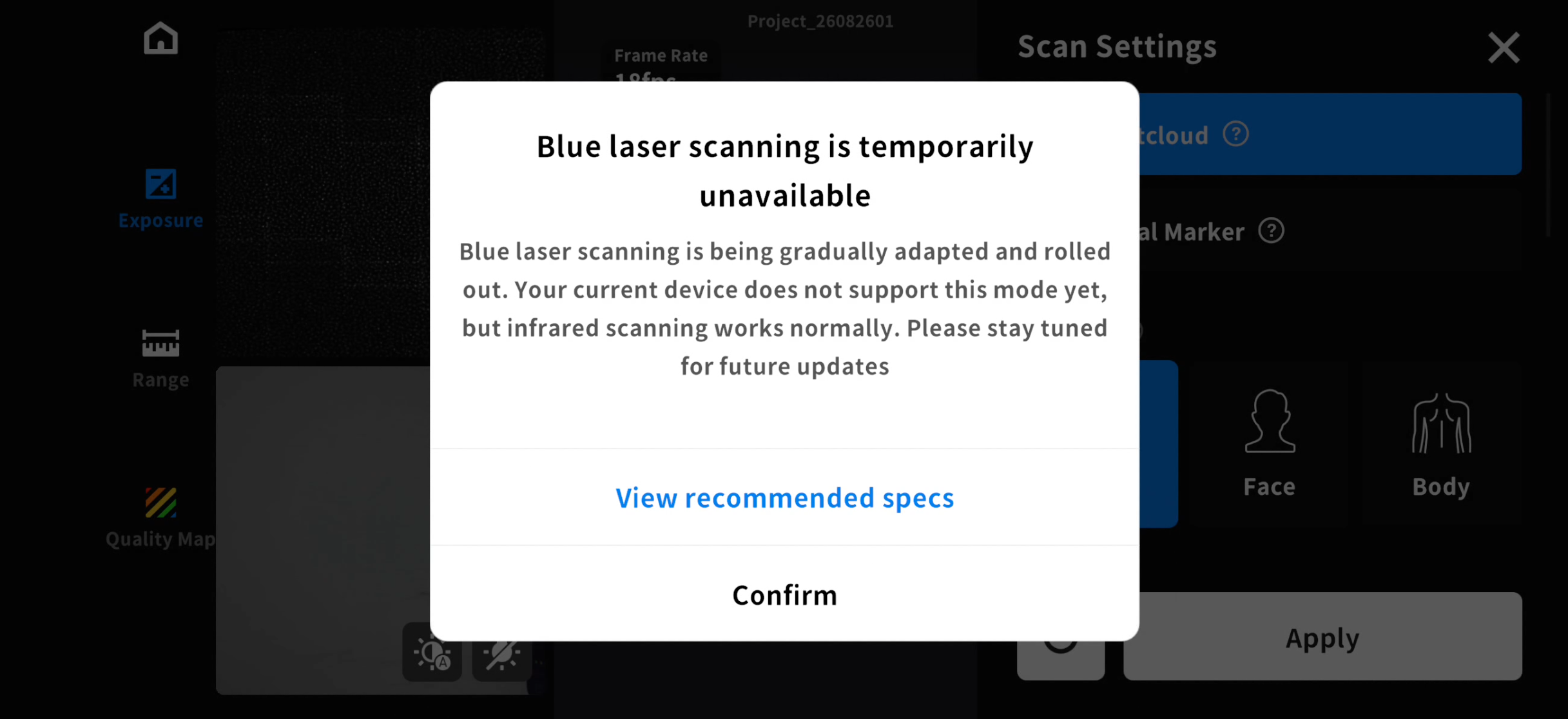
When the scanner is connected to your phone, the following message may appear if your device does not support Blue Laser Mode:
Blue laser scanning is temporarily unavailable.
Blue Laser scanning is being gradually adapted and rolled out. Your current device does not support this mode yet, but infrared scanning works normally. Please stay tuned for future updates.
¶ Why is Blue Laser Scan Mode unavailable?
On Android devices, Blue Laser Mode is currently supported only on phones powered by Qualcomm and MediaTek chipsets.
However, when using blue laser line mode, Android phones equipped with MediaTek Dimensity chips currently deliver lower frame rates than those with Qualcomm chips. We are actively working to optimize this frame rate issue. Stay tuned!
Common Dimensity-powered phone models include:
- MediaTek (Dimensity): e.g., Redmi Note 14/15 Pro, Redmi Turbo 4/5, Xiaomi 15T/16T Pro, and other models;
- OPPO Find X7/X8/X9, OPPO Reno12/13/14, OPPO A3 Pro/A5 Pro, and other models;
- vivo X200/X300, vivo S19/S21/S23, vivo Y200t/Y300t, and other models;
- HONOR X60/X70/X80 (standard editions), HONOR Play 9T/10T/11T, and other models;
Due to compatibility limitations, phones with non-Qualcomm/MediaTek chipsets do not support Blue Laser Mode, so the system will automatically disable this mode. Common unsupported chipsets include:
- Google Tensor: e.g., Google Pixel 8/8 Pro, Pixel 9/9 Pro, Pixel 10/10 Pro, and other models;
- Samsung Exynos: e.g., Galaxy A35/A55, and other models;
- Huawei Kirin: e.g., HUAWEI Pura 70 series, HUAWEI Mate 70 series, HUAWEI Pura 80 series, HUAWEI Mate 80 series, and other models.
We are continuously improving device compatibility and plan to support more Android devices in future releases.
¶ How can I continue scanning?
If your device does not support Blue Laser Mode, you can:
- Switch to Infrared Mode to continue scanning.
- If you need to use Blue Laser Mode, please refer to the Recommended Devices examples to use with the scanner: Samsung S25 series, Xiaomi 15 series, Redmi K70 Pro, OPPO Find N3, Honor Magic 5 (Android); iPhone 15 Pro (iOS) and above.
- Connect to a PC to use the Blue Laser Mode.