¶ Issue Description
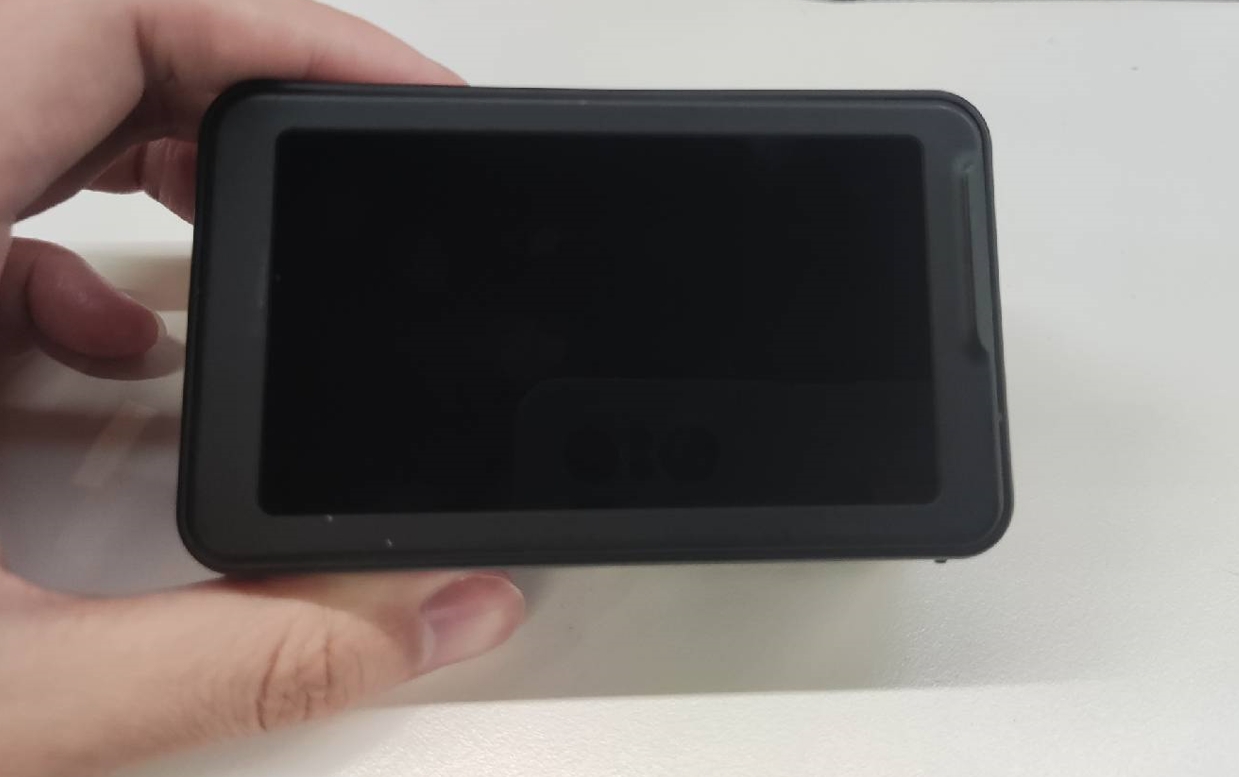
After long-pressing the power button on the Pika scanner, the screen stays black and no boot animation appears.
¶ Troubleshooting and Solutions
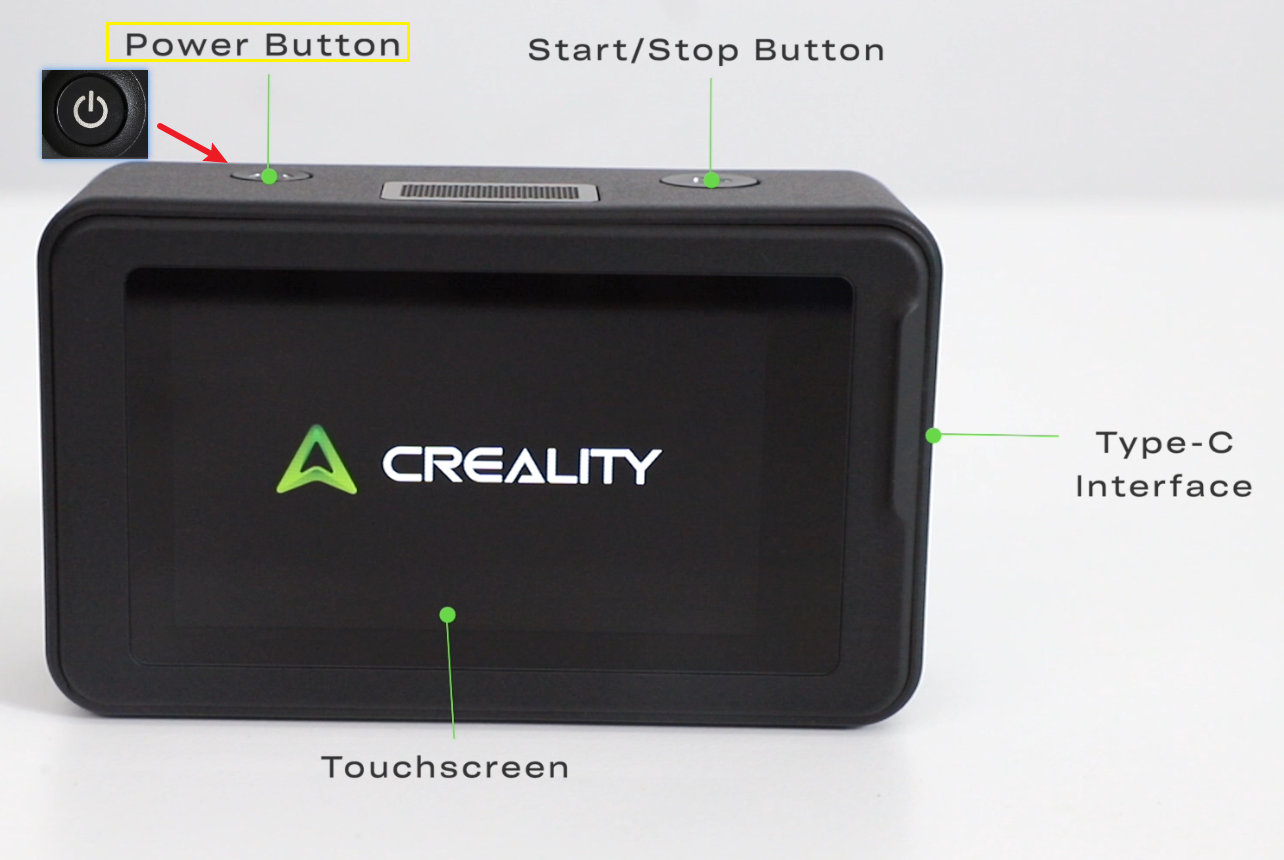
- Check the Button
- Proper button operation: Long-press the power button to power on/off; short-press to turn the screen off/on. To power on, you must long-press the button.
- Check button hardware condition: When pressing the button, you should hear a clear mechanical click, feel smooth rebound without sticking, and see no sinking or jamming. If so, the button is normal.
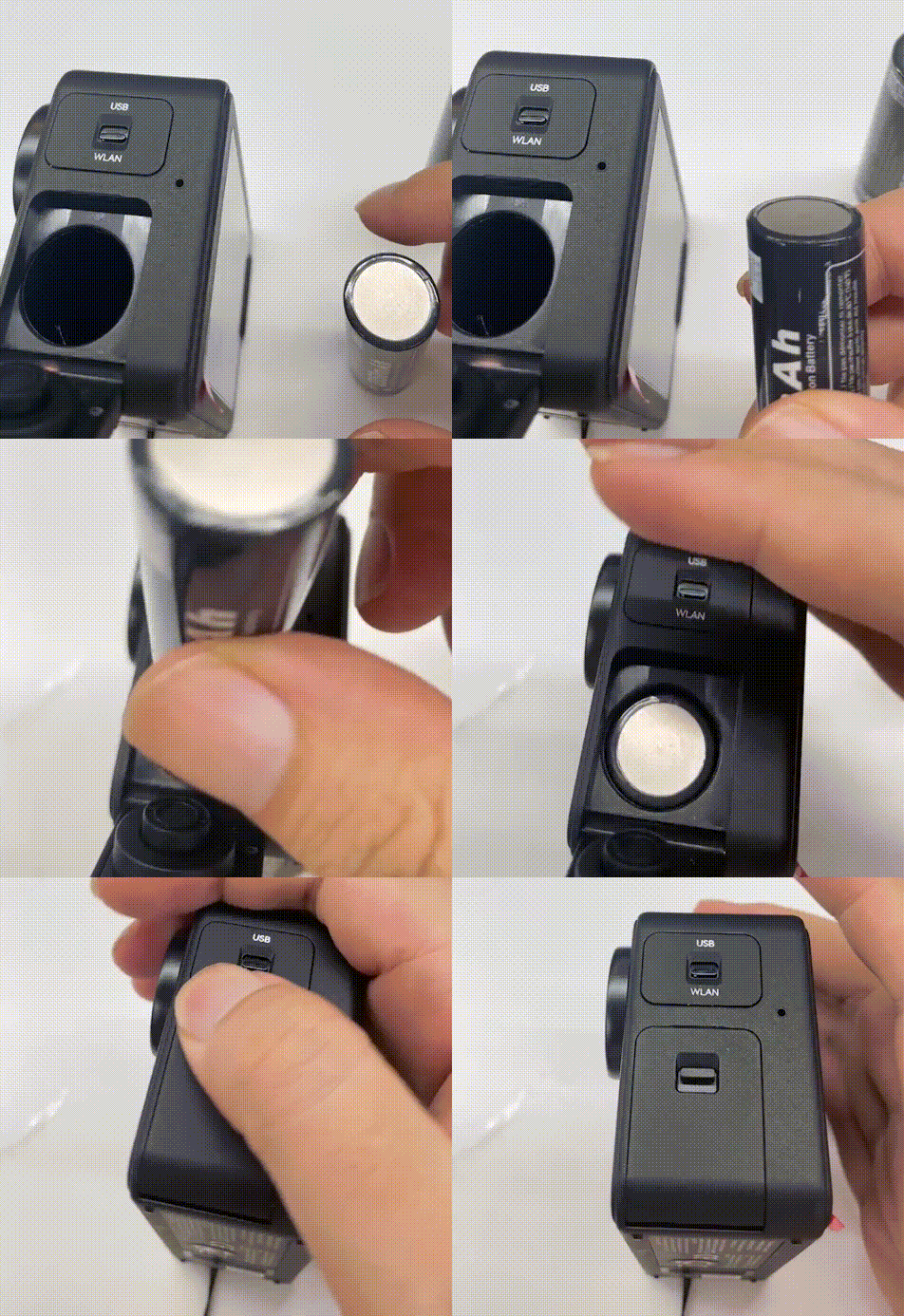
- When Installing the Battery
- Make sure there are no foreign objects in the battery compartment.
- Insert the battery with the negative terminal facing outward, and ensure it is properly seated
-
Avoid Deep Battery Discharge
If the camera has been idle for a long time, the battery may be too low to power on. Fully charge the device before use to prevent the lithium battery from becoming deeply discharged and unable to wake up.
-
Try Powering On with a Data Cable
Make sure the battery is installed in the main unit, then use the power/data cable to supply power to the Pika for at least 30 minutes before trying to power it on.
Note: Pika does not support powering on without a battery, even when connected to a power cable.
-
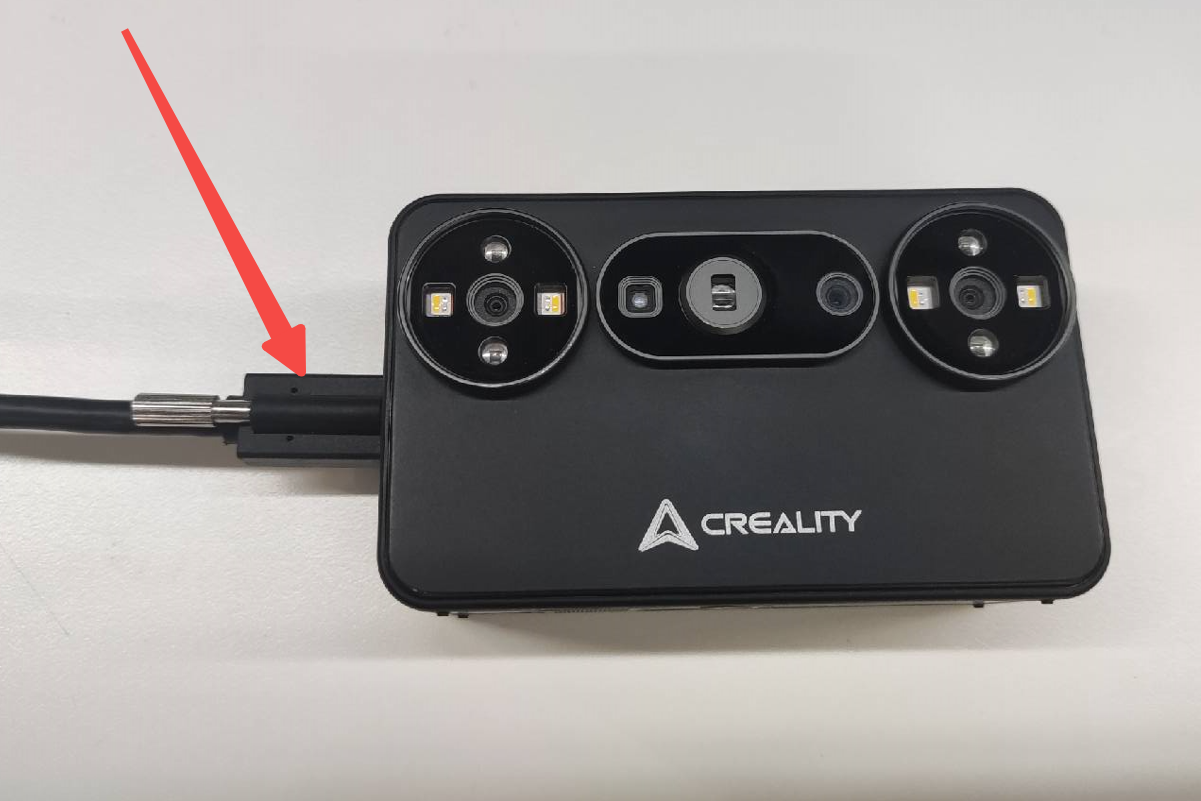
Check the Power Cable and Charging Port
Inspect the power/data cable for damage, bends, or cracks. Also make sure the locking screw on the main unit's charging port is tightened.
-
Check the Fan and Heat
After long-pressing the power button, check whether the fan is spinning. If the device becomes very hot immediately after power-on, remove the battery immediately and do not repeatedly try to power it on.
-
Contact After-Sales Support
If none of the above solutions work, please record a video showing the failure to power on and send it to our after-sales support email (cs@creality.com) so we can provide further assistance.