¶ Issue Description
The Lite Bridge of the Otter Lite scanner does not light up after pressing the power button, and it cannot charge even when connected to a Type‑C power cable.
¶ Troubleshooting Steps
1. Look for any visible deformation or signs of dropping.
2. Check if the power-on method is incorrect – power button behavior for the Lite Bridge:
- When powered off: Short press → Powers on
- When powered off: Long press → Does not power on (normal behavior)
- When powered on: Long press → Powers off
3. Use a different power adapter and a standard phone Type‑C charging cable. Charge for at least 30 minutes. (The battery may be severely depleted, preventing the Lite Bridge from turning on.)
4. The scanner’s data cable cannot charge the Lite Bridge. Please use the USB2.0 power cable & Lite Bridge charging cable (USB‑C/USB‑A 1.5m) to charge the Lite Bridge.
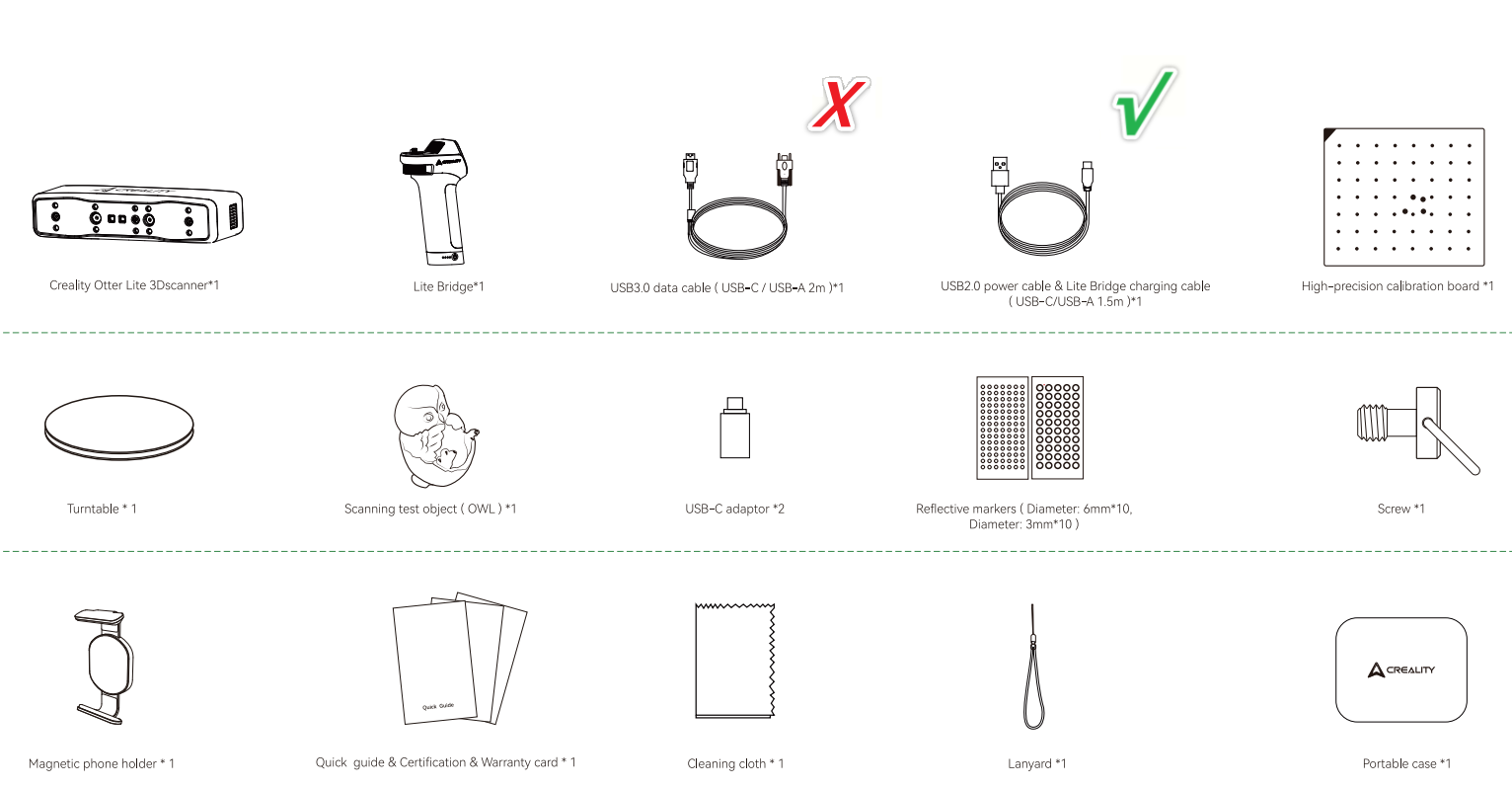
5. While charging, check whether the LED on the Lite Bridge is flashing green. If it is not flashing, try unplugging and plugging in the USB cable.
If none of the above steps resolve the issue, please provide the SN code (white QR label) on the Lite Bridge and contact customer support(cs@creality.com) for further assistance. We hope your Lite Bridge is back to normal soon!