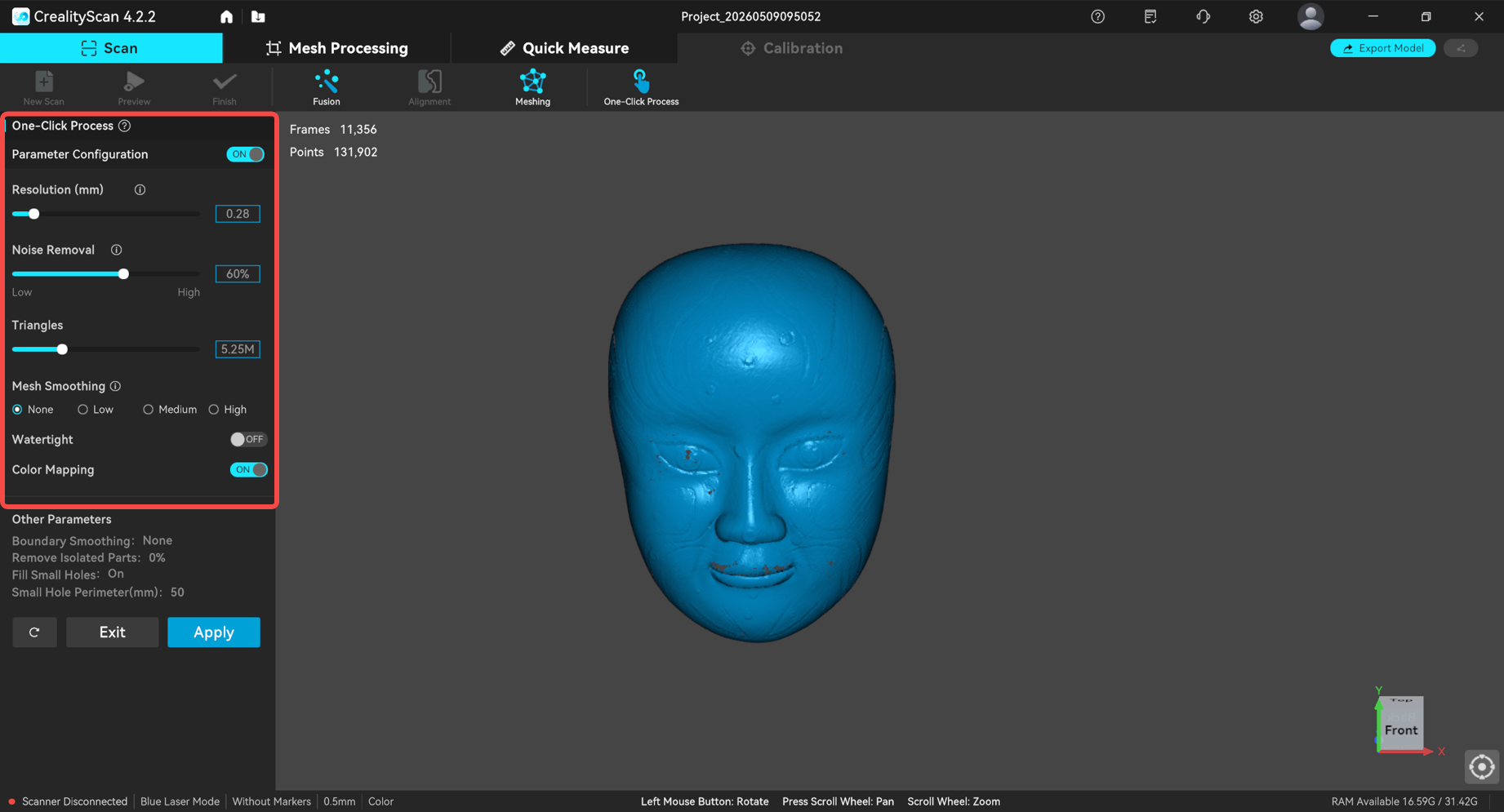
After scanning, the model requires post‑processing steps such as fusion and meshing before it can be exported for applications like 3D printing, precise measurement, or reverse engineering. You can either follow the standard step‑by‑step workflow or use the One‑Click Process feature for faster results.
One‑Click Process is ideal for beginners to quickly generate a model (with relatively lower quality). For better model quality, you can customize the parameters and then perform One‑Click Process.
¶ User Guide
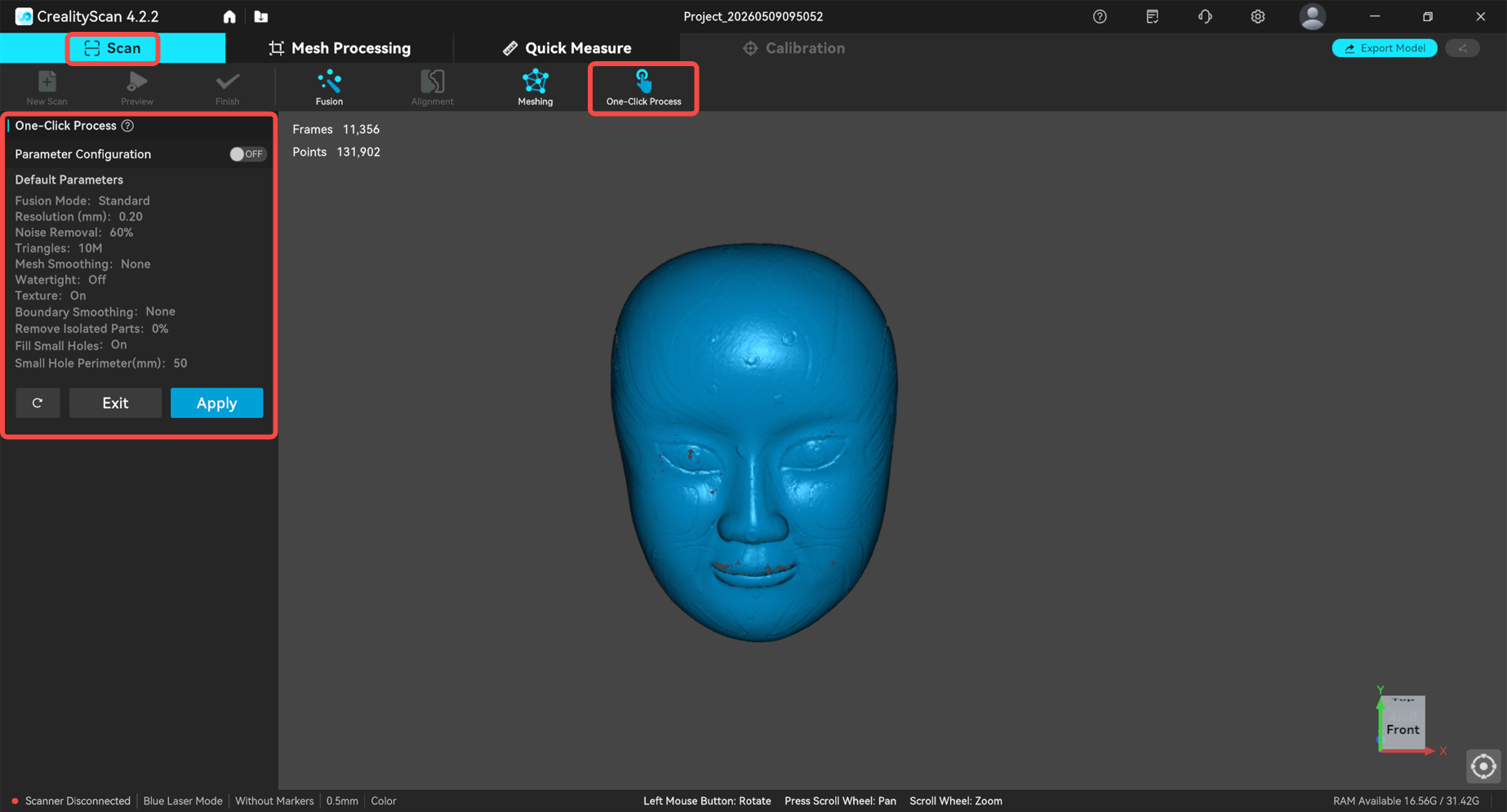
1. Click One‑Click Process. The default parameters will be shown on the left panel (as shown in the image).
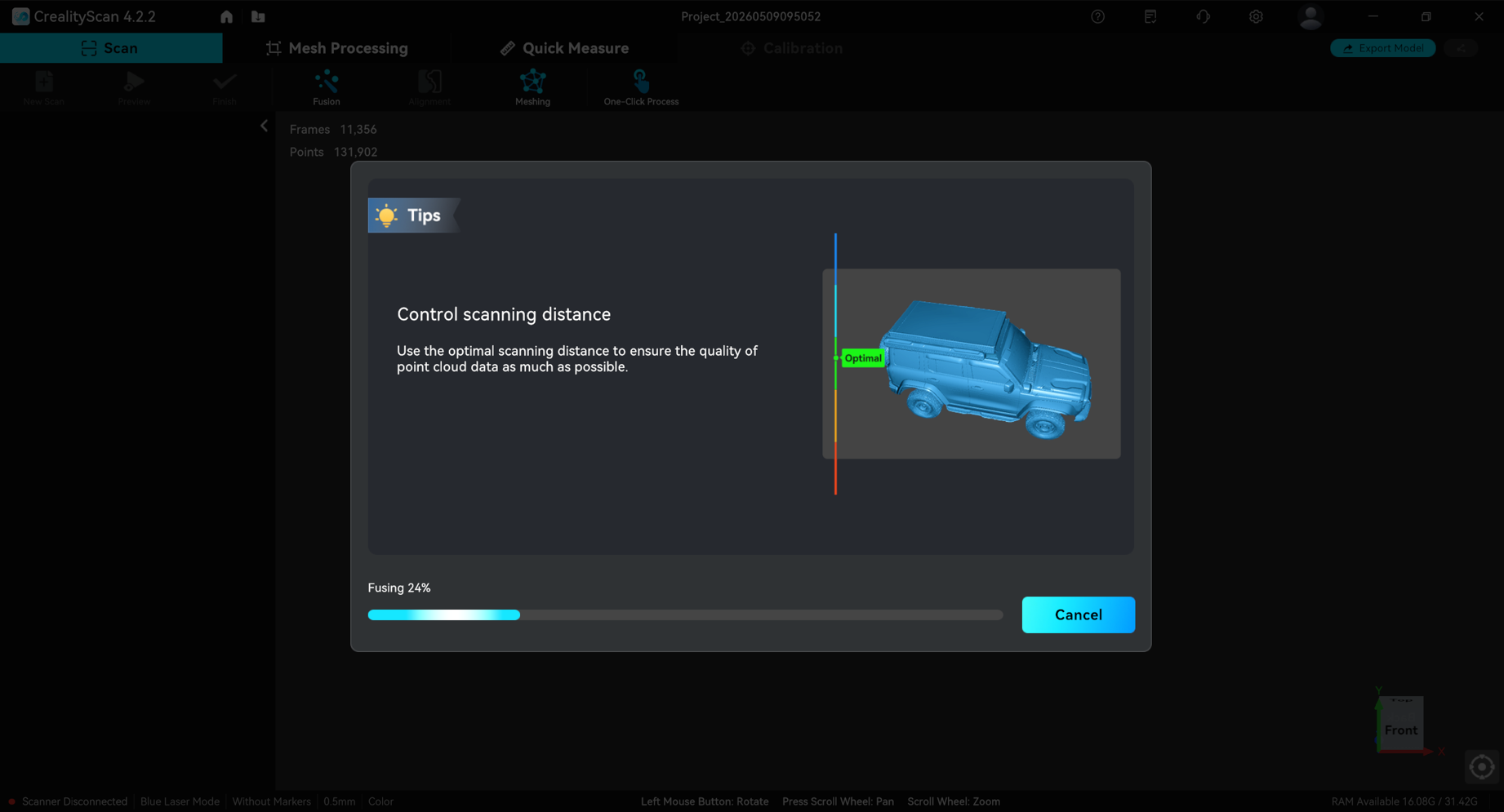
2. Click Apply and wait for the software to complete the process.
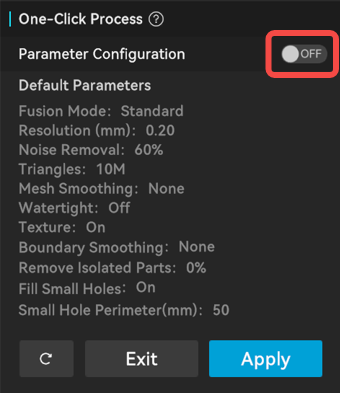
To modify the processing parameters, toggle the switch on the right side of Parameter Configuration.
Set the desired values for: Resolution, Noise Removal, Triangles, Mesh Smoothing, Watertight (whether to close the model), and Texture(whether to apply color mapping). Then click Apply to save the processing parameters.