¶ Usage
- When the Mesh file is generated, this feature can be used.
.png)
- Enter the transform function page, right-click the mouse to turn on the horizon gridlines.
.png)
- Adjust the rotation angles of the X/Y/Z axes to rotate the model to the desired angle.
a. Hold the arrow with the mouse to adjust the rotation direction.
b. Input on the left or click to adjust the fine angle.
Click "Apply" on the left to save the adjustment and return to the project list.
.png)
- Rotation Complete.
.png)
¶ Scenario
When post-processing and exporting to other 3D software, only minor orientation adjustments are needed before use.
The orientation of 3D software is not fully unified, and there may be directional offsets in different software .
Example:
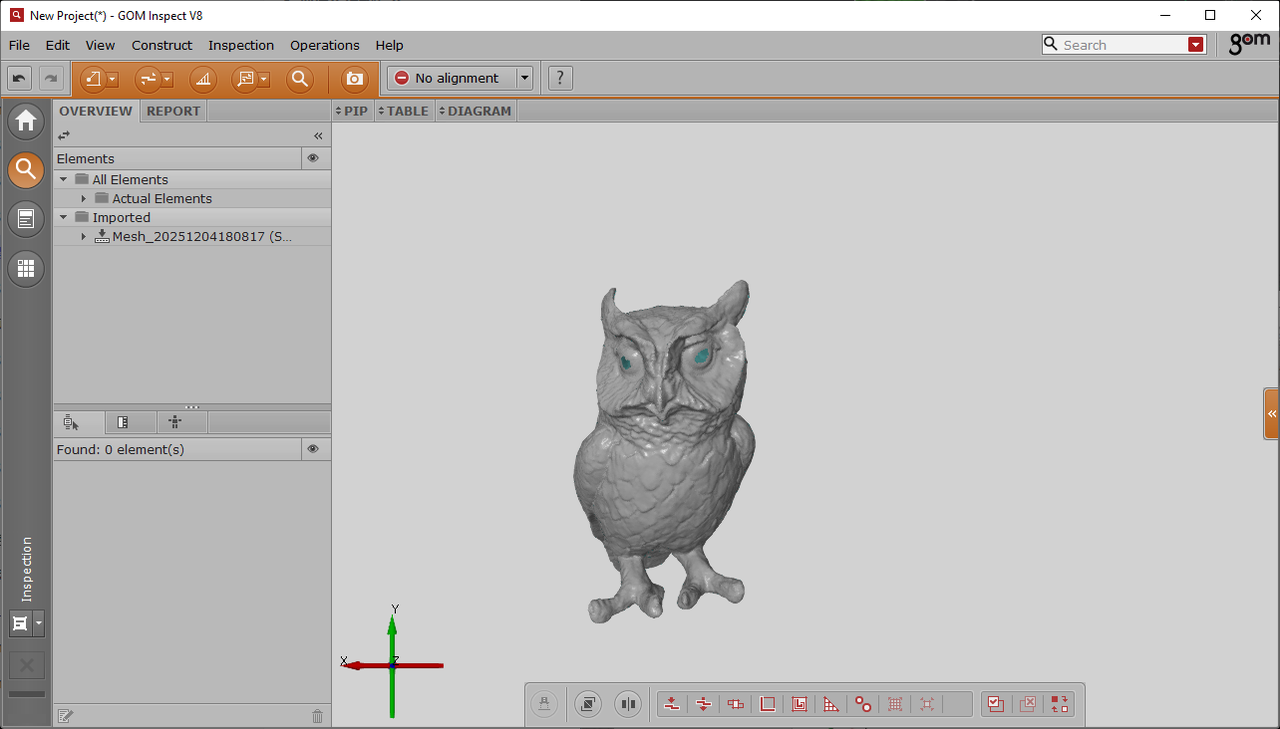
- Failed to properly position the imported GOM
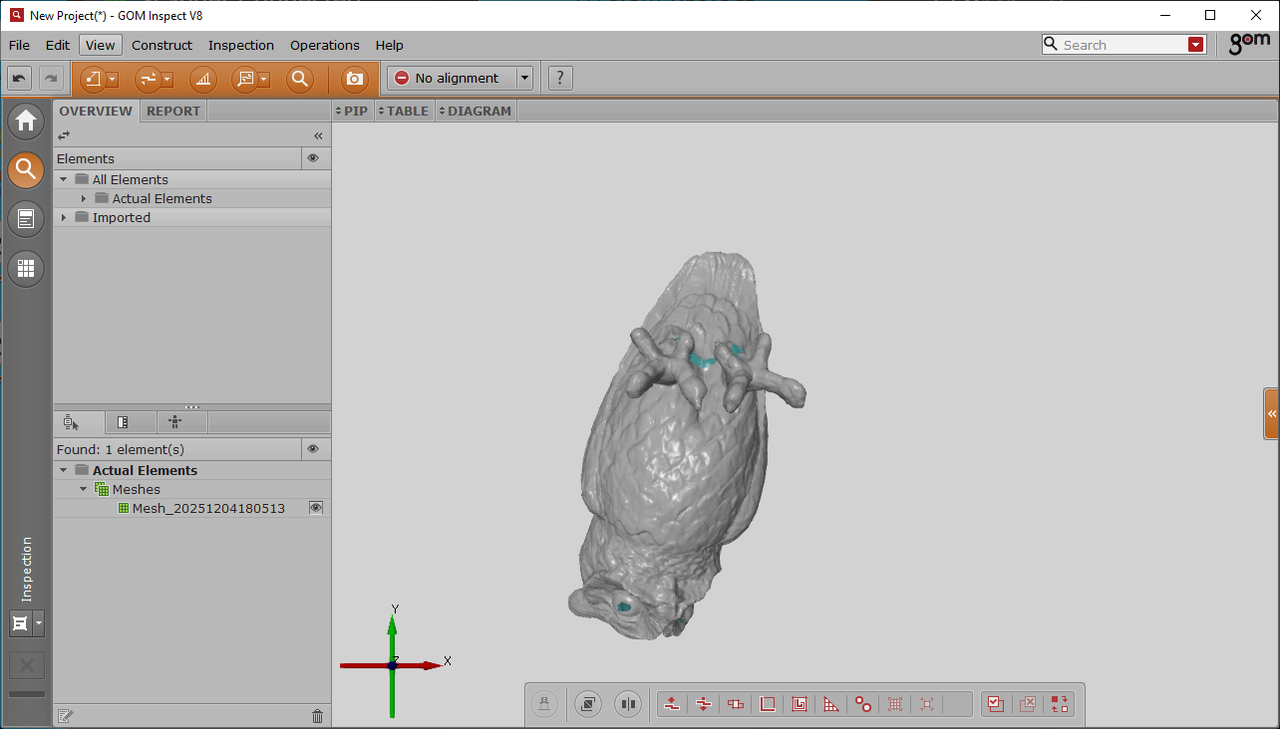
- Import into GOM after alignment