CrealityScan supports the Head Replacement function. The software provides reference models for you to use.
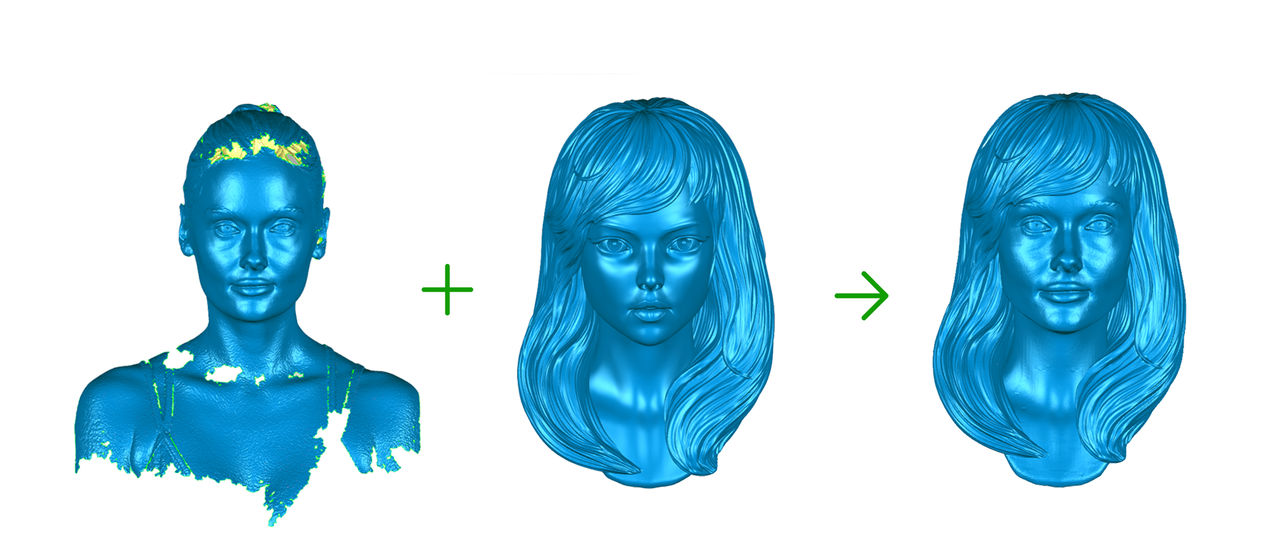
¶ Step-by-Step Instructions
-
First, select Infrared Mode ->Face Scan or Body Scan to complete the scan.
.png)
-
After point cloud fusion and meshing are completed, click Mesh Processing → Head Replacement.
Please do not select fusion or color mapping data; the software does not support these types of data for Head Replacement.
-1.png)
-
Select a reference model from the left panel, then click the Download button at the lower‑right corner of the model. Wait for the download to finish, then click Preview.
.png)
-
Wait for the software to complete the head replacement process, then click Apply.
.png)