¶ Issue Description
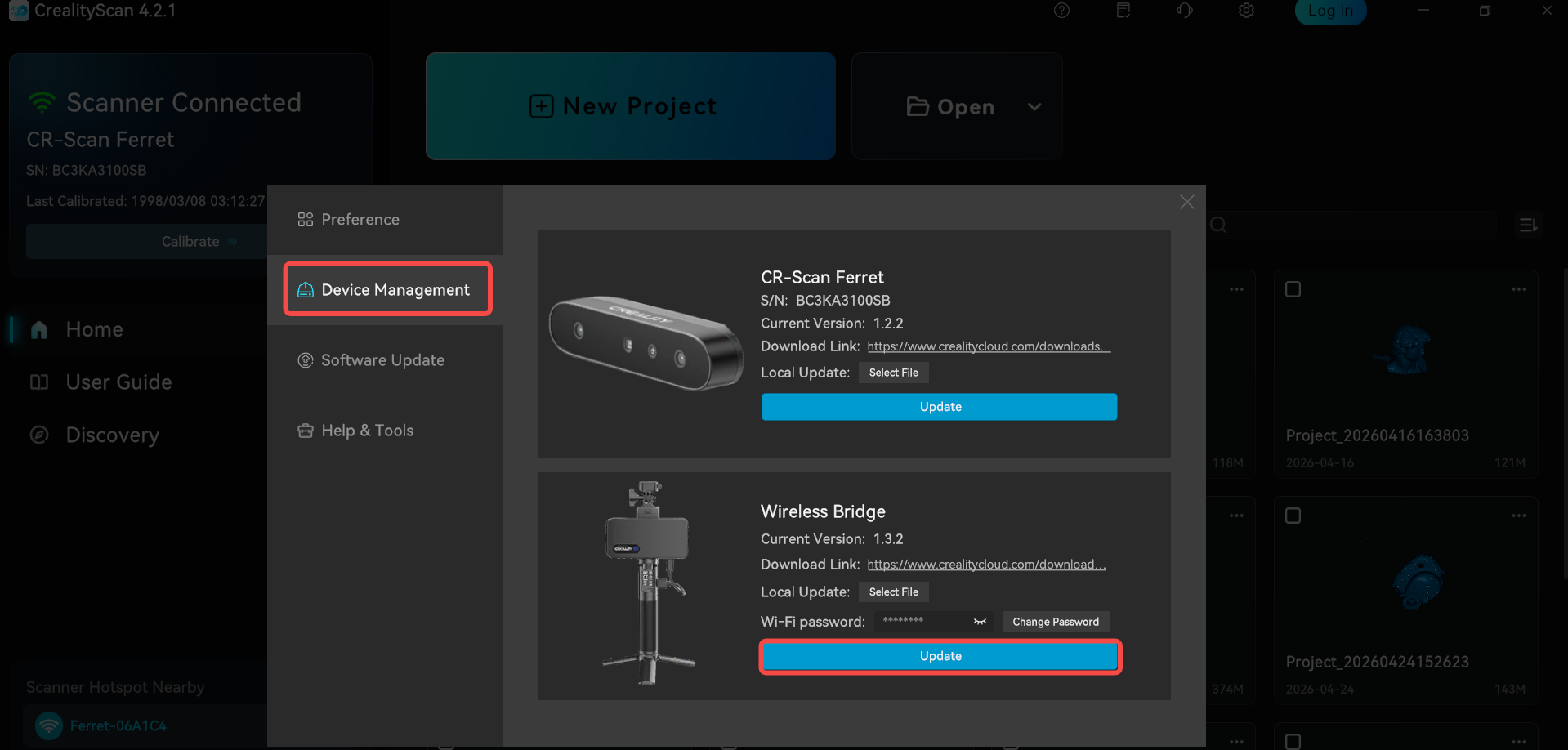
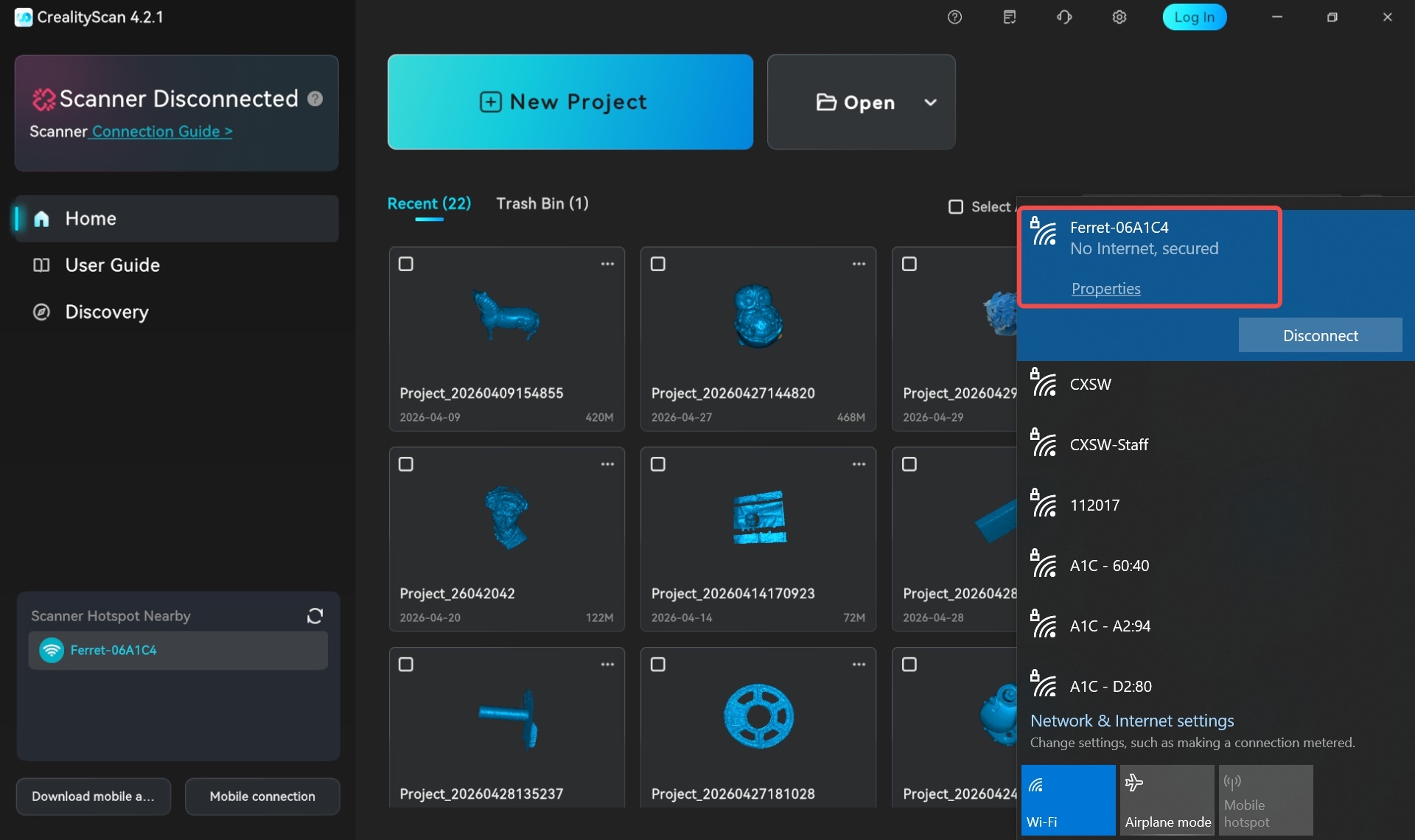
The Ferret Pro cannot connect to CrealityScan software via Wi‑Fi. The system shows that the Wi‑Fi connection is successful, but the software displays "Scanner Disconnected". The same issue occurs on both PC and mobile devices.
¶ Possible Cause
The firmware version of the Ferret Pro’s Wireless Bridge is too old and is incompatible with the latest PC software (v4.2.0 and above) and mobile software (v3.0.0 and above).
After receiving user feedback, the Creality 3D Scanner team has identified the issue and will fix the firmware compatibility problem in the next release. Before the new version is released, please upgrade the Wireless Bridge firmware according to the solution below in order to connect and use it. Thank you for your understanding and cooperation!
¶ Solutions
Download the PC software version v4.1.7: https://www.crealitycloud.cn/downloads/software/creality-scan/Windows
Connect the Ferret Pro to CrealityScan via Wi‑Fi, then open the Settings page in the upper‑right corner.
Select Device Management and upgrade the firmware of the Wireless Bridge.
Re‑download and install the latest software version to connect and use.